ABOUT ME ↘

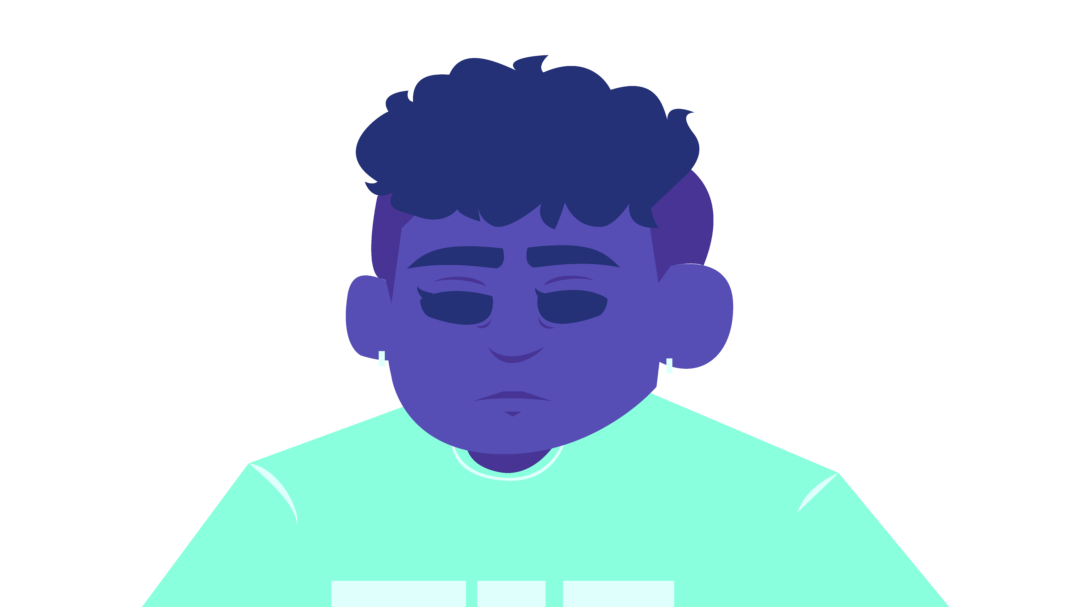
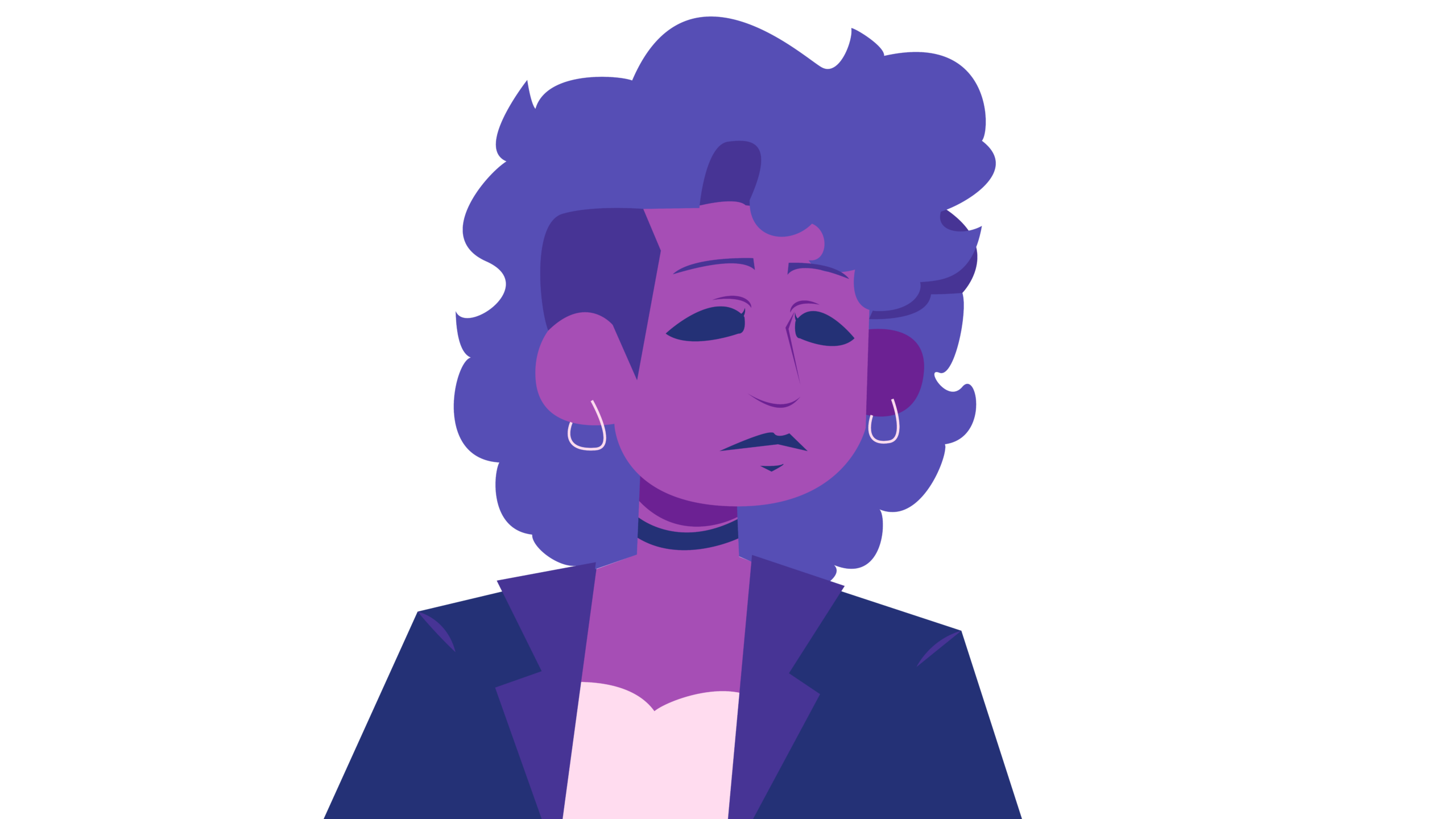
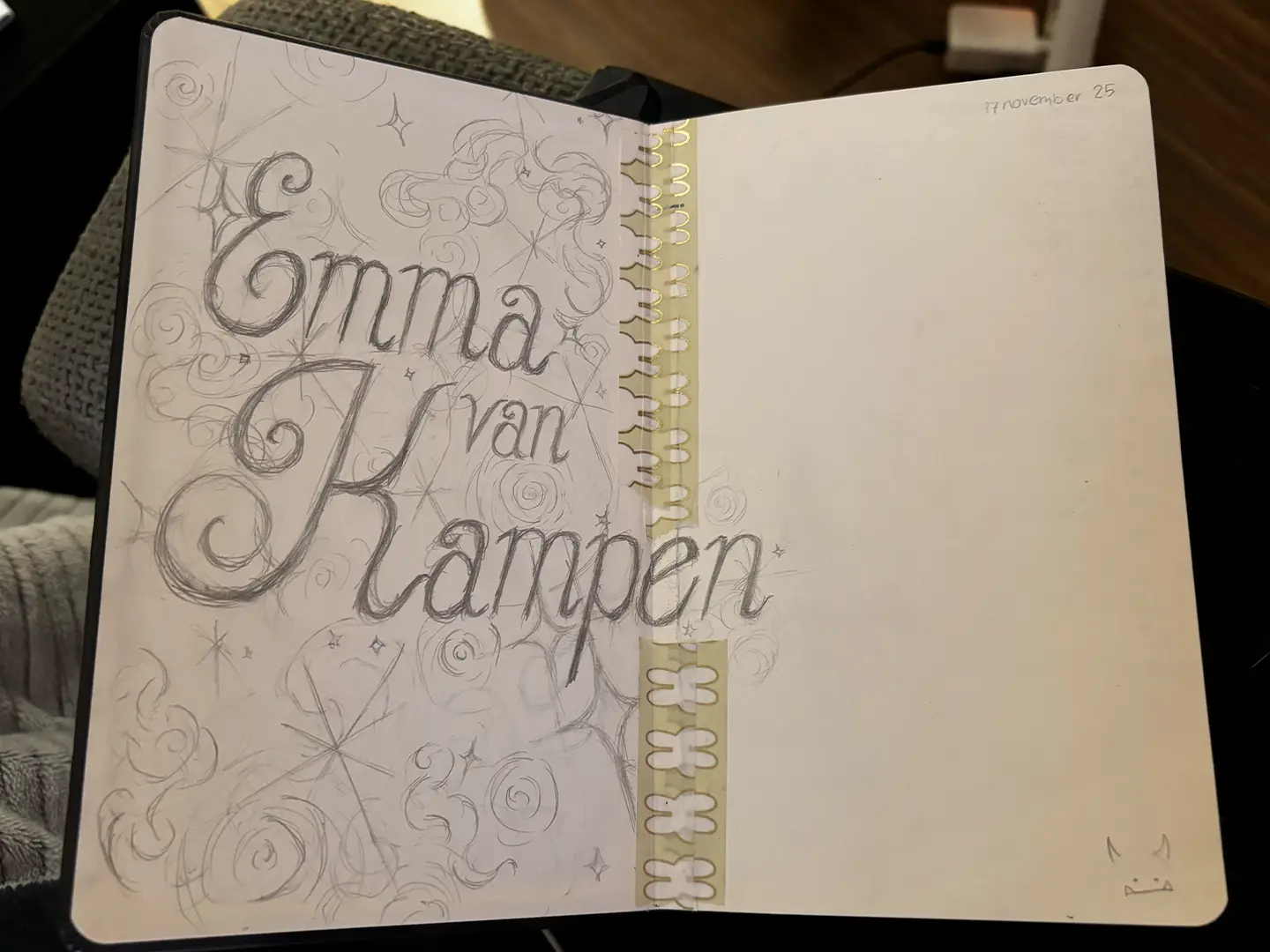
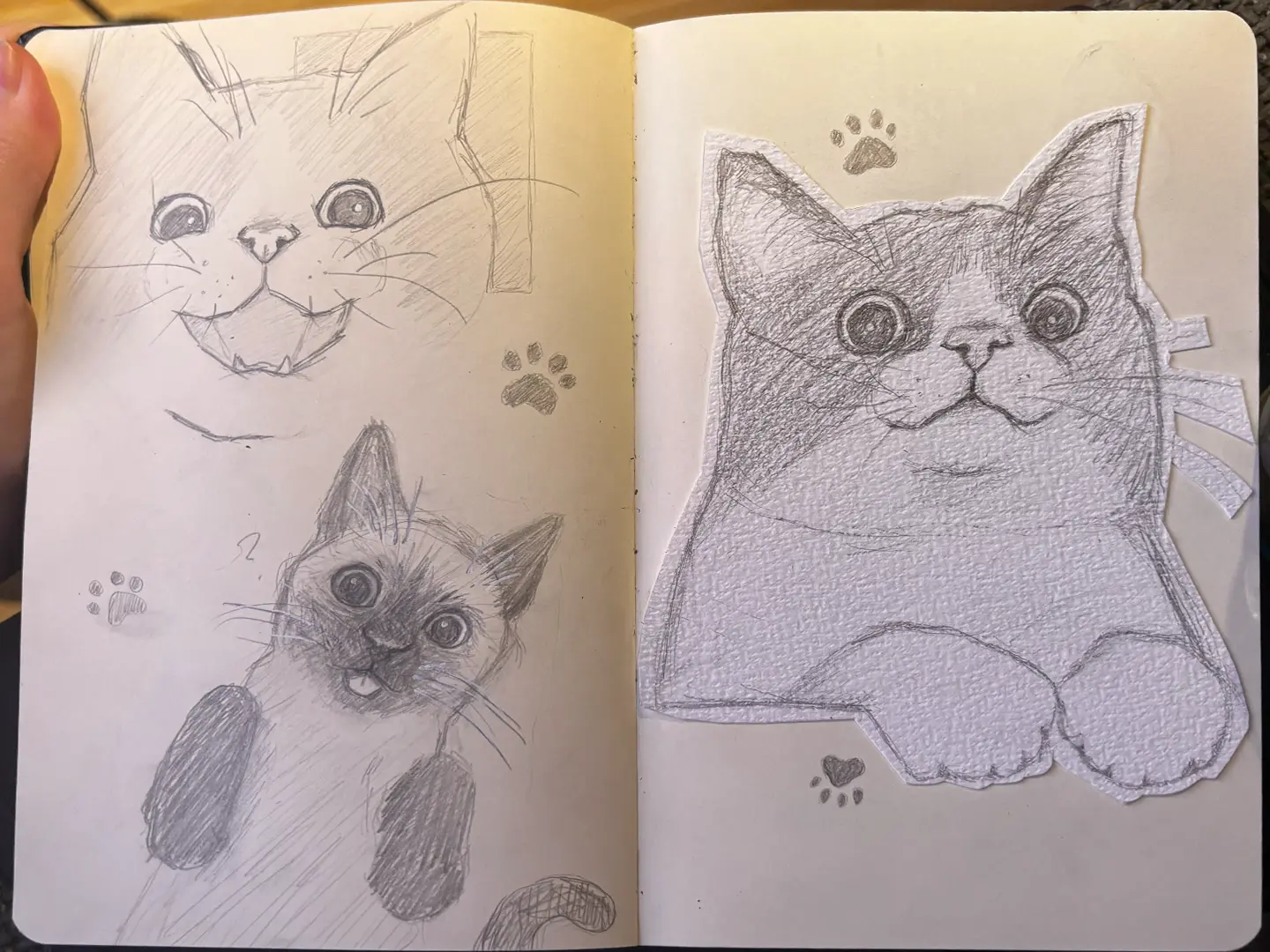
I’m Emma van Kampen. I’m an aspiring designer, creator, and student. I’ve been creating for as long as I can remember, and over the past few years my appreciation for it has only grown. I started editing as a hobby and it slowly turned into a strong interest in motion design, graphic design, typography, and animation. I also enjoy creating in other ways, whether that’s drawing, painting, or working with clay. I’m always eager to learn new things, explore different mediums, and try new techniques and love seeing the work of other talented artists. I want to keep developing as a designer, not only by improving my skills but also by growing my ideas and growing my network with more like-minded individuals. I’m still learning whenever I get the chance, and I hope to continue doing so. This portfolio shows part of my journey as a creator. It shows a mix of personal projects, work, and school assignments, and I hope that my enthusiasm and curiosity for creating is visible in my work.

REACH OUT ↘

If you have any questions or are interested in working together, feel free to contact me!

CONTACT ↘

info@emmak.nl
linkedin


  • Wat is Halloween?

    PROJECT ↘

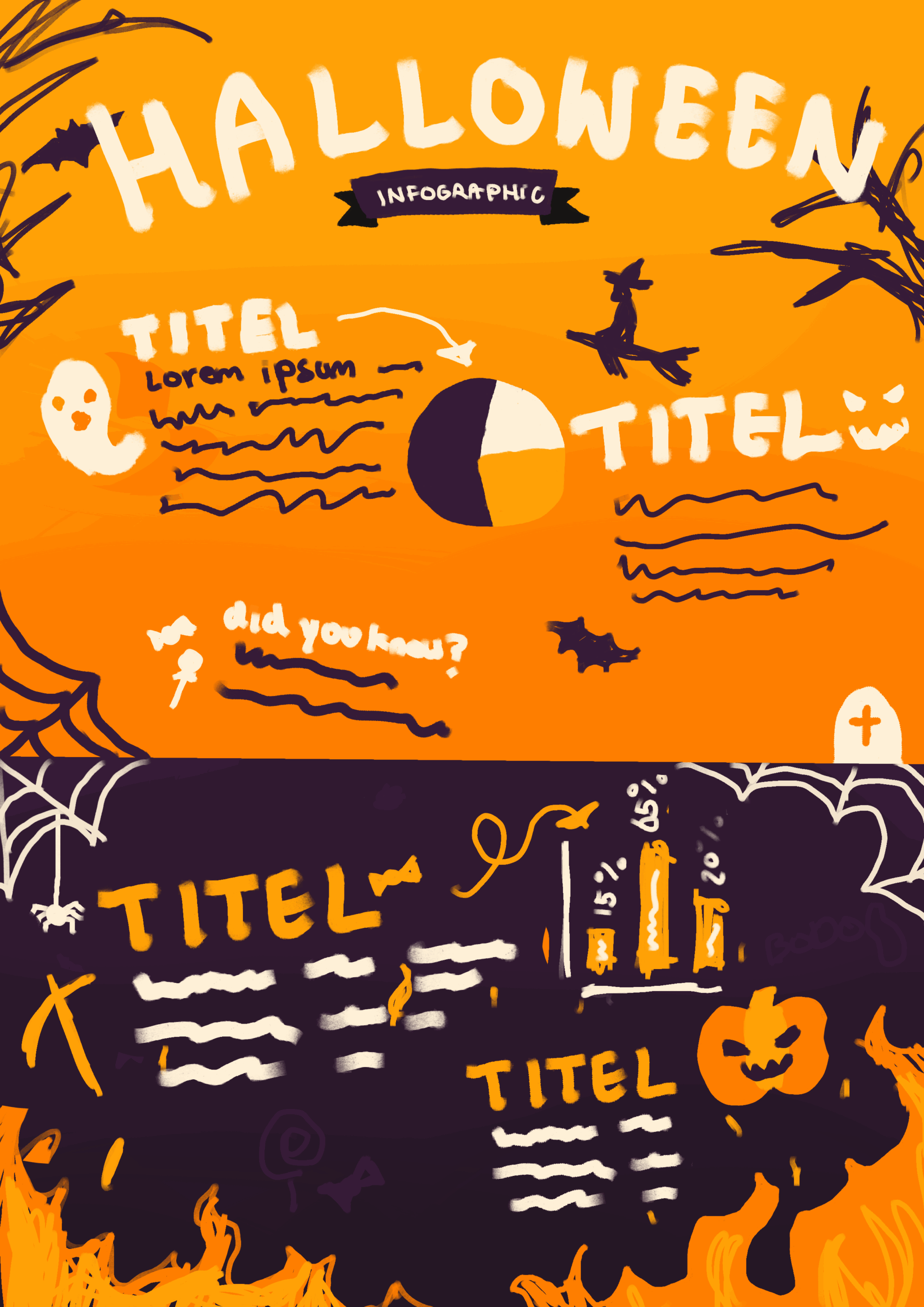
    This assignment was a briefing for a Halloween information campaign, which included an infographic and explainer video. After I did some research into the holiday and the target audience, I created a style tailored to the target audience. This project gave me a lot of freedom, so I took it as an oppurtunity to experiment and get out of my comfort zone. I tried new techniques and really got into my element for this project. I’ve shown part of that process below.

    TOOLS & MATERIALS USED ↘

    After Effects
    Procreate
    Photoshop
    Illustrator


    MINDMAP ↘
    STYLISTIC CHOICES ↘

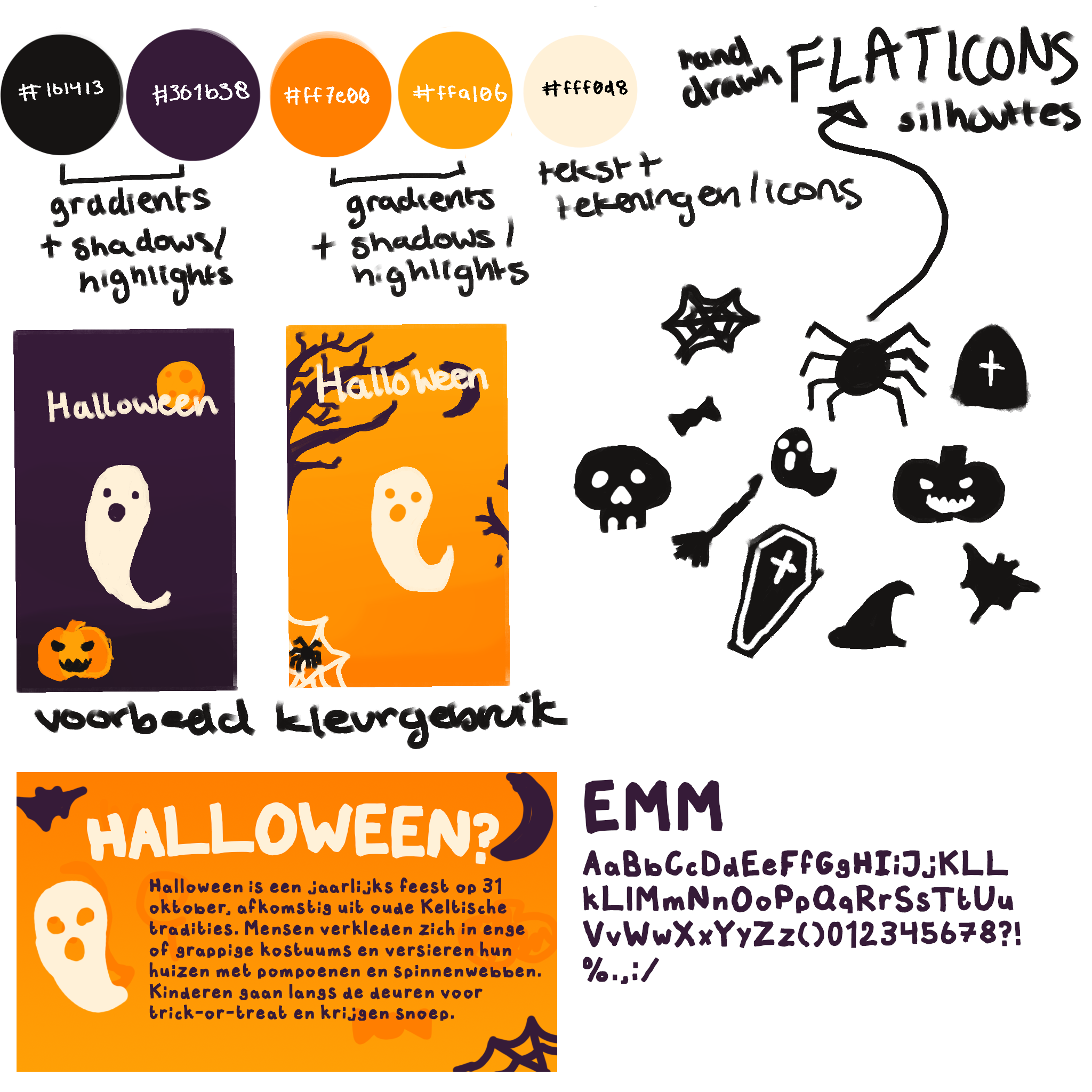
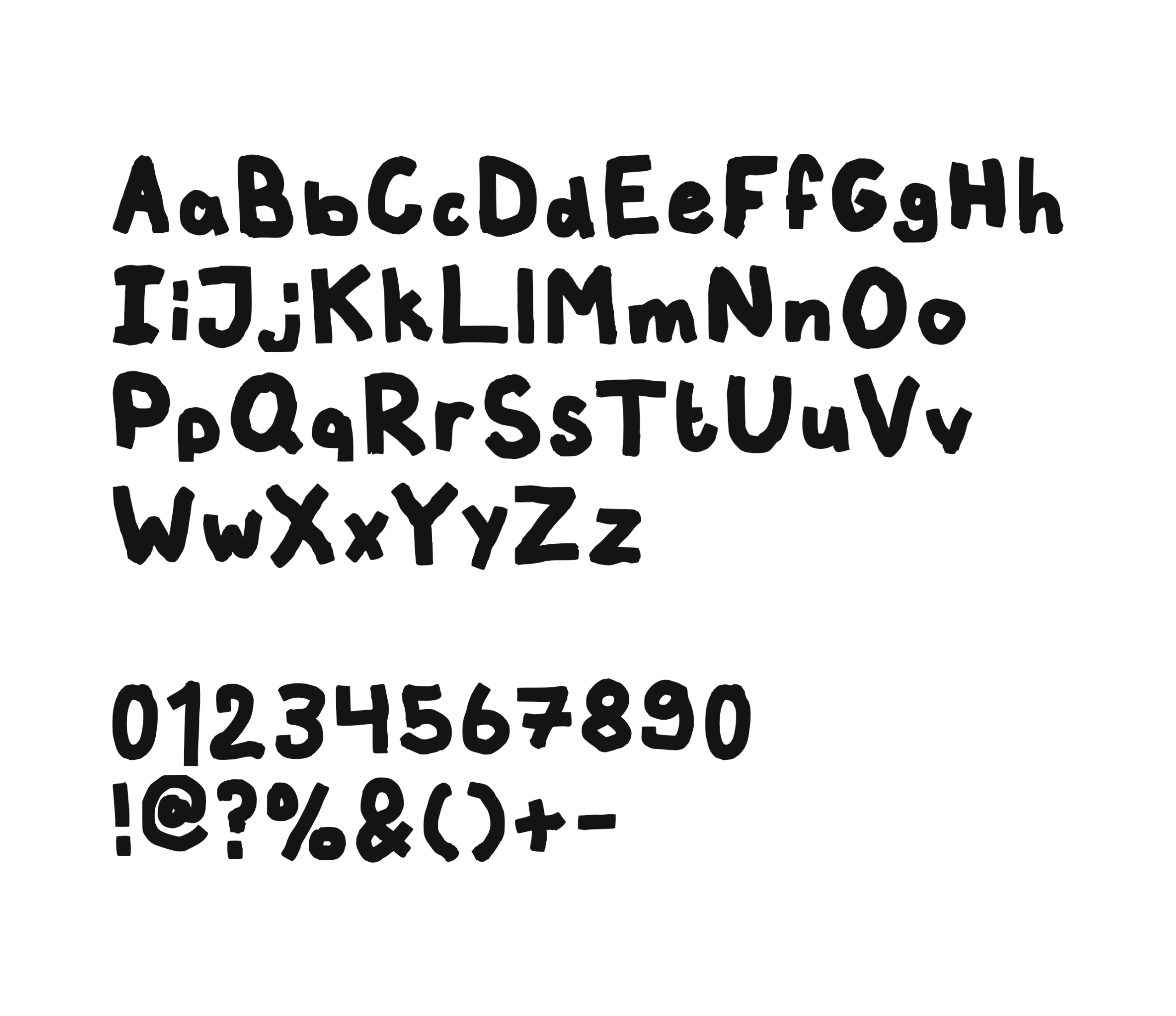
    I went with colors that are easy to recognize because of their strong connection to Halloween. While black and orange are more commonly used, I decided to use a dark purple instead of black, as it complements and contrasts the orange. For both of these colors I added a light and dark shade for shadows and highlights. For the text and additional illustrations I went with an offwhite to keep it somewhat soft, and this contrasted well against both purple and orange. One trend that was popular with the target audience was the use of hand-drawn fonts, so I created my own to reflect this trend. I also added illustrations, as this was another trend enjoyed by the target audience. I kept these illustrations almost flat and usually with no more than two colors to keep it simple and maintanable for me to create within the time frame.

    CONCEPT INFOGRAPHIC ↘
    BREAKDOWN OF MY FAVORITE SCENE ↘

    START OF MY PROCESS ↘

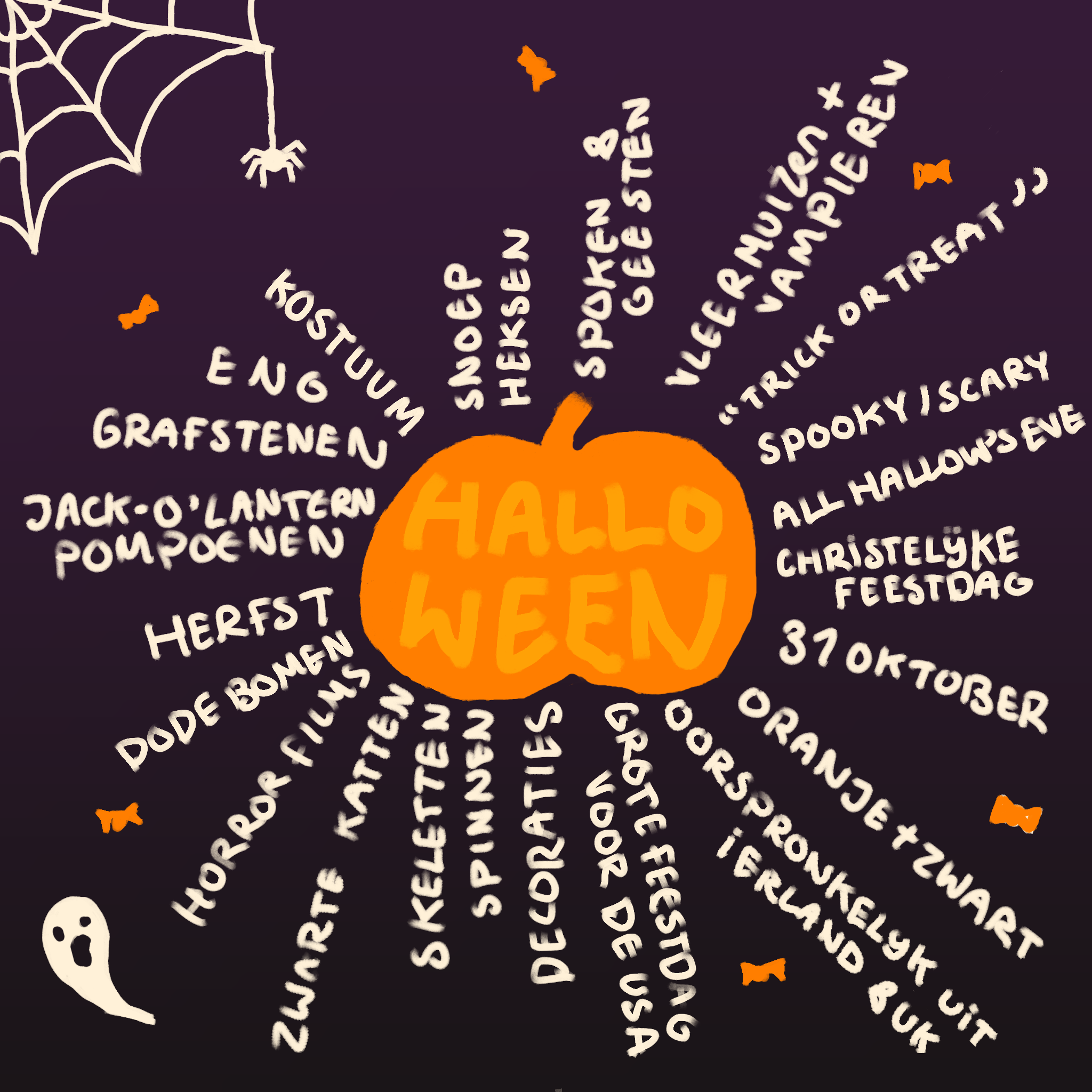
    I started my design process with a mindmap in which I simply jotted down everything related to the holiday, like animals, colors, the date and certain traditions to get a feeling of what I could work with. After research into the holiday and the target audience, I developed a playful style for the campaign.

    MOODBOARD ↘
    SELF-MADE FONT ↘
    CREATING THE ANIMATED VIDEO ↘

    After finalising the script and making some adjustments to the pacing based on feedback, I began creating the assets for the animated video, such as the frame-by-frame animations, illustrations, and backgrounds. I chose a low frame rate to add-on to the illustrated look. Once all of the assets were finished, I built the scenes by layering them together and adding suitable animations and transitions.

    FRAME BY FRAME ANIMATIONS ↘

    LINK ↘
    infographic

    LINK ↘
    animated video


  • ophelia

    PROJECT ↘

    The title of the song “ophelia” is a reference to the character ophelia in shakespear’s Hamlet. Though the song isn’t about ophelia’s story, the events that occur are inspired by the drowning in the play. The song tells a story about the character singing the song, getting drowned by her partner and losing hope slowly over the duration of the song. This animation is my interpertation of what I imagined the story to be and feel like. As the song takes inspiration from Hamlet, I incorporated some references to the play in my animations as well.

    TOOLS & MATERIALS USED ↘

    After Effects
    Photoshop

    SONG ↘

    ophelia – pinkpantheress


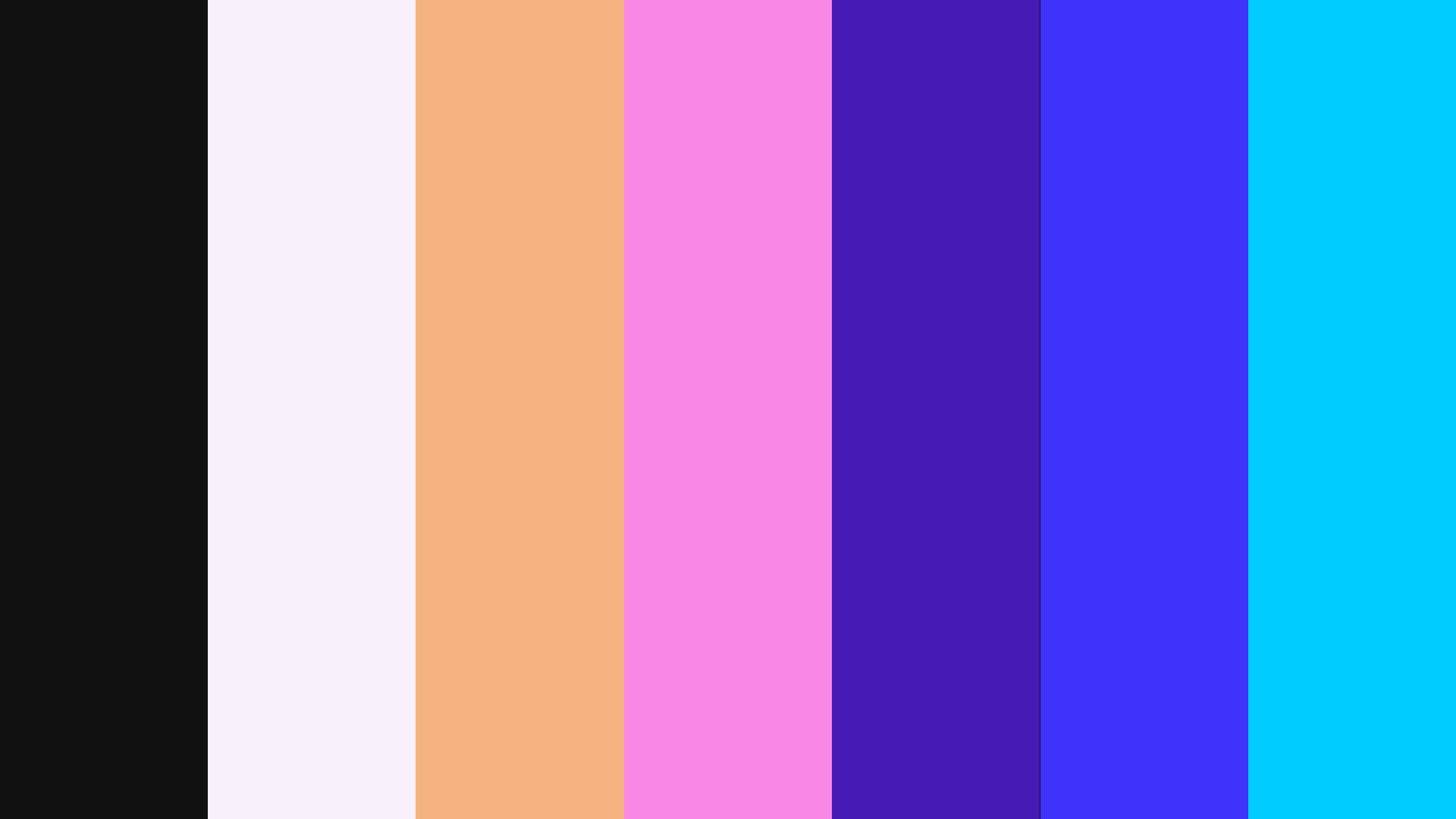
    COLOR PLATTE ↘

    STYLISTIC CHOICES ↘

    To represent the grim story, I went with handdrawn assets to keep a grainy and uncertain feeling and added on to this by adding grainy droplet animations hinting at the fact that she’s underwater and drowning.

    UNUSED SCENES ↘

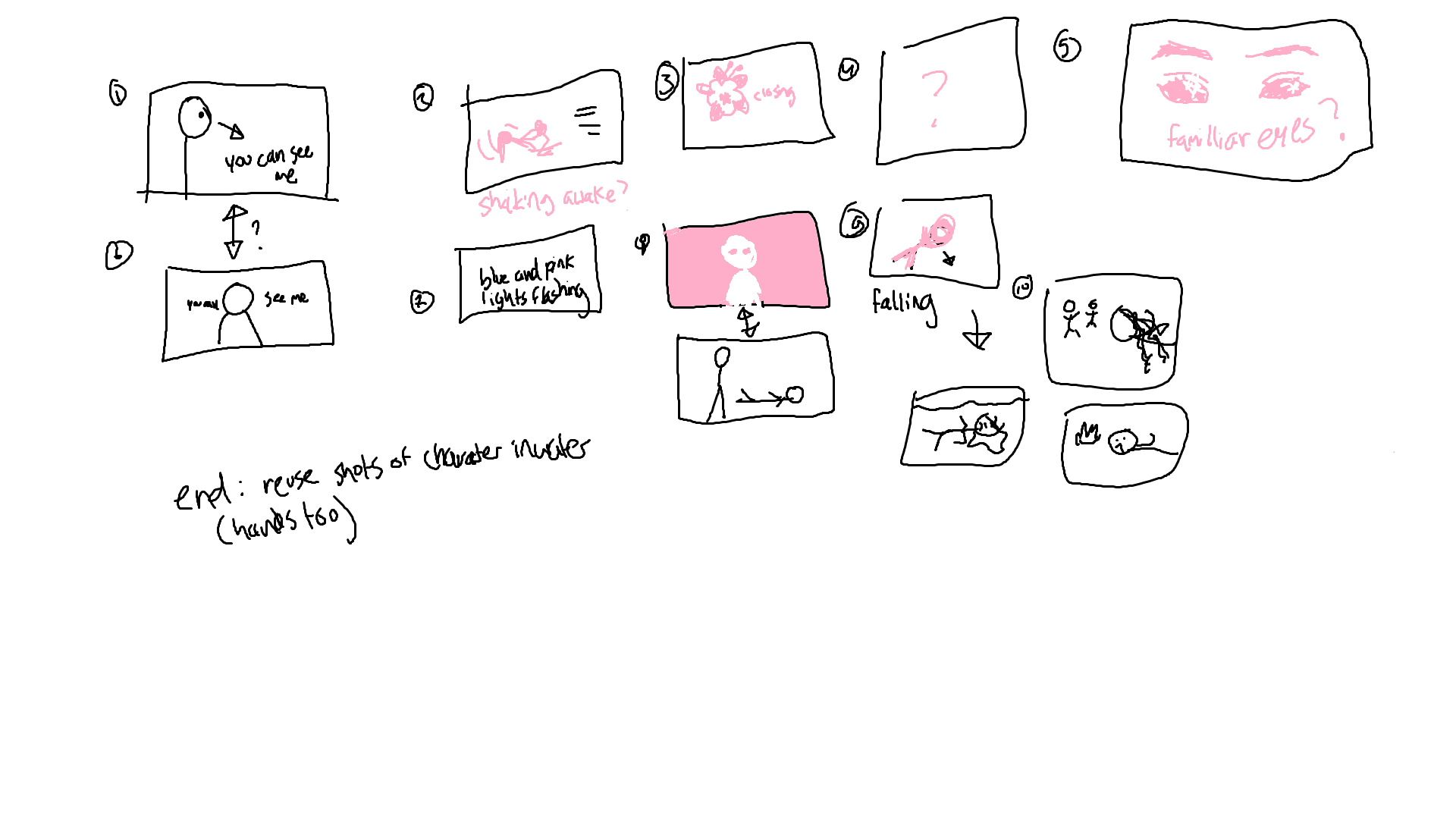
    PART OF THE STORYBOARD ↘

    COLOR CHOICES ↘

    The story of the song clearly depicts the event of the narrator, the character whose perspective the song follows, being drowned. Troughout the song you can see the narrator going from fighting to losing hope and a constant sense of betrayal, hinting that the person drowning her is someone shes familiar with and most likely the partner. To show a clear contrast between the characters I wanted the characters to have a strong but opposing colors. So I went with pink and orange for the main character and for the partner/killer a dark blue and purple. As for the enviremont surrounding the characters I chose a black to represent the void she’s drowning in and death. And in contrast a white background when she believes she’s alive again representing life and hope. At the very end I also use white to represent “the light at the end of the tunnel”, a phenomenon spoken of during near death experiences, indicating that she’s realising she’s dead.

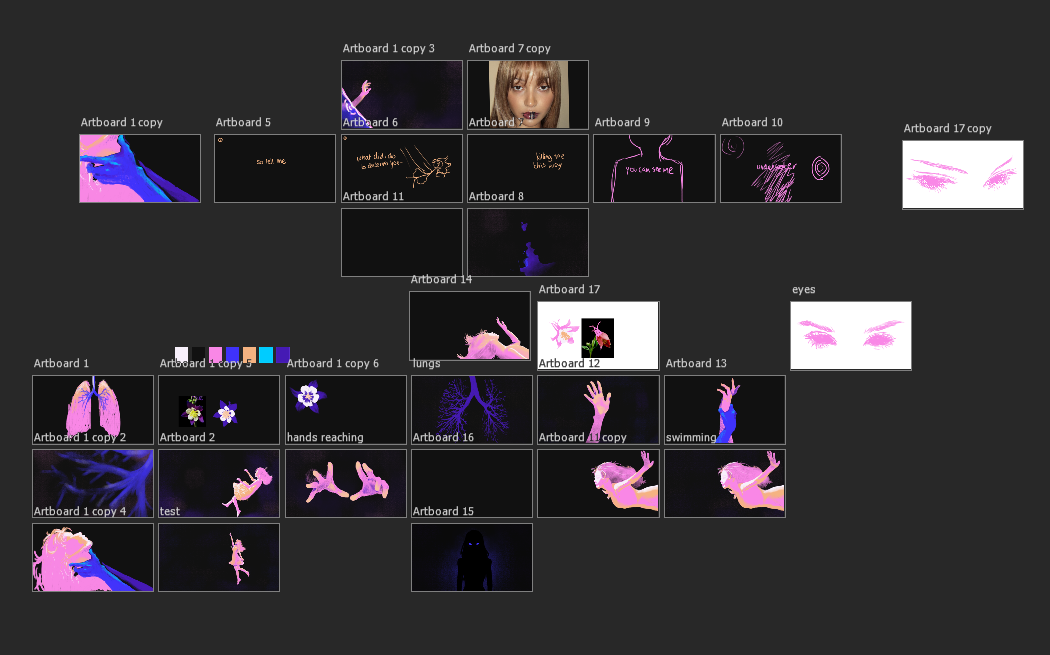
    MY PSD FILE ↘

    BREAKDOWN OF MY PROCESS ↘

    MY PROCESS ↘

    I started with roughly mapping out the story and drawing scenes for the lyrics. Due to the time frame that I had and the lack of skills, I used pictures and references to trace my charachter silhouettes. I added onto those so the characters stayed somewhat consistent and exported these drawings into After Effects. In there I animated them and added the text and some grainy backgrounds that I created.


  • C’est tout moi

    PROJECT ↘

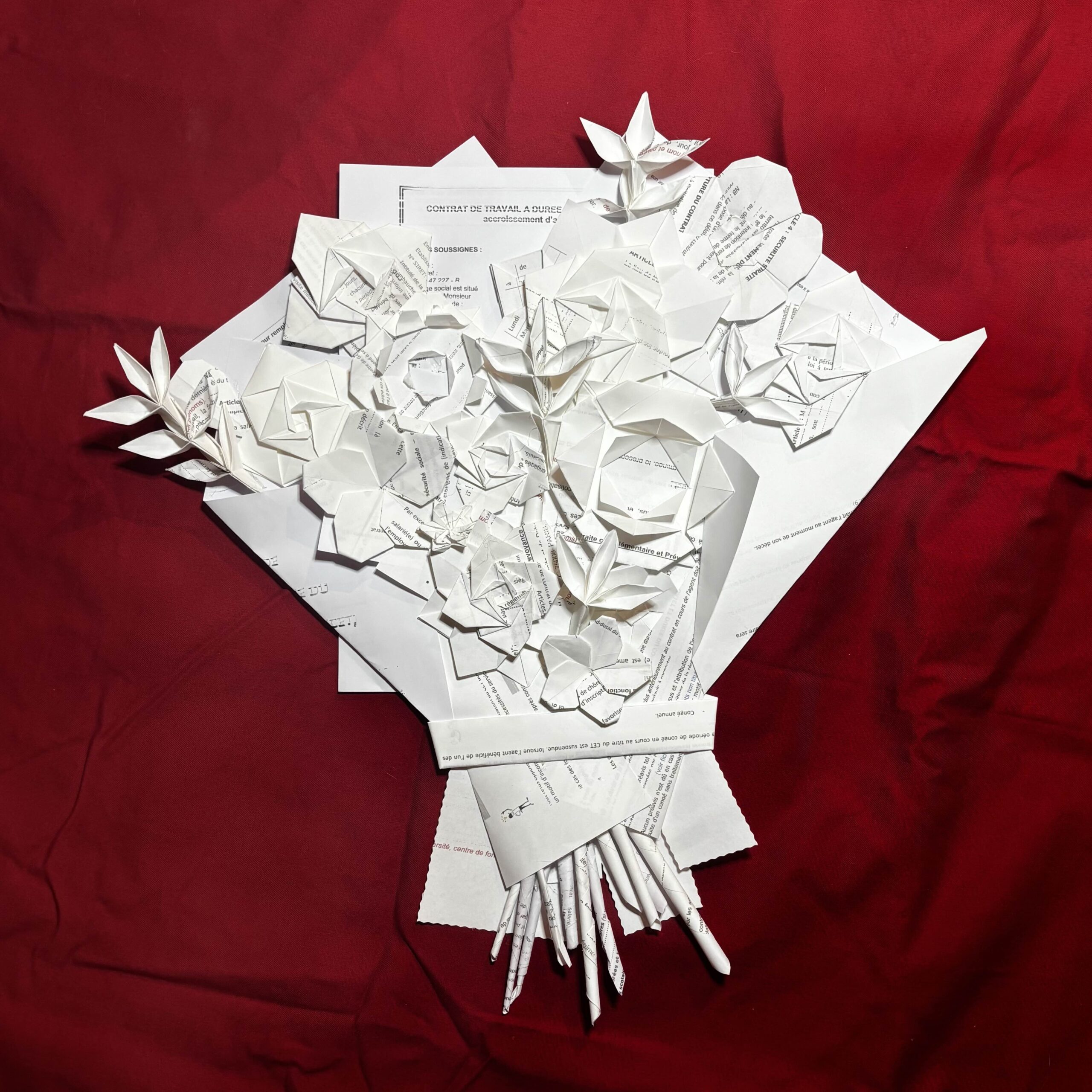
    This work was inpsired by the lyrics “J’te décrocherai la lune avec des CDD” which translates to “I’ll get you the moon with CDDs”. CDDs are a french form of short term contracts. The song explains that aupinard is too busy with working to see his baby and is unable to treat her with chivalry, so instead he’ll get her the moon with CDDs. My work is a paper flower bouqet made of CDD contracts to symbolise the gesture.

    TOOLS & MATERIALS USED ↘

    CDD contracts

    INSPIRED BY ↘

    c’est tout moi – aupinard


  • SANTA

    PROJECT ↘

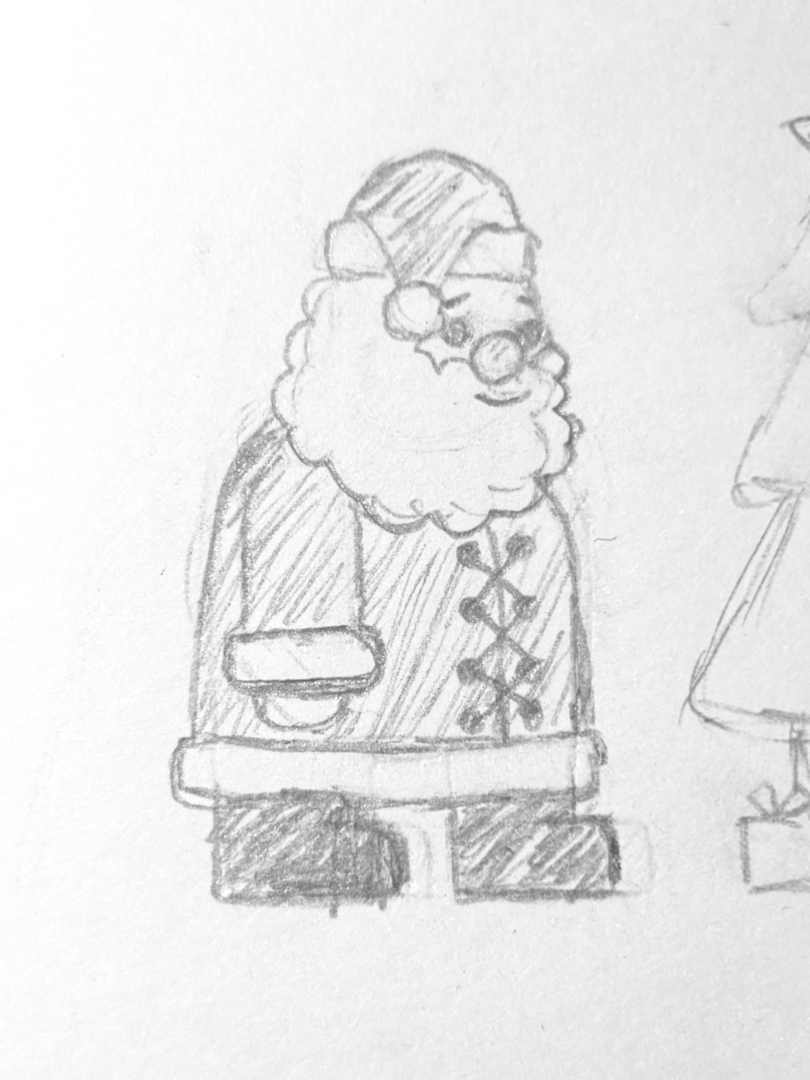
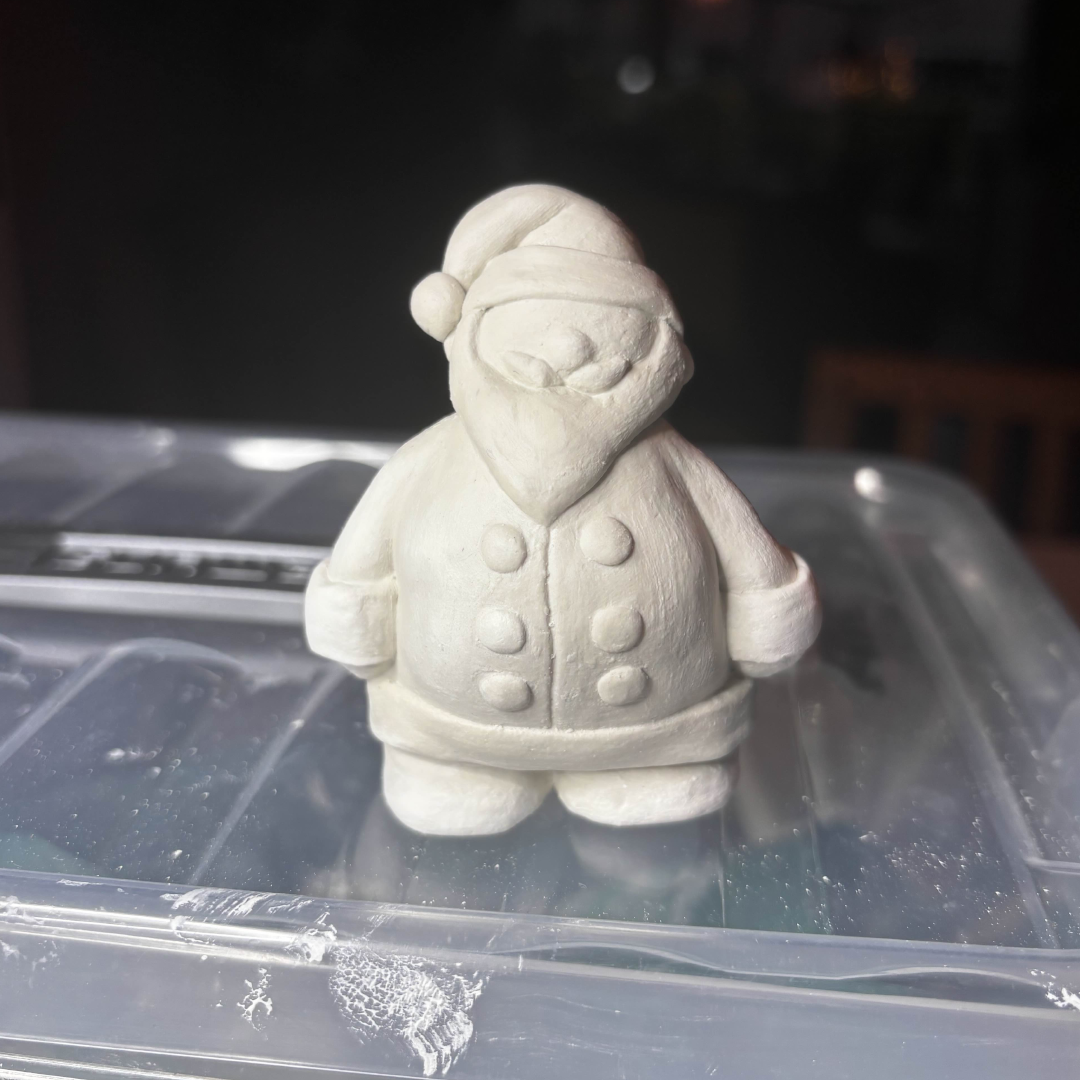
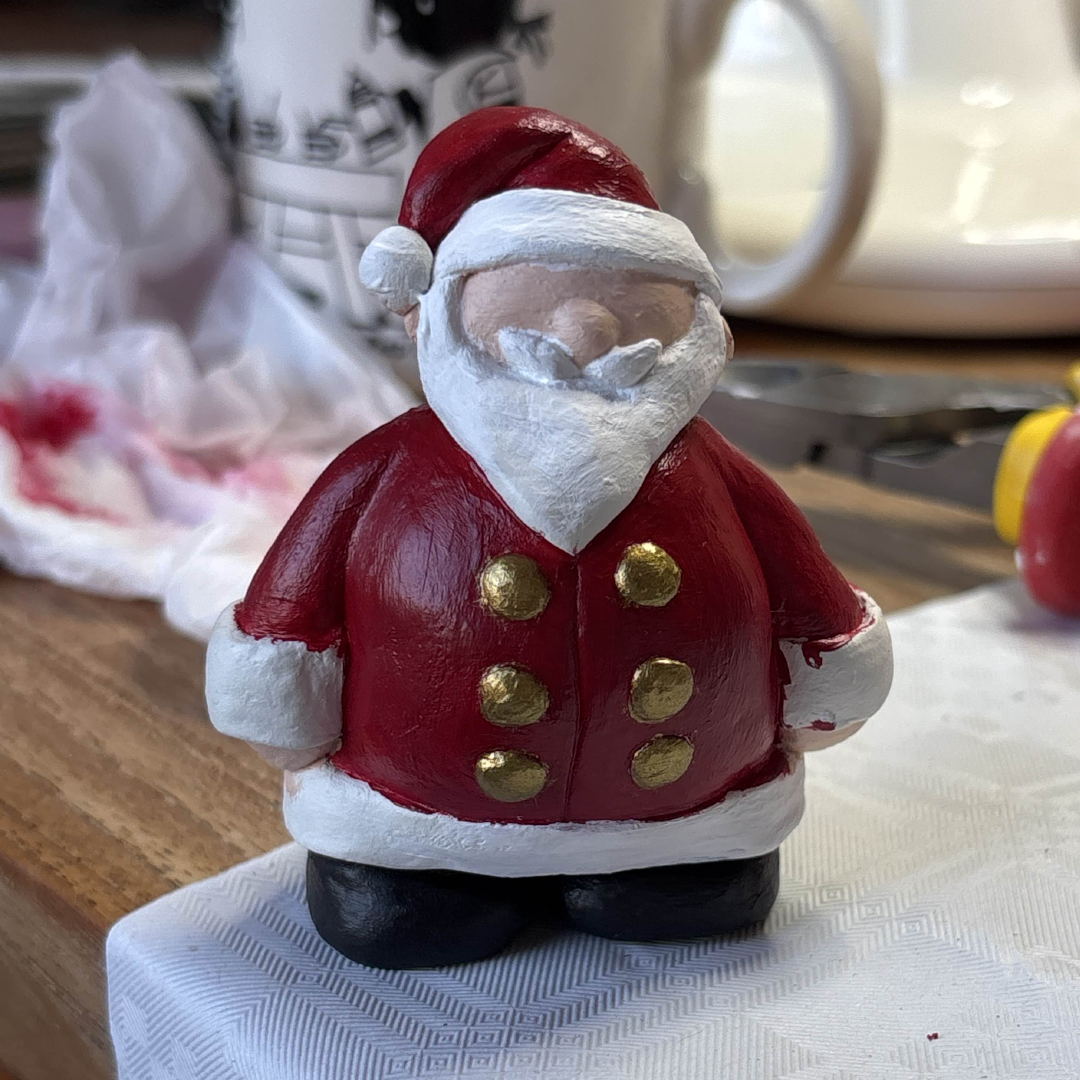
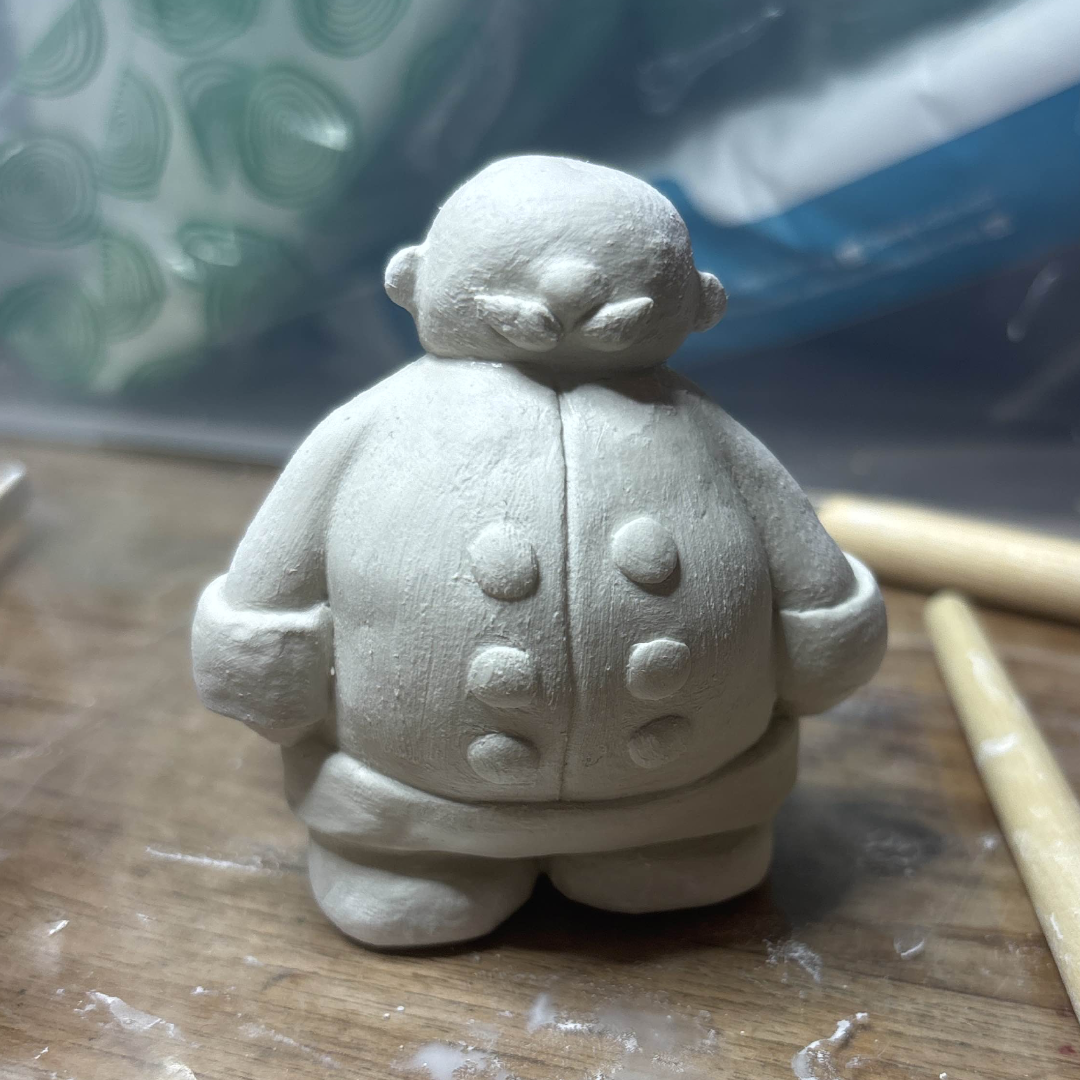
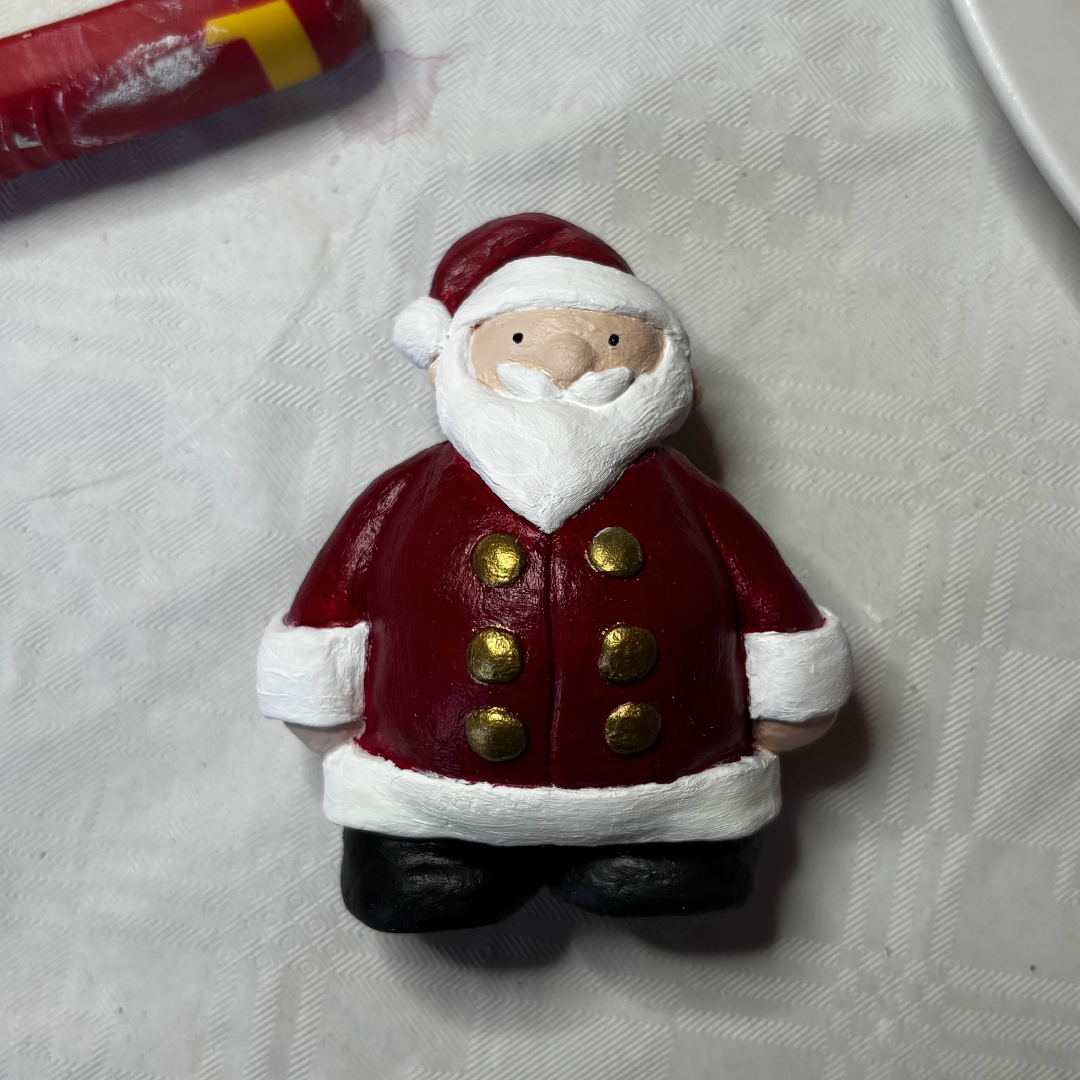
    To further develop my skills with clay, I wanted to experiment by sculpting a figure. Due to it being christmas, I got inspired to create a santa figurine. Before I started sculpting I created a rough sketch to get the basic shapes down to simplify the process. I still struggled to make the hair from the sketch so I opted for an easier method by keeping the hair straight.

    TOOLS & MATERIALS USED ↘

    Air-dry clay
    Acrylic paint


    SKETCH ↘

    TIMELAPSES ↘


  • Lerak

    PROJECT ↘

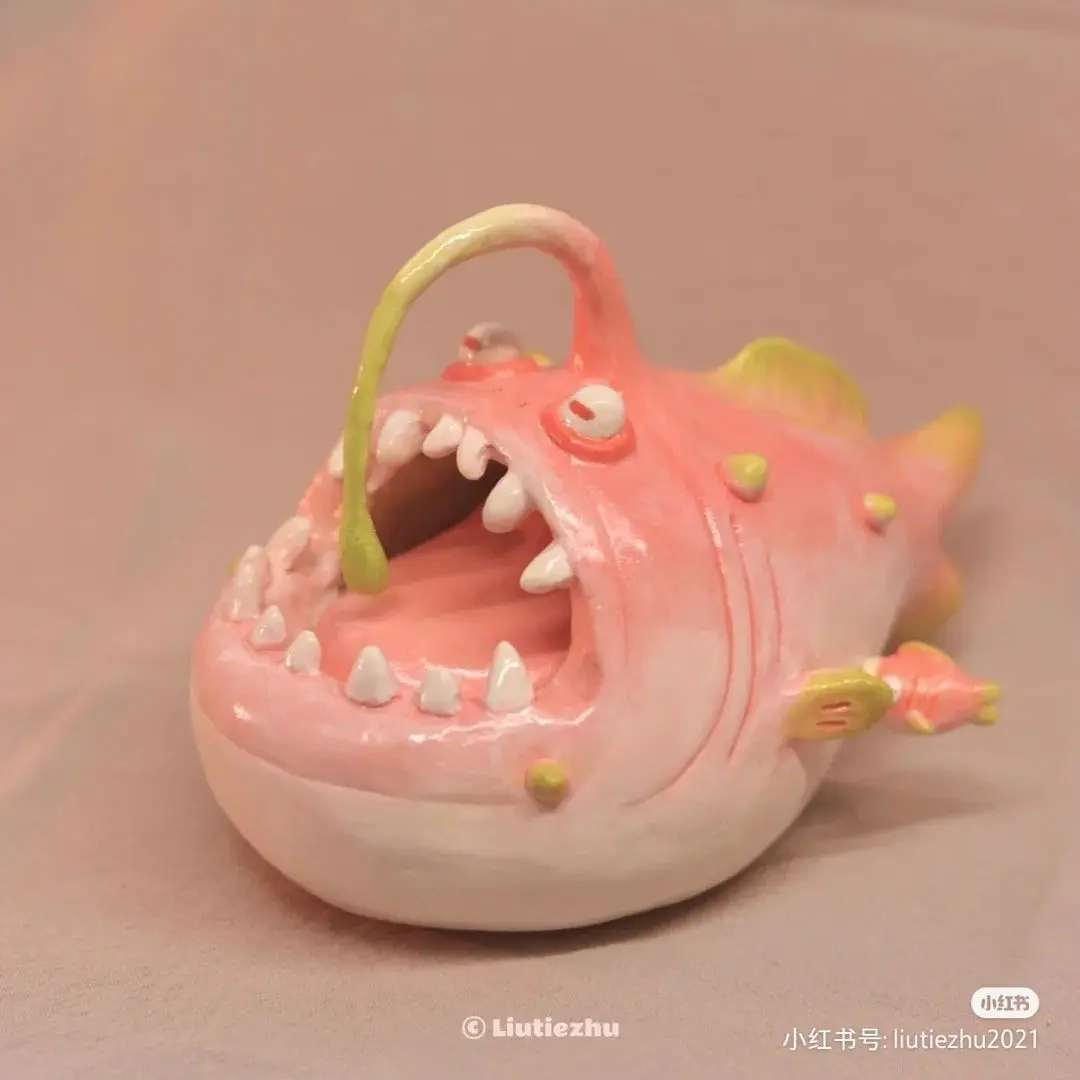
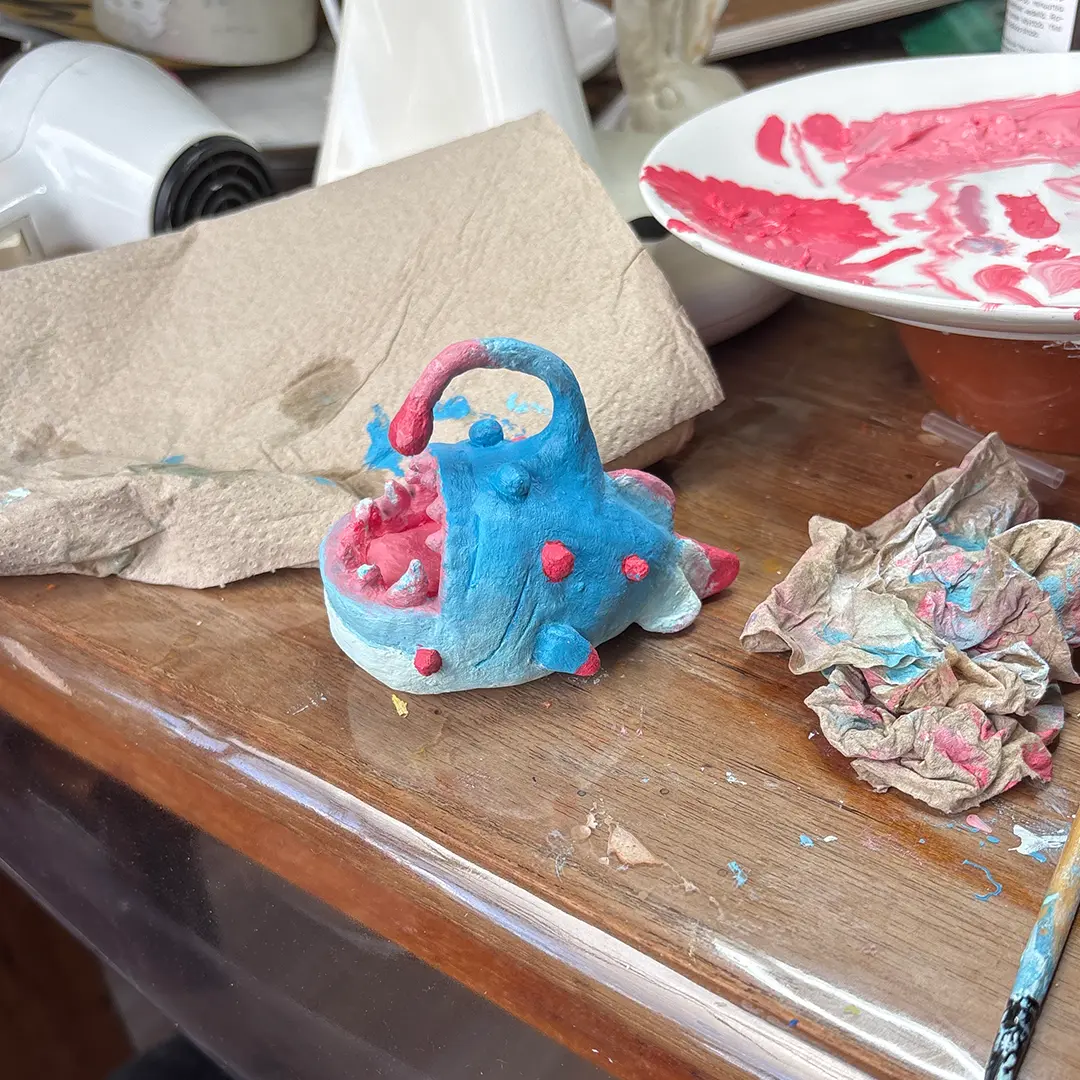
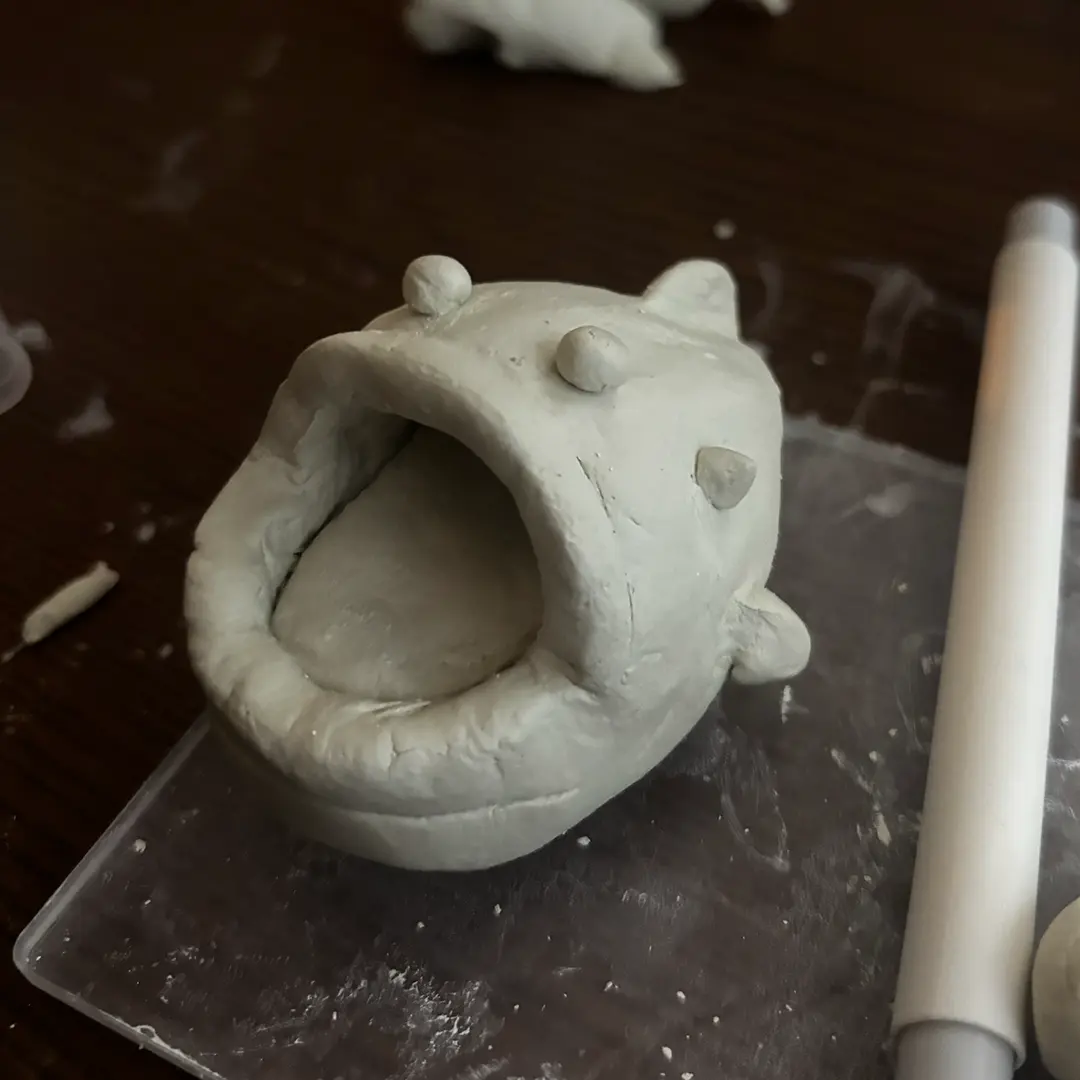
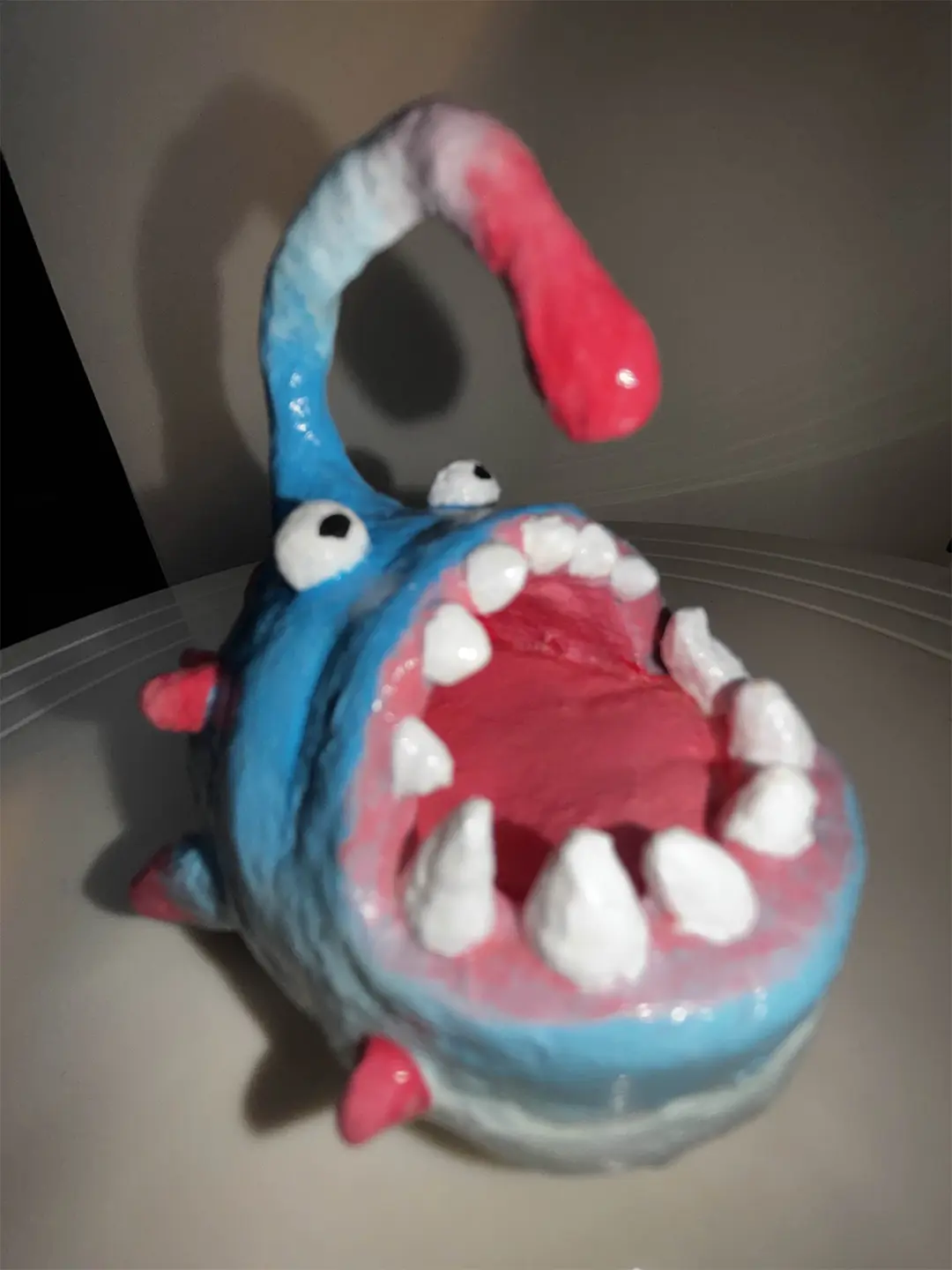
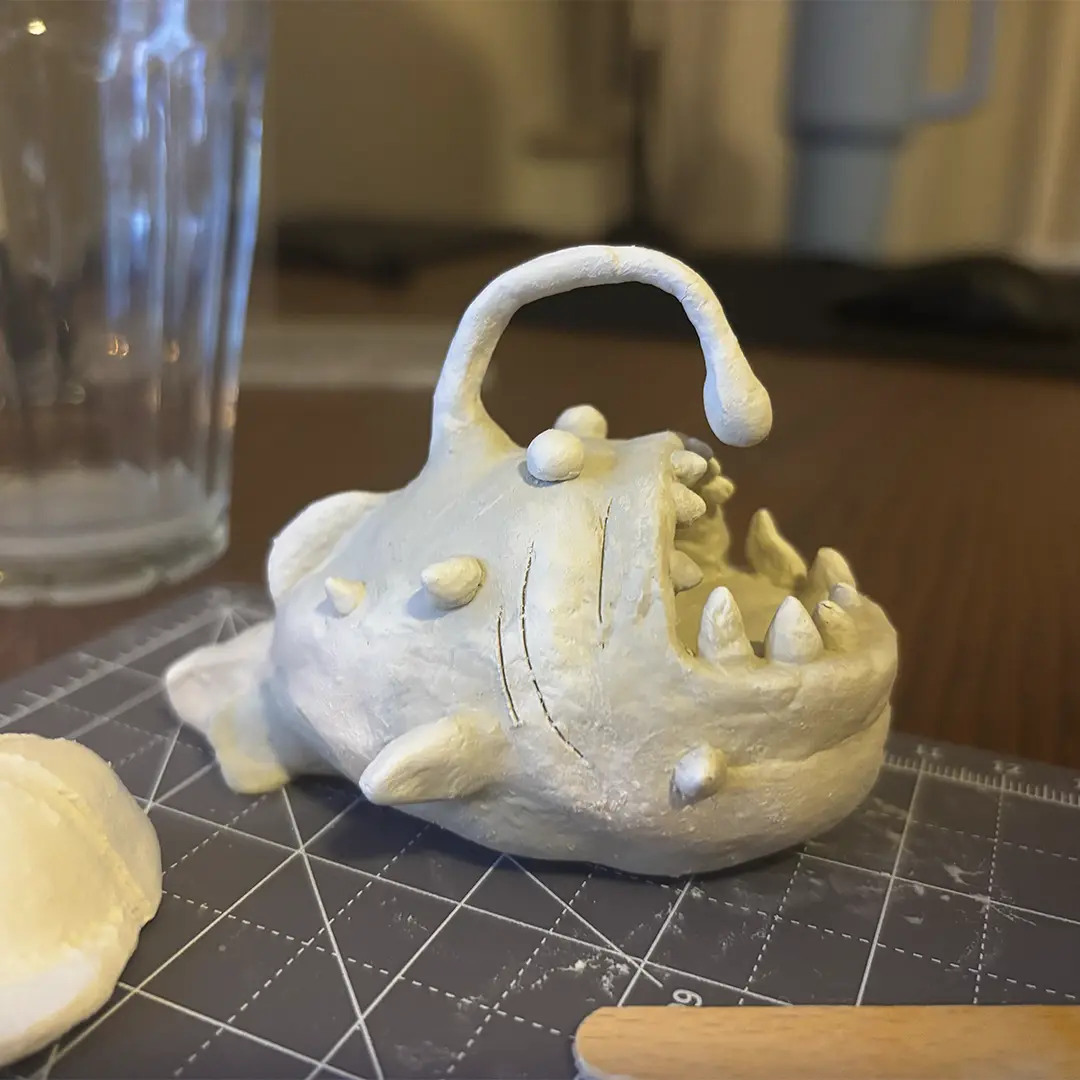
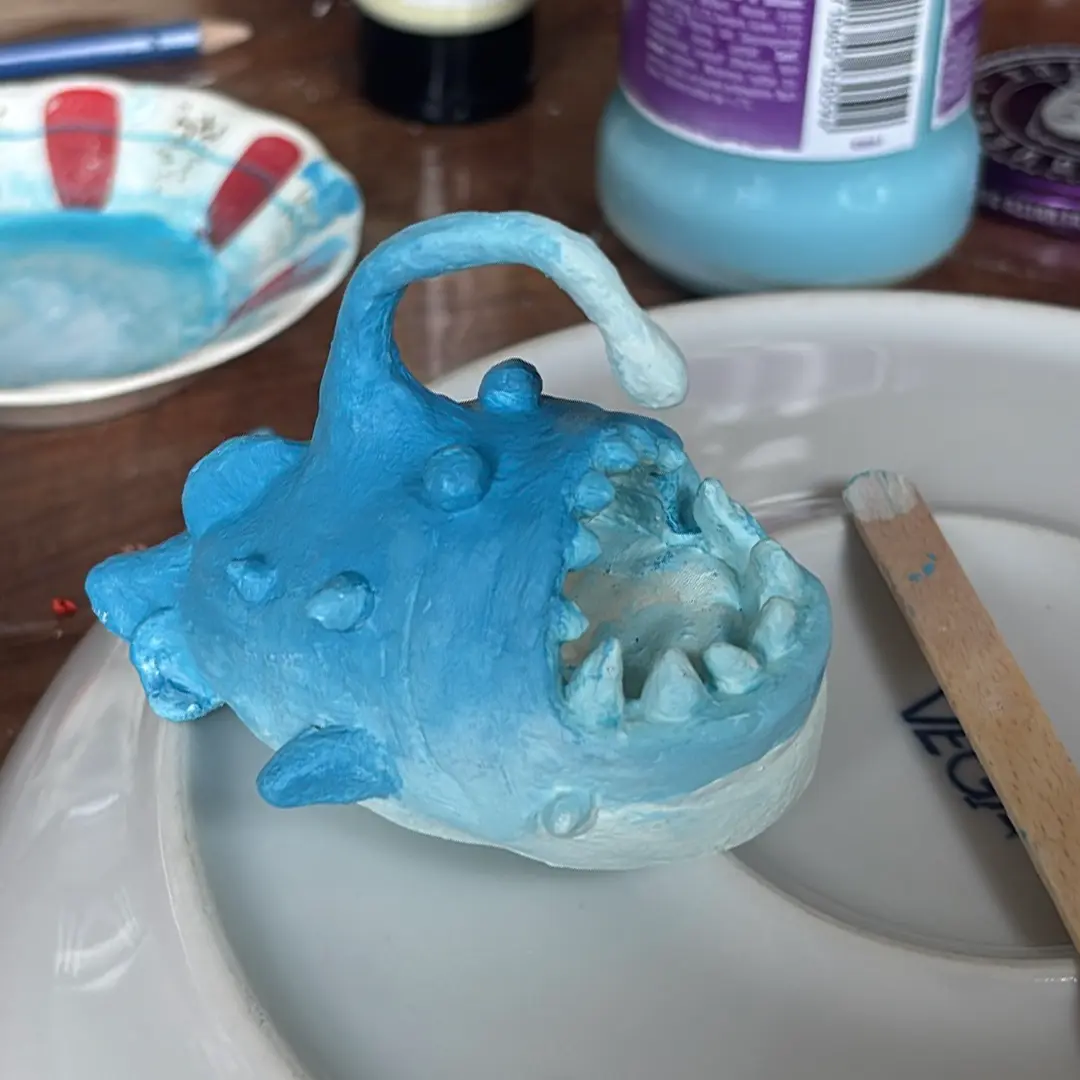
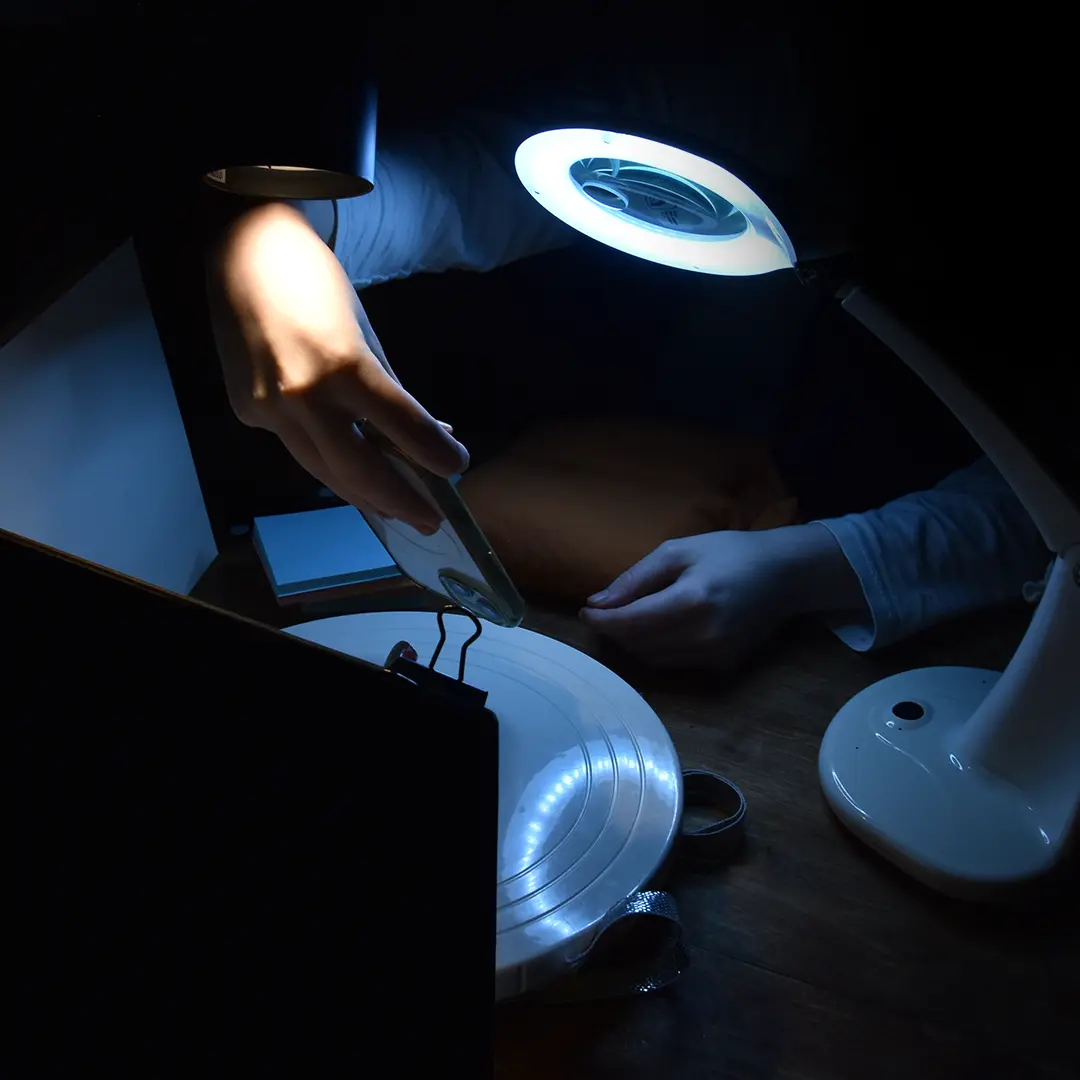
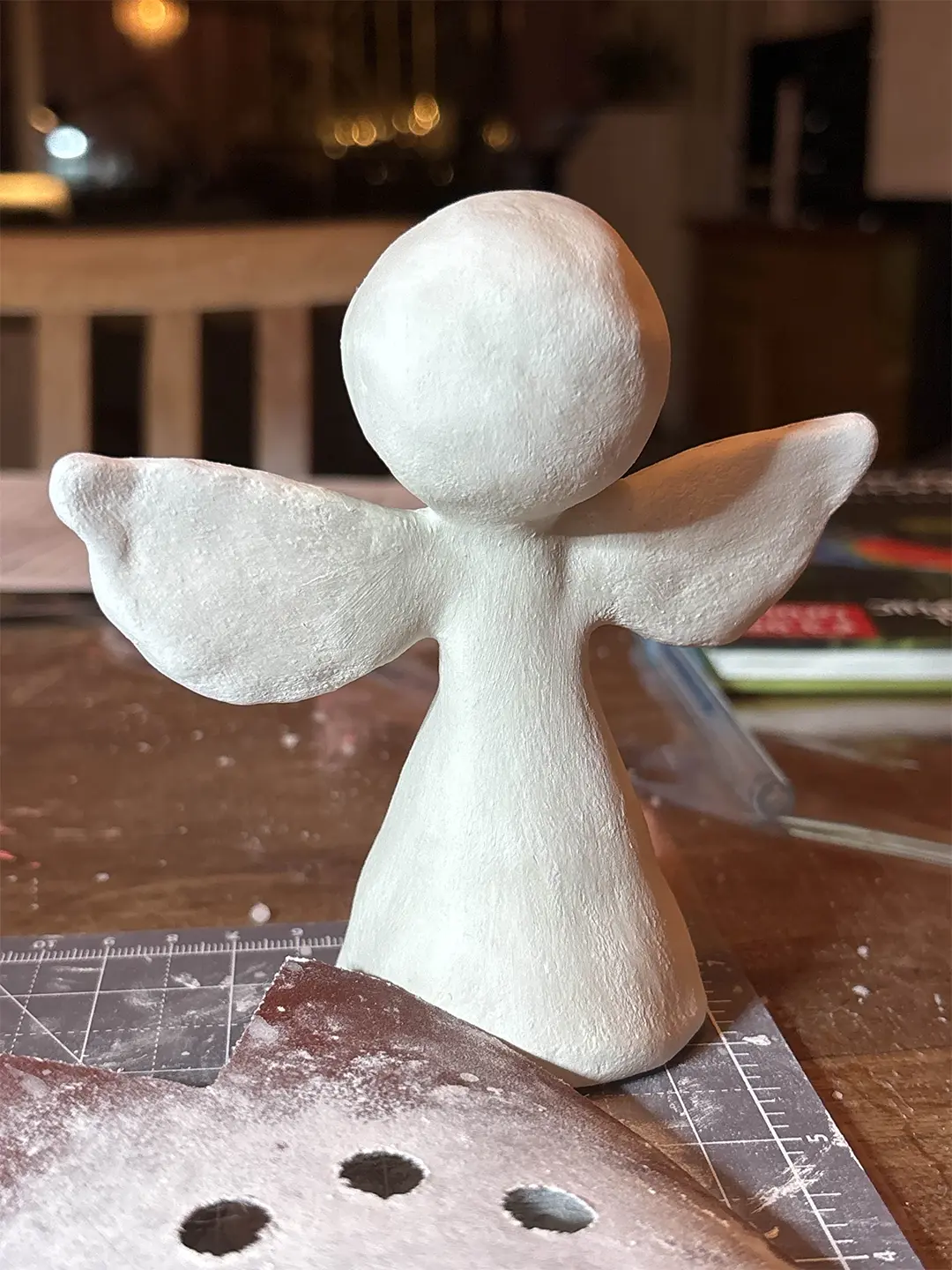
    Since I mostly work with digital tools, I’ve been meaning to learn more non-digital mediums, like clay. To familiarize myself with it, I decided to start simple by recreating an angler fish sculpture I found online. Once I finished the sculpting I also decided to experiment even further by using acrylic paint to color it, since I have little experience painting as well.

    TOOLS & MATERIALS USED ↘

    Air-dry clay
    Acrylic paint


    REFERENCE ↘

    TOOTHLESS ↘

    SCARY LERAK ↘
    DRYING ↘
    BEHIND THE SCENES ↘
    BEHIND THE SCENES ↘


  • RAWR THE ROBOT

    ASSIGNMENT ↘

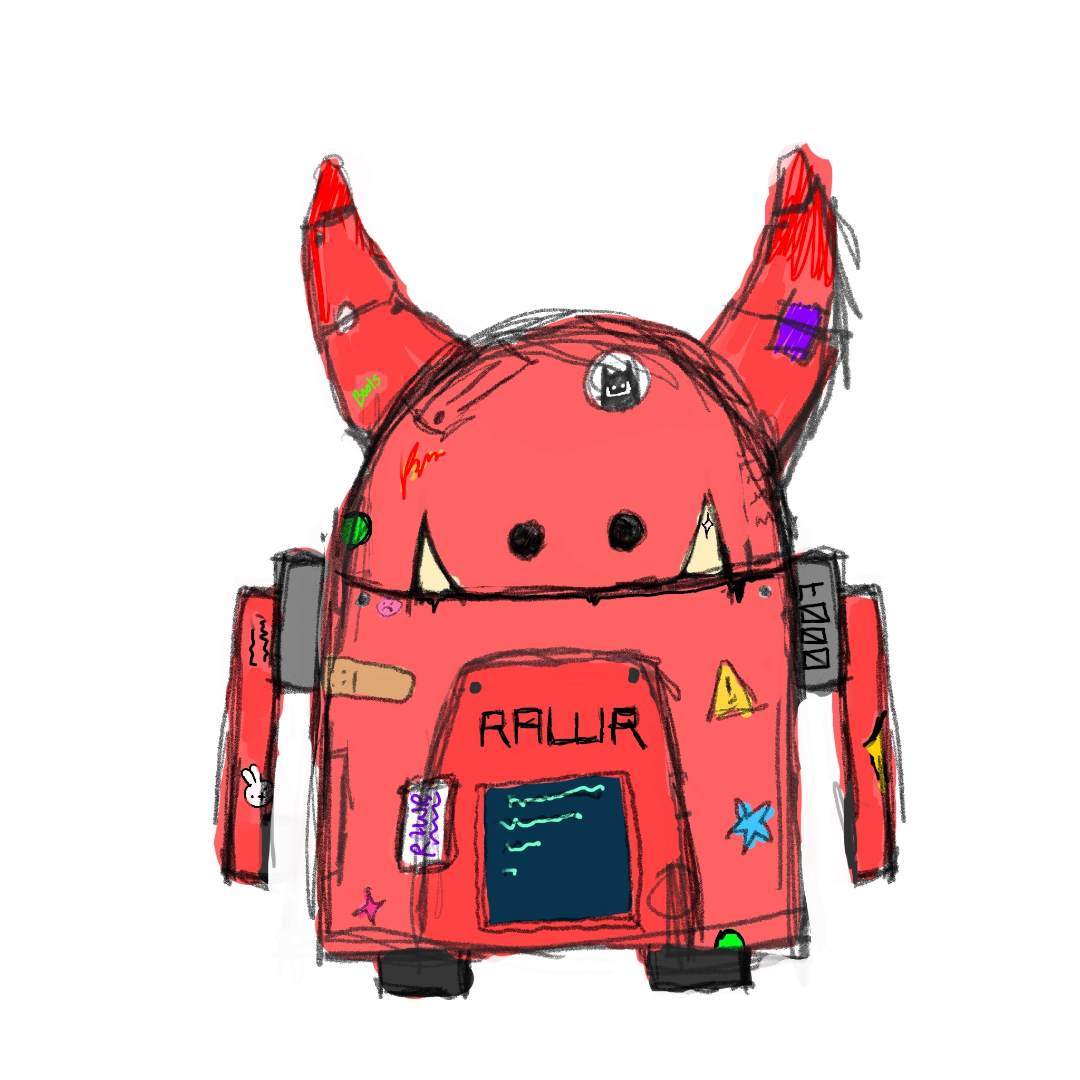
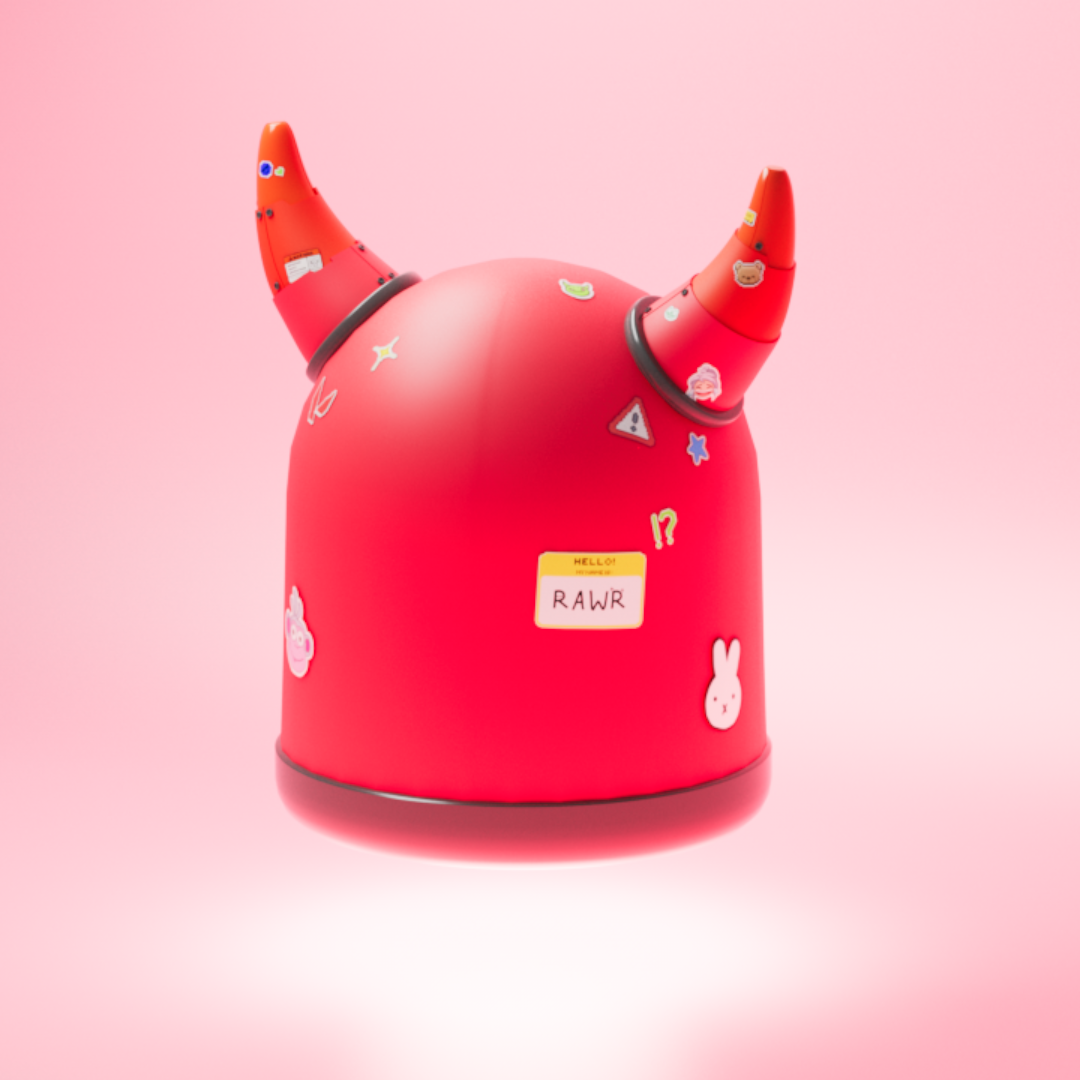
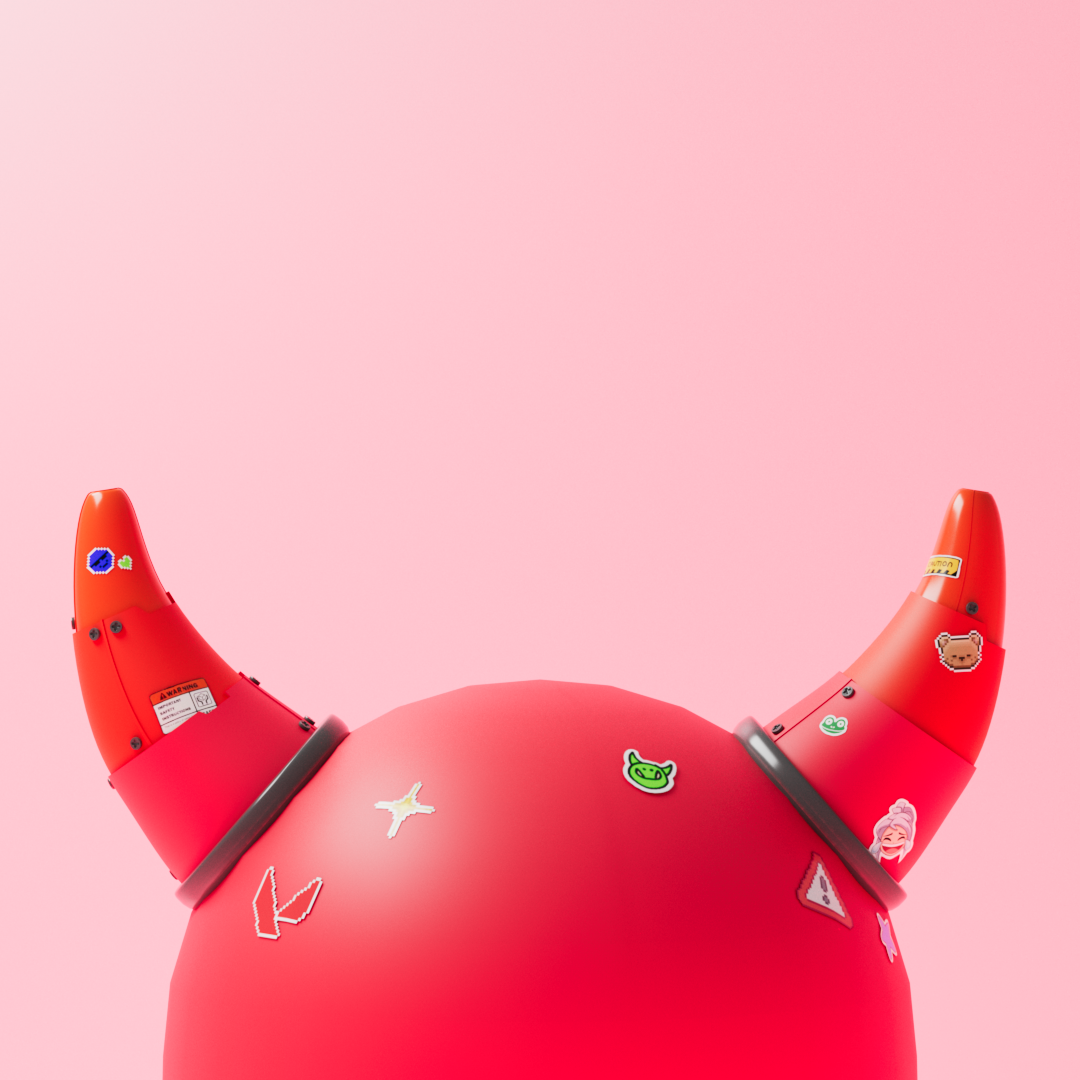
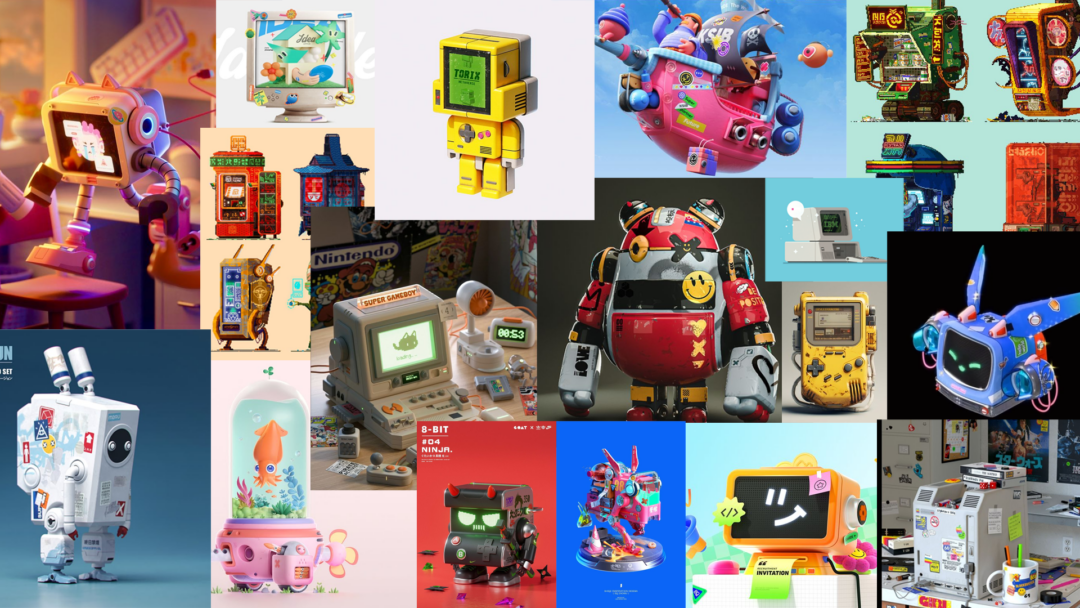
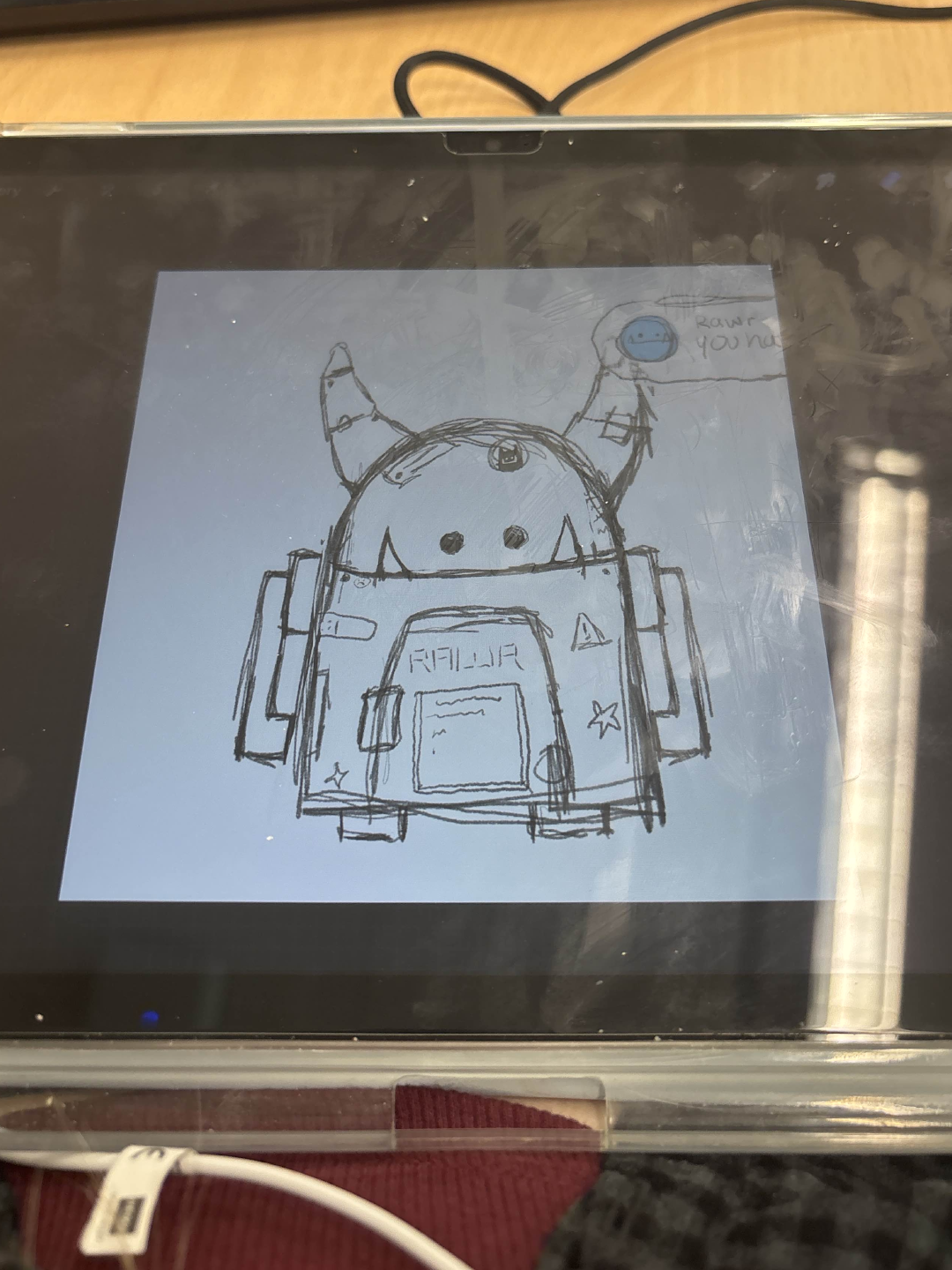
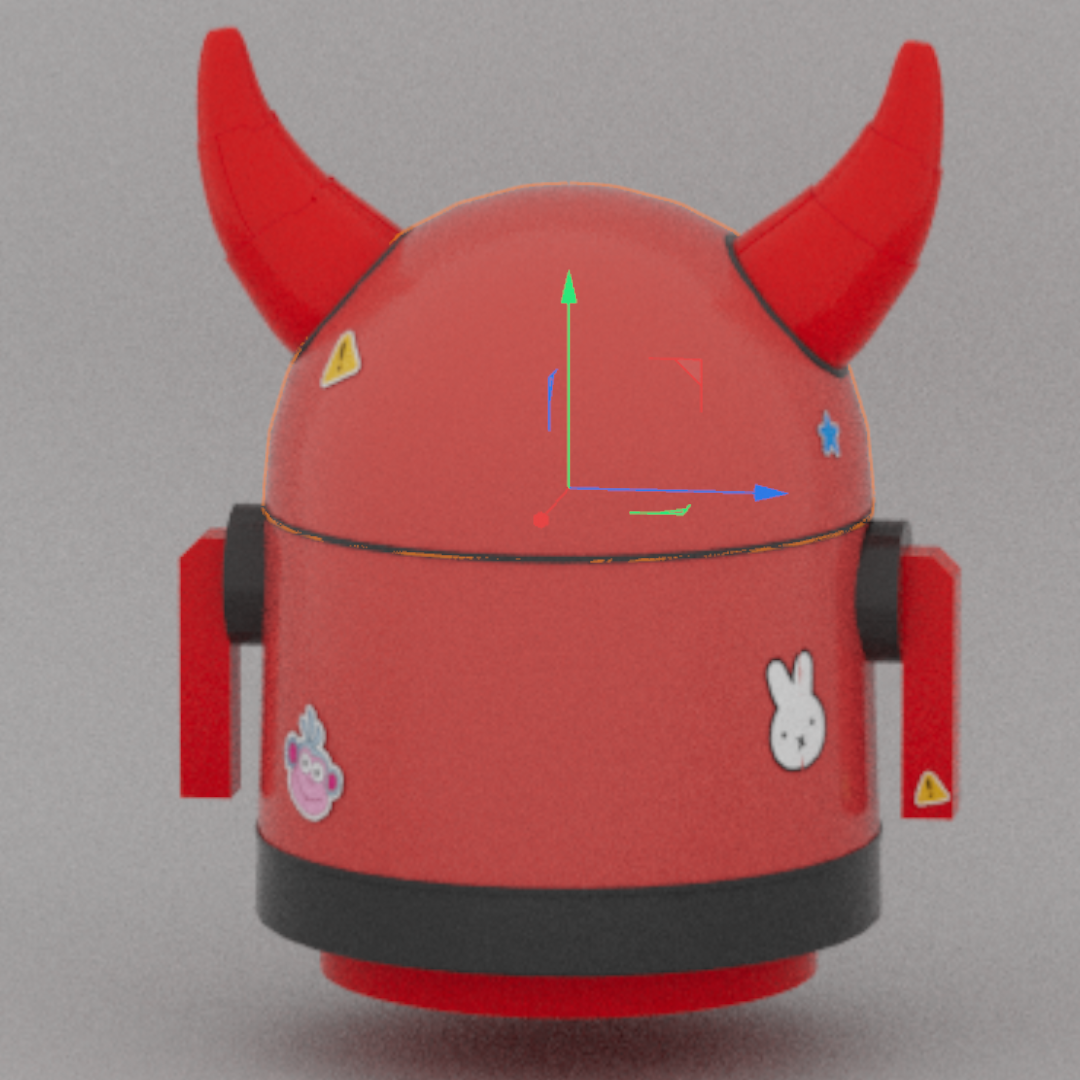
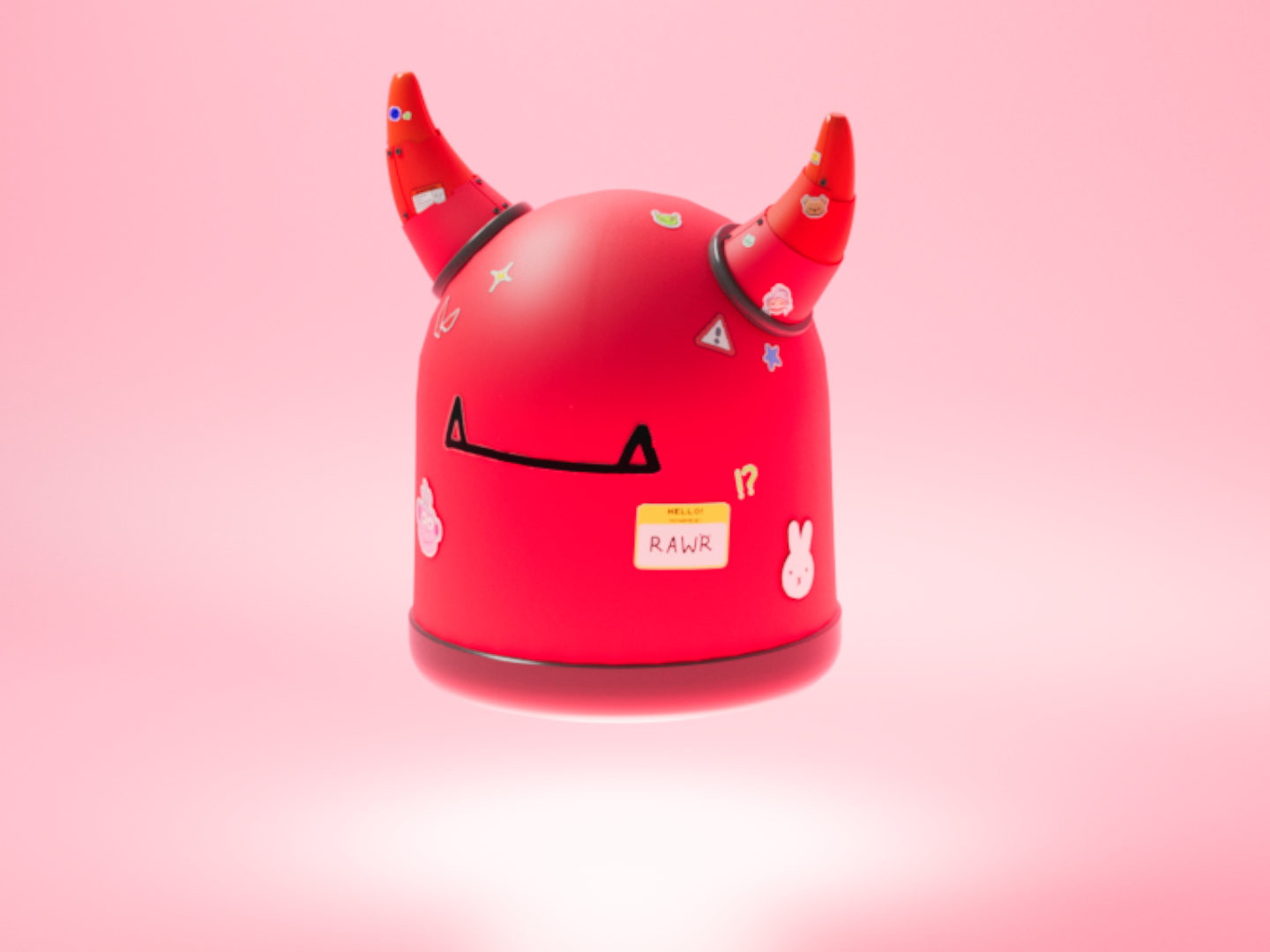
    Our school partnered up with Sound&Vision to create artworks for the “Mediaplein Mobiel” exhibit. It is a diorama-like structure in which our artworks were displayed. Our theme was tied to media and the future. I decided to create a patrol robot from the future based on my character “rawr”. In order to transform rawr I took inspirations from fictional cyberpunk technology.

    TOOLS & MATERIALS USED ↘

    Cinema 4D
    Procreate


    PROCESS ↘

    THE EXHIBIT


  • MEDIA STUDIES HILVERSUM

    ASSIGNMENT ↘

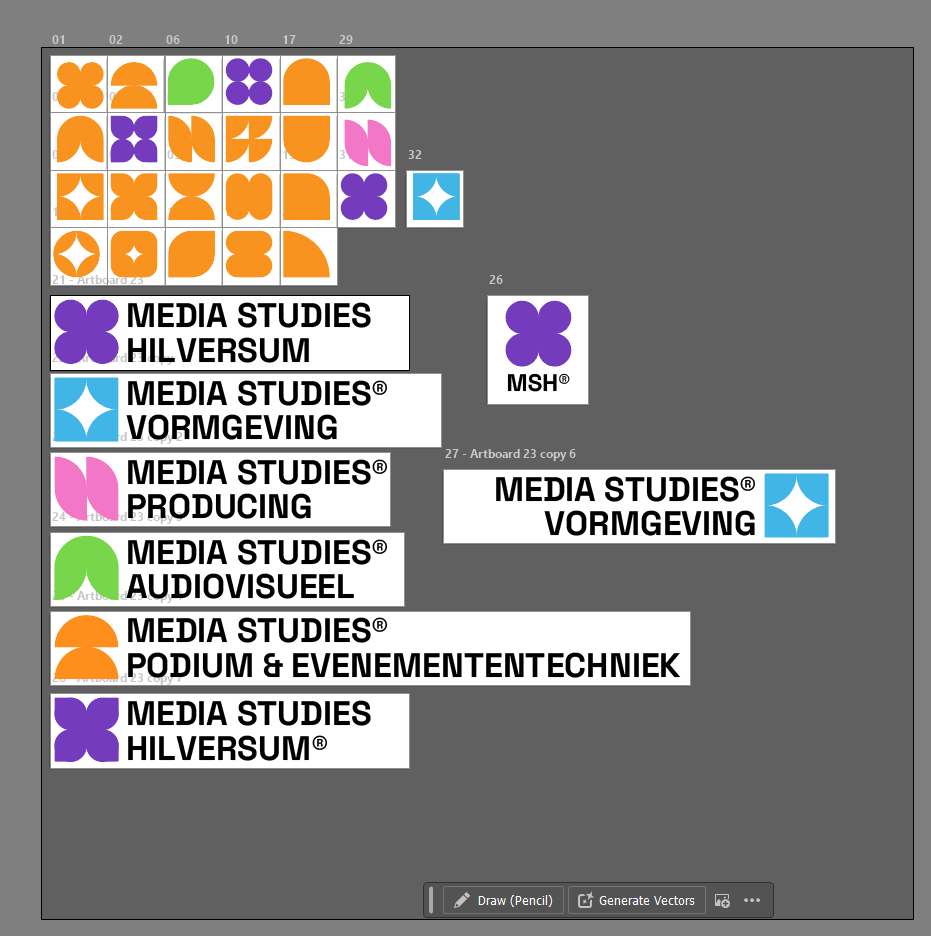
    We got briefed to create a new brand identity for Media Studies Hilversum. This was quite an exciting assignment since I had a lot of freedom and saw room for improvement. I did some research into the values of our school and the people they want to attract. I went with simple geometric shapes to symbolise creativity in the logos and presented the idea of having sublogos for the separate directions Media Studies Hilversum offers.

    TOOLS & MATERIALS USED ↘

    After Effects
    Illustrator


    PROCESS ↘

    FULL MOVING LOGO
    MY PRESENTATION

    INDIVIDUAL LOGOS


  • PORTRAIT

    ASSIGNMENT ↘

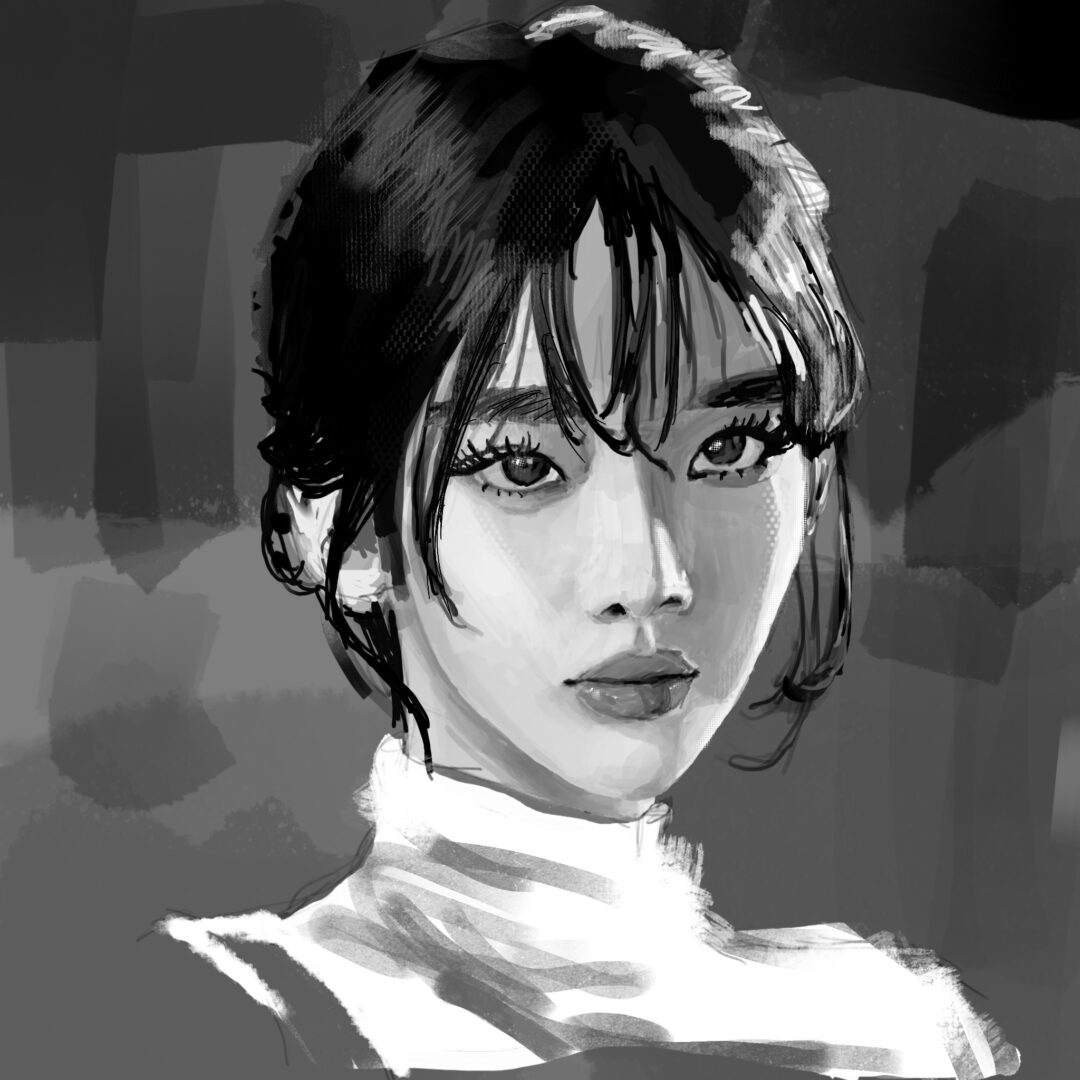
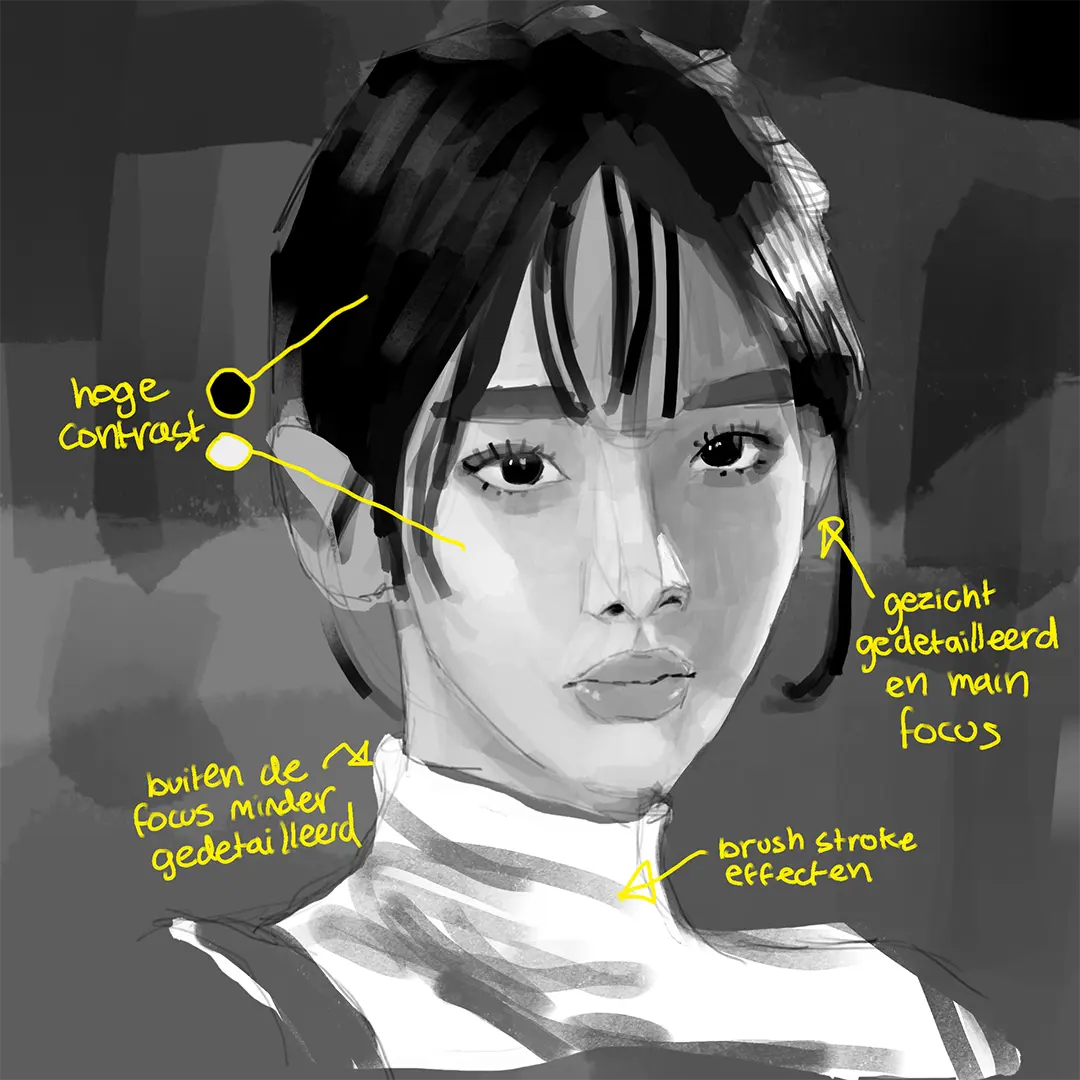
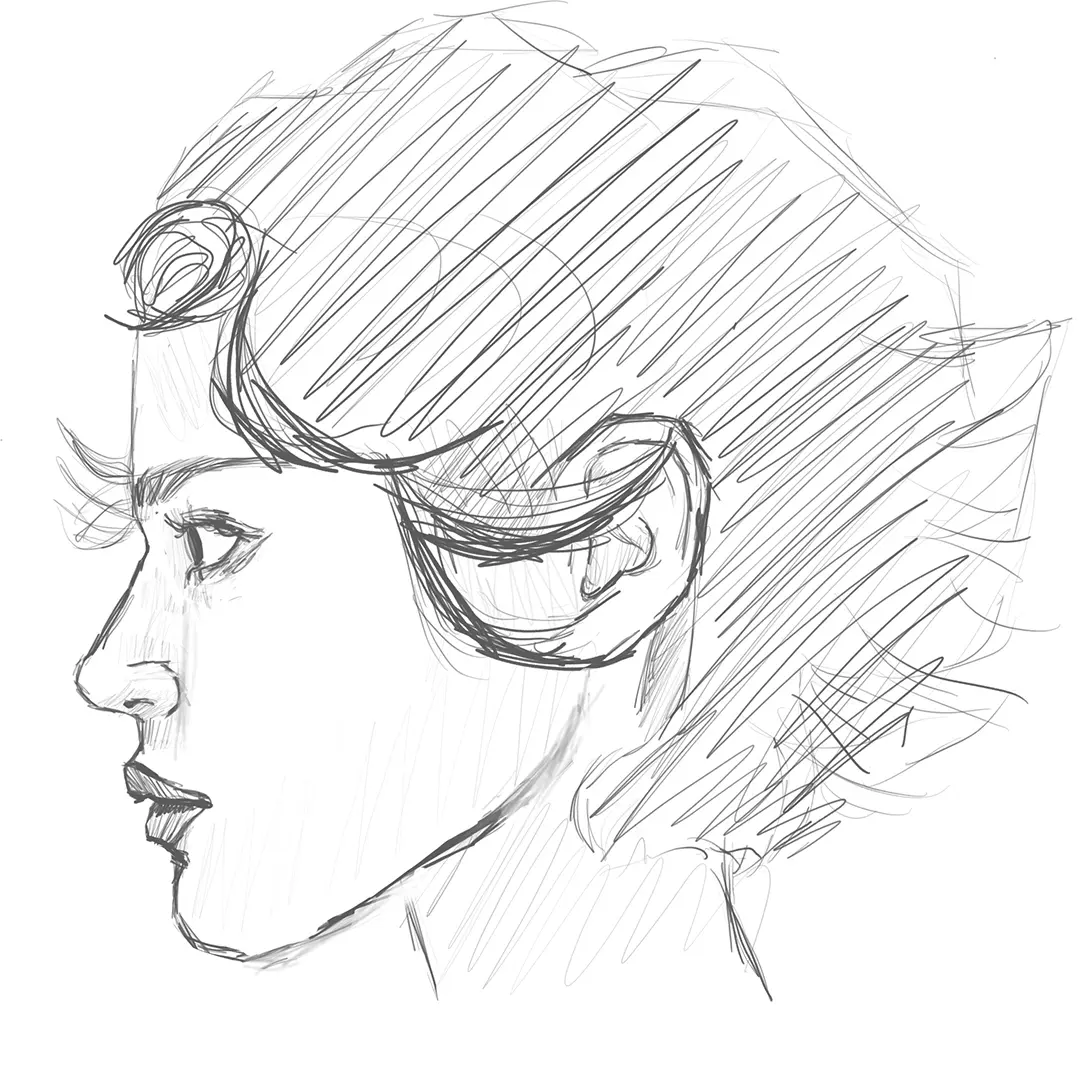
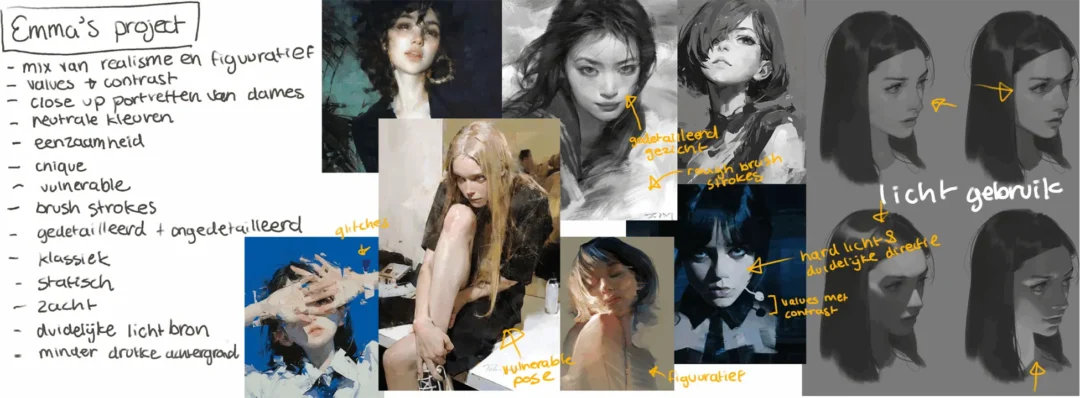
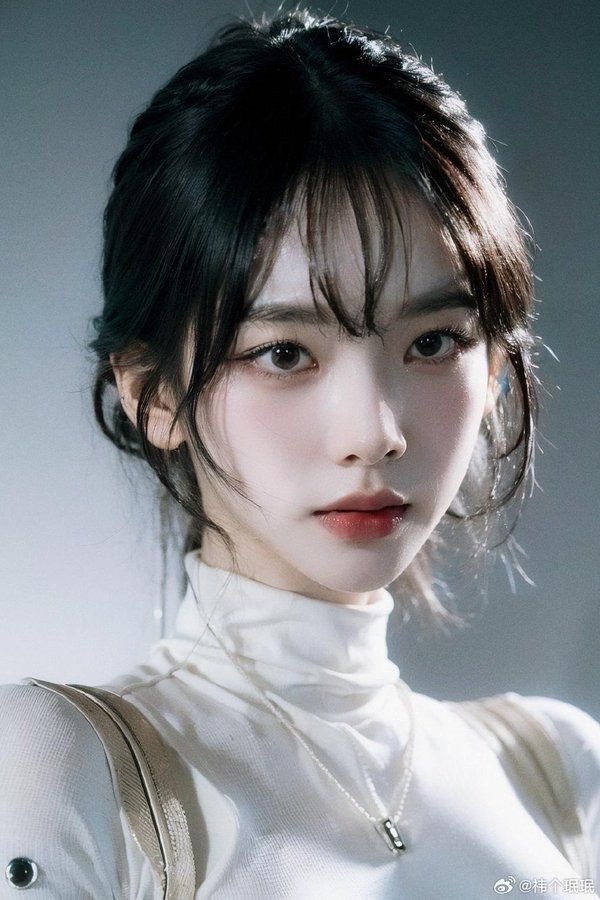
    Our art and design class consisted of one large project. The goal was to create a single piece of art by following our own plan, based on the techniques and materials we wanted to use. I chose to draw a portrait to improve my understanding of light and to experiment with texture. When I draw I mainly do line art, so I wanted to start exploring color theory and values. Though I didn’t have enough time to add color, working only in black and white helped me gain a better understanding of light and values. Overall, this project helped me understand that it’s okay to be messy, to not overcomplicate values, avoid over-blending, and look at values as simple shapes.

    TOOLS & MATERIALS USED ↘

    Procreate
    Ipad
    Apple Pencil


    PROCESS ↘

    TIMELAPSE
    STEPS OF THE PROCESS


  • CORRIDOR

    ASSIGNMENT ↘

    This semester, I was interested in getting back into 3D and improving my skills. Because of that, I joined the 3D corridor project. For this project, each student designed their own corridor, which the camera would fly through before a door opened to lead into the next corridor. I was one of only two students who were not majoring in 3D, so I was a bit behind in terms of skills. At the start of the class, I spent a lot of time relearning the basics so I could bring my sketches and vision to life. Although I didn’t have enough time to fully finish the corridor or add all the details I wanted, I’m still proud of the progress I made. Picking these skills back up also motivated me to keep developing my 3D in the future.

    TOOLS & MATERIALS USED ↘

    Cinema 4D


    CONCEPT ART ↘

    REFLECTION ↘

    I wasn’t able to fully bring my vision to life, as some parts of my concept were missing, such as the bridge, the withered robot, and the extra trees and plants. While I would have loved to have enough time to fully complete this vision, I’m still glad I took the time to dive back into my interest in 3D. I would love to recreate this project in the future once I’ve developed my skills further and have enough time to do it properly.

    MY VISION ↘

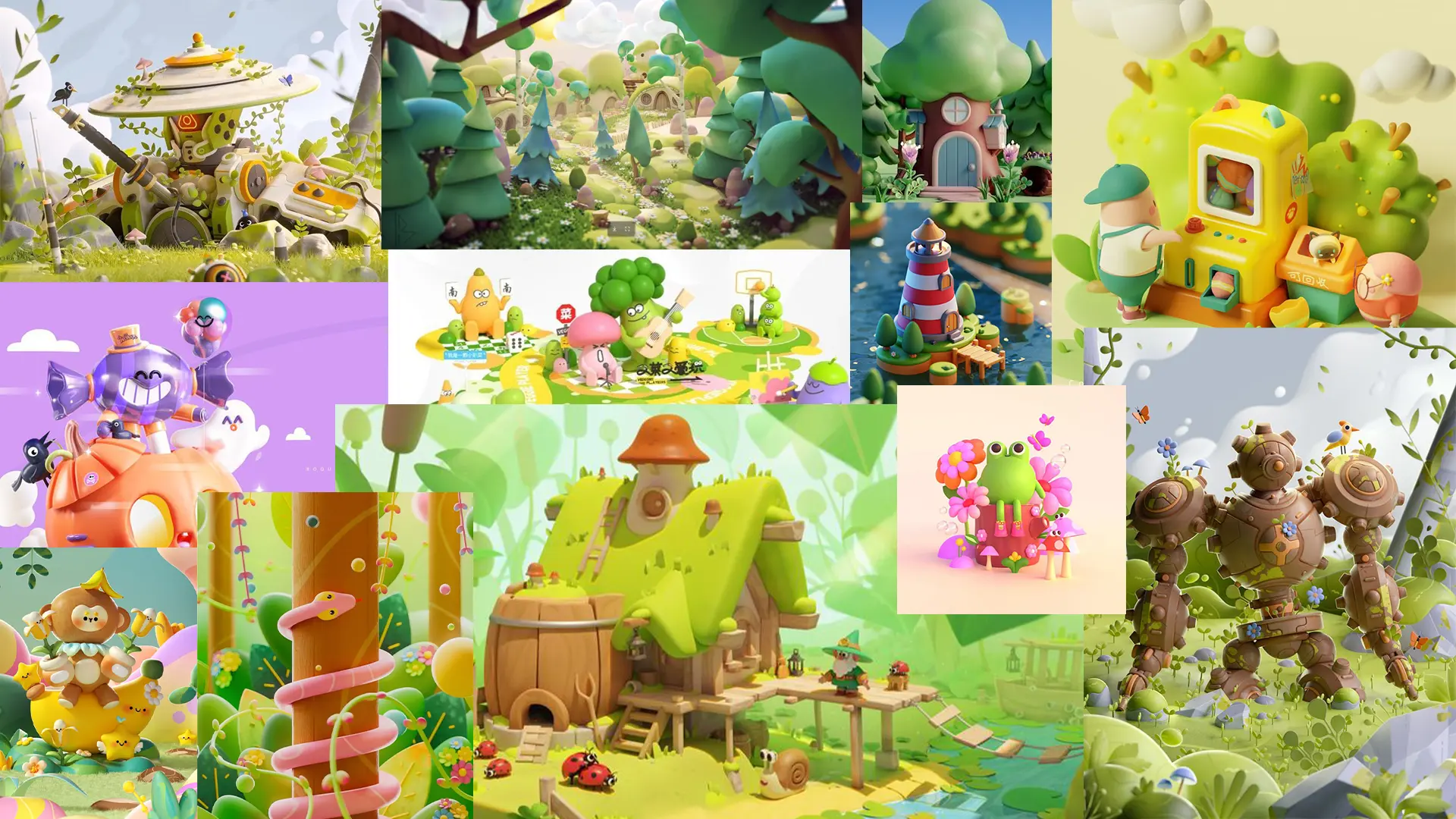
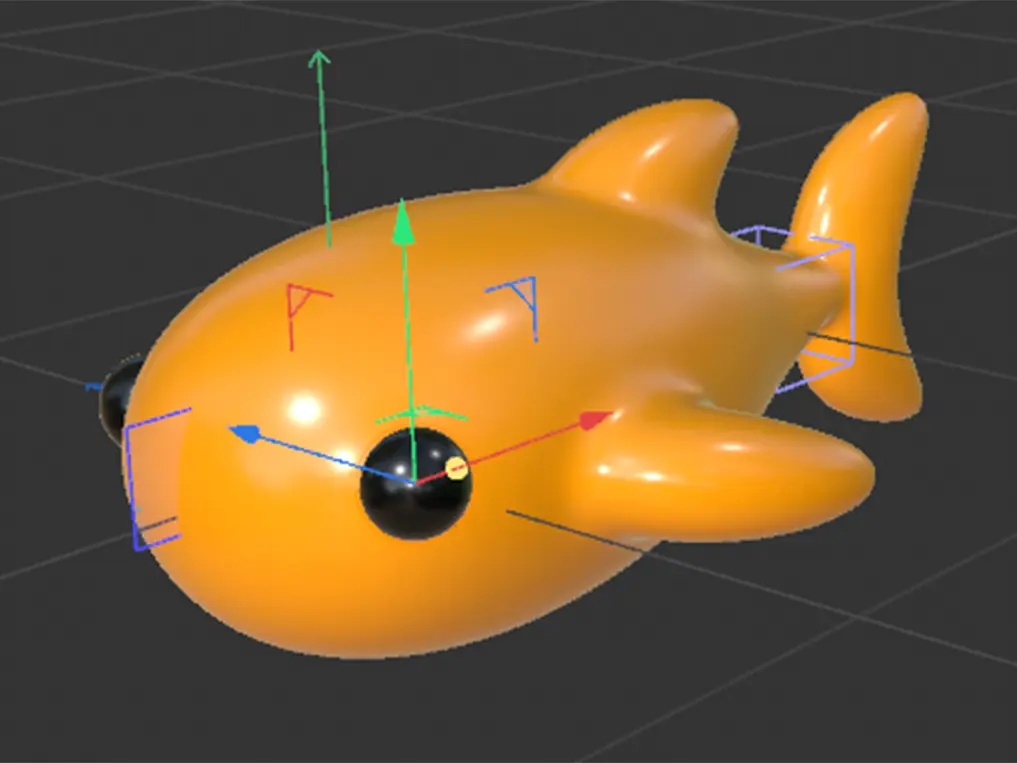
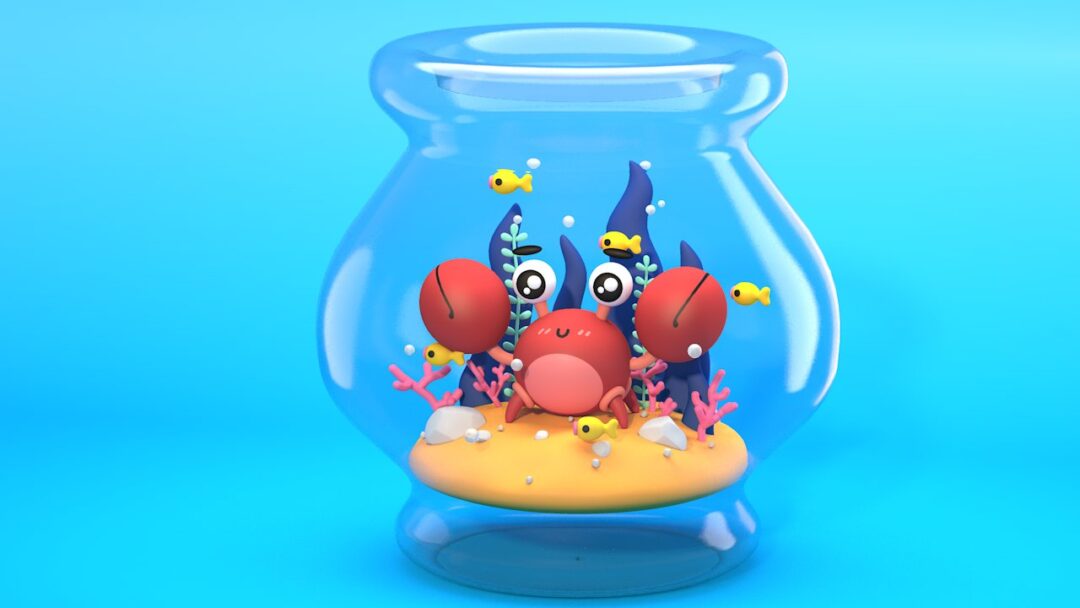
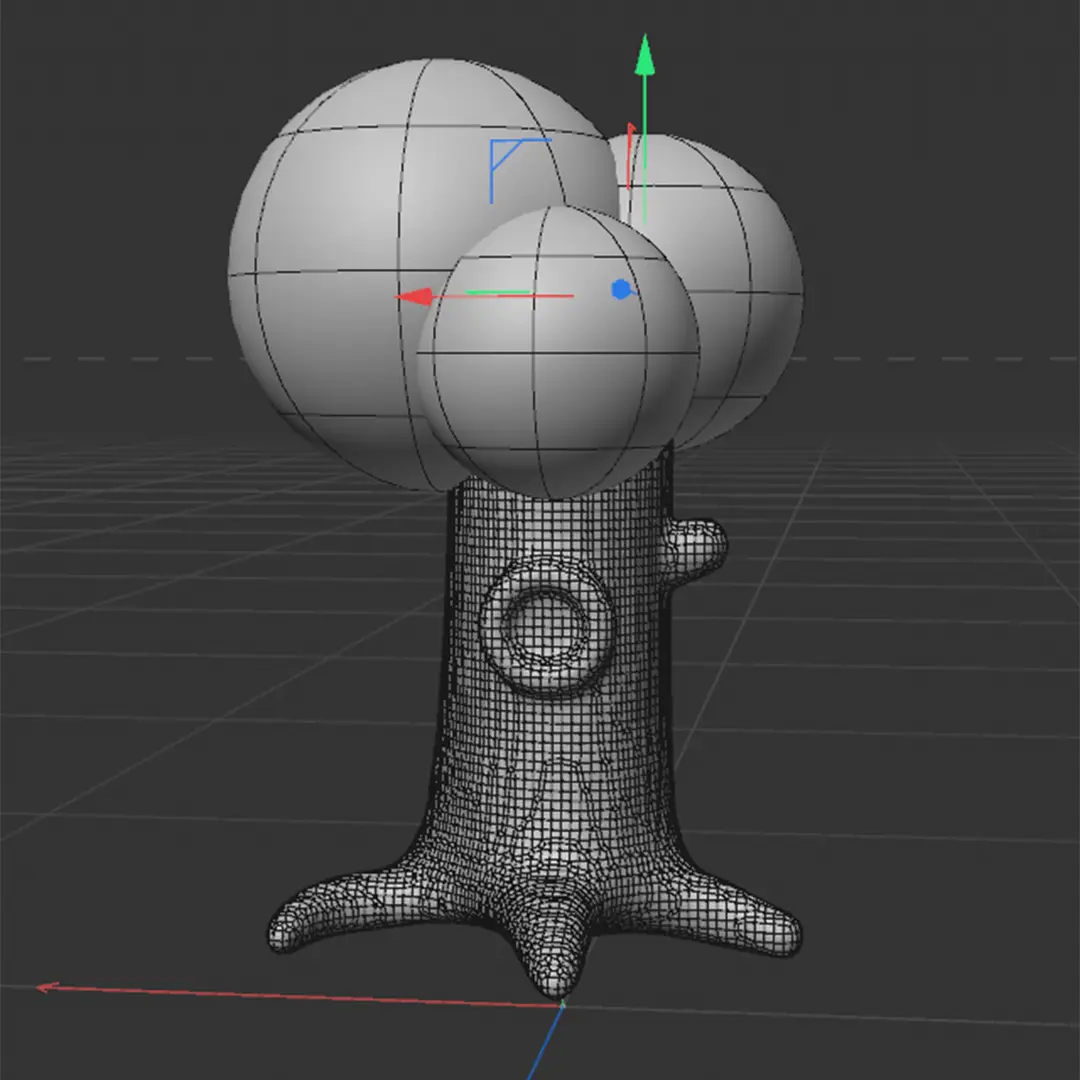
    I’ve always liked this soft 3D style, which my teacher described as “chunky.” For this project, I chose to use that chunky style when designing my corridor. I took inspiration from Pinterest and artists like Mathieu Le Berre to design my concept. Once the concept was ready, I followed a Cinema 4D course to relearn the basics so I could start modeling my world. The result of this course is the crab picture under the modeling process section.

    MOODBOARD AND INSPIRATION ↘

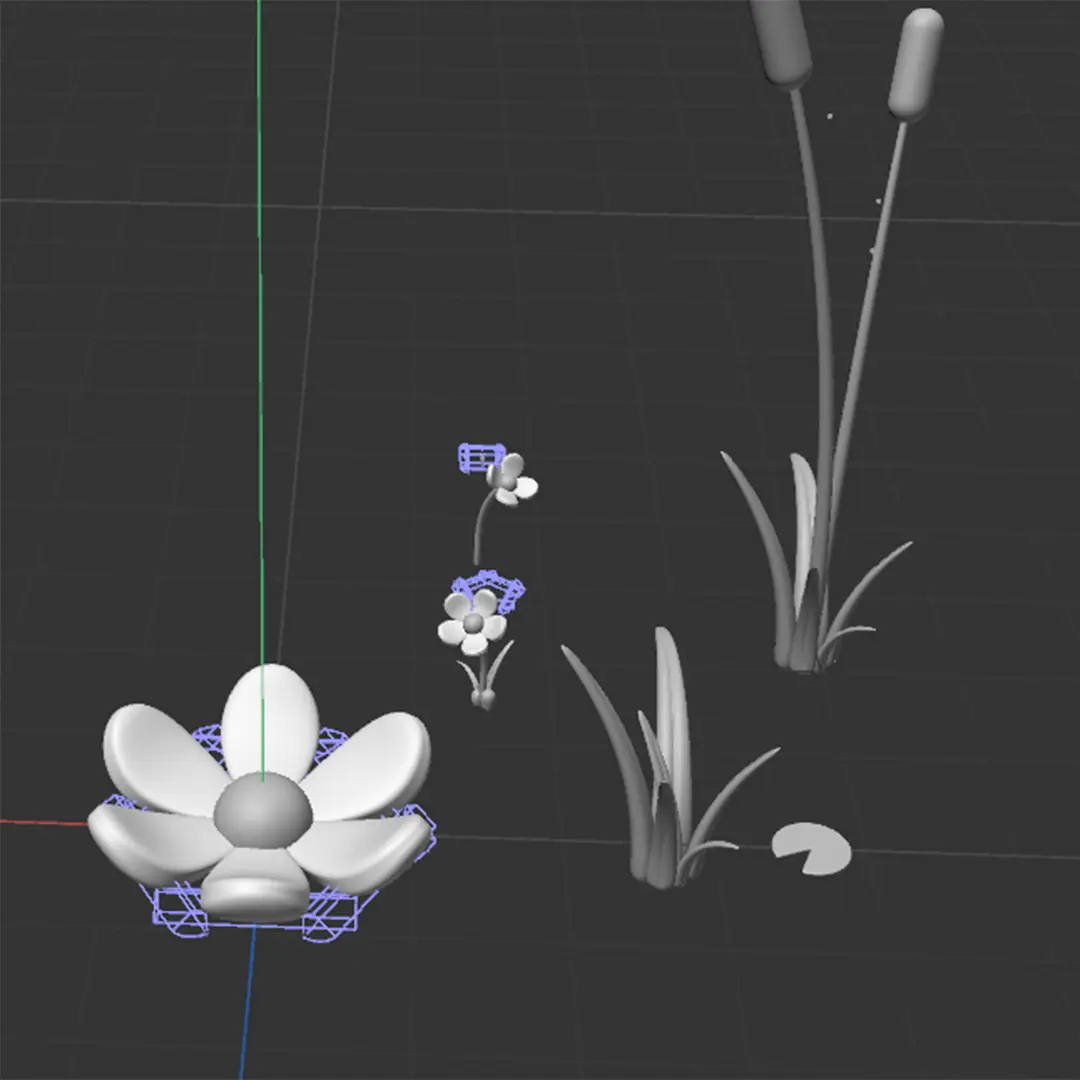
    MODELLING PROCESS ↘


  • ENVIPCO

    PROJECT ↘

    I was briefed to create a new logo animation for envipco. A recycle vending machine technology company. We wanted to include arrows into the logo to symbolise recycling, after trying several animations we settled on the logo displayed on the right. The sound effects were later added by a different editor. 

    TOOLS & MATERIALS USED ↘

    After Effects
    Illustrator

    DESIGN ↘

    Mark Veldhuijzen van Zanten

    EARLIER VERSIONS ↘

    version 1
    version 2

    version 3


  • KIES JE STAGE

    PROJECT ↘

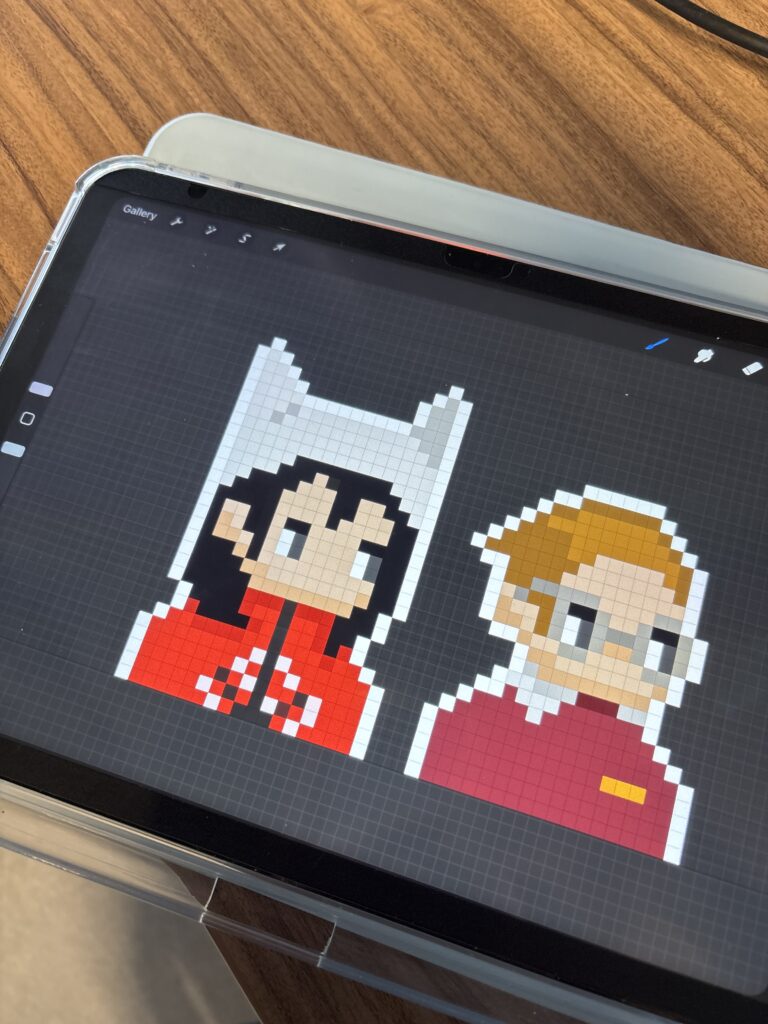
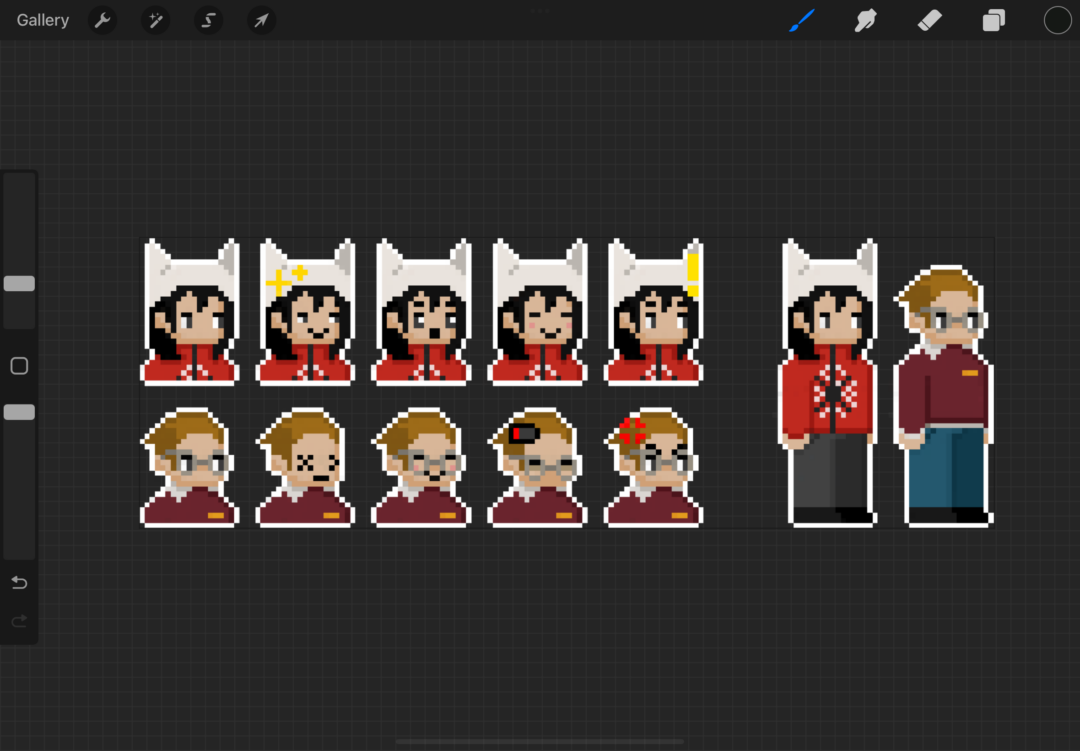
    During my motion design internship at YUNE, I worked together with the other interns from edit and copy, on creating a recruitment post for new interns. My main role in the project was handling the design and motion for the final video. However, I was also involved in other stages of the process, including setting up the sets, finding actors, cutting the edit and writing the script outline. Our main goal was to compare boring internships with YUNE, so we wanted to emphasize contrast throughout the video. We did this by opposing elements such as color palettes, clothing, emotions, and colleague dynamics. Originally we envisioned a more digital and modern style, but because the story didn’t flow smoothly, we decided to gamify it instead. This worked well with the pixel element we had originally chosen, and we simply made this more apparent. I had a lot of fun designing the pixel art for this project.

    TOOLS & MATERIALS USED ↘

    After Effects
    Procreate


    PROCESS ↘

    part of our November Presentation
    EFFECTS vs no EFFECTS

  • BATTLE OF THE CLIPS

    PROJECT ↘

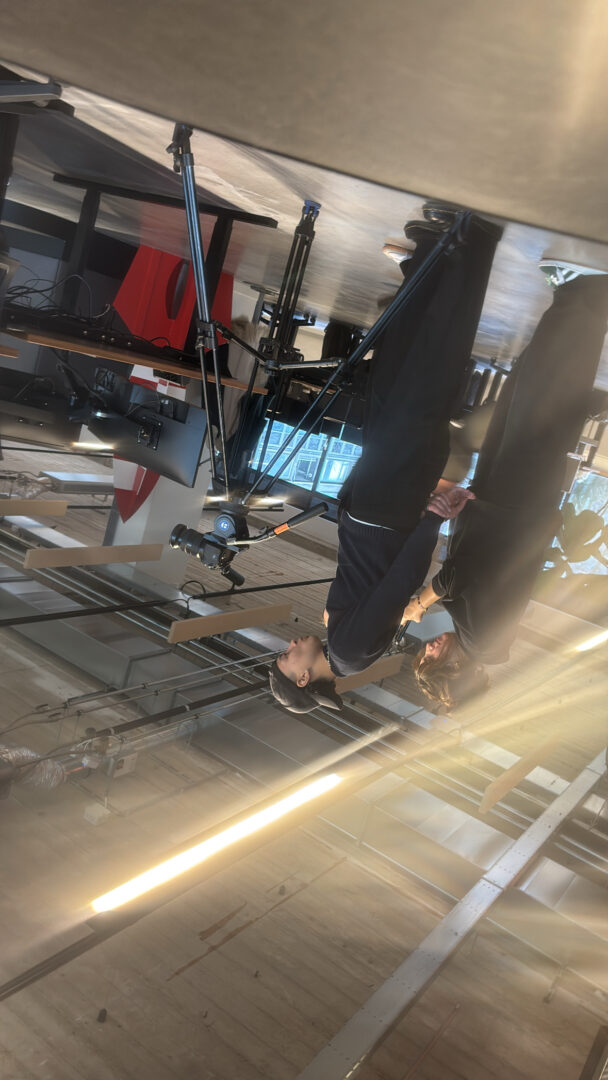
    For this project, we were divided in teams of 3-4 people. Each team had to pick a song from a selection provided by the school. With this song each team created their own clip. These clips would battle against eachother at the award ceremony. We beat our competitors and ended up winning the Public vote and the Best Video titles! I did it together with Mijs Coolegem and Naïma van Deursen. The video above are some of my parts that I cut out but you can watch the full video as well.

    TOOLS & MATERIALS USED ↘

    After Effects
    Illustrator
    Photoshop

    ILLUSTRATION ↘

    Mijs Coolegem


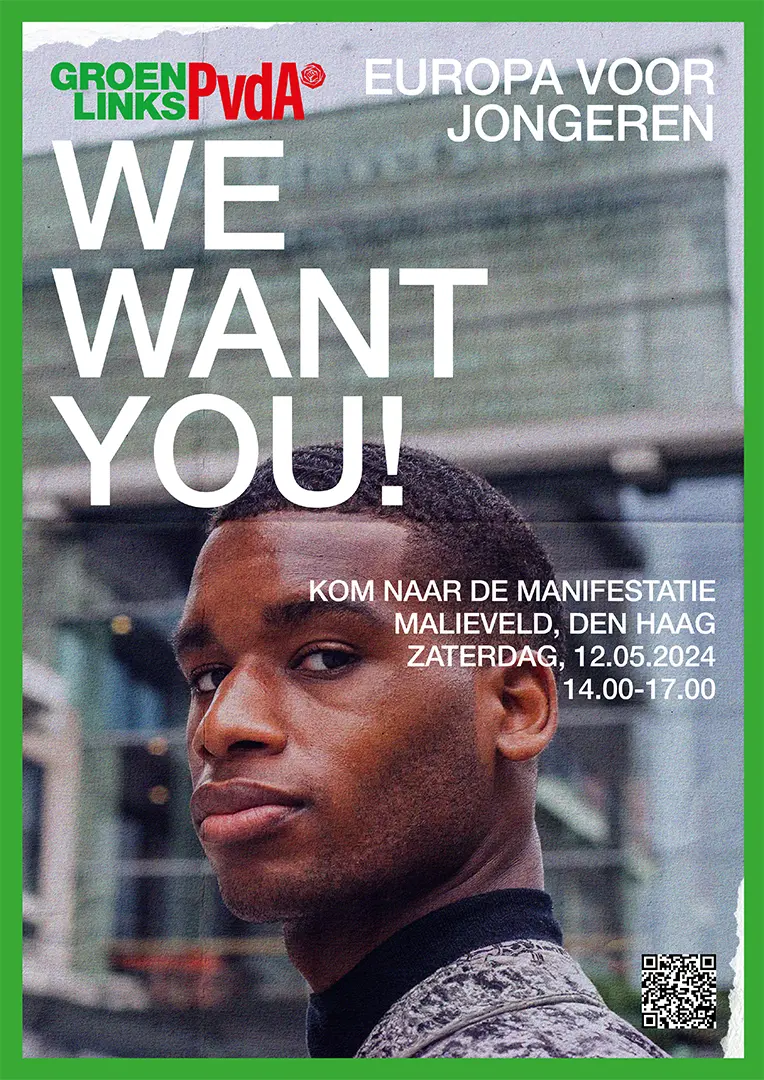
    POSTER ↘

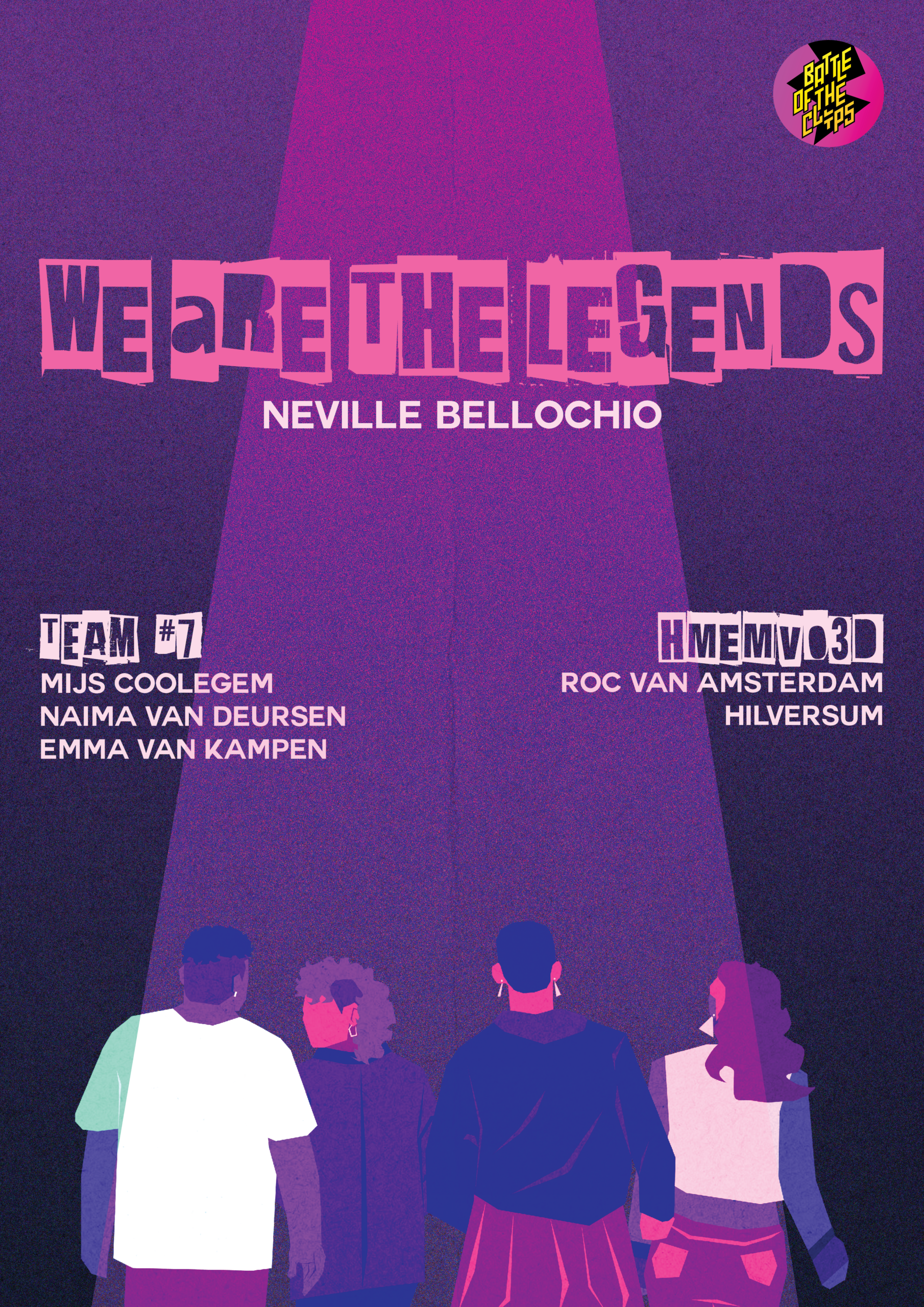
    POSTER DESIGN ↘

    For the event I also created a poster to advertise our clip for the battle. I used the illustrations from Mijs, typography and color palette to tease the style of our clip.

    THE BAND ↘

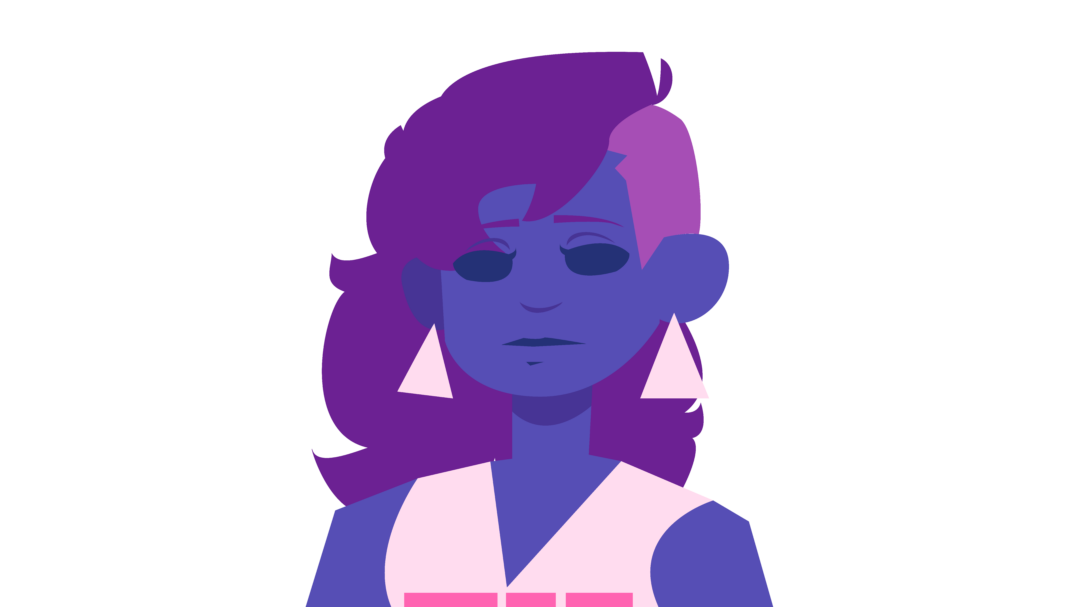
    Mijs came up with the idea to create a fictional band for our clip. We based the members off of the instruments played in the song, so we went with a vocalist, drummer, bassist and guitarist. Mijs made the character designs for the band on illustrator so we could later use these in our animations.

    BREAKDOWN OF THE STOMPING SCENE ↘

    REFLECTION ↘

    I think the illustrations from Mijs really brought our clip to life. I had a lot of fun building up the scenes. I wish I could’ve created more illustrations so there was more variety within the final clip but it was hard to with the time we had. The poster could’ve used some more work as well but I’m still happy with the end result.

    THE BAND ↘

    MY PROCESS ↘

    Besides the character designs Mijs also created additional illustrations and assets. I used these to build up my parts and made a few extra illustrations to complete my scenes. Such as instrument silhouttes and boots for a stomping animation. I added on to my parts by adding text animations. I also added a grain and flicker to the entire video for a more grungy look.


  • PERREY & KINGSLEY

    ASSIGNMENT ↘

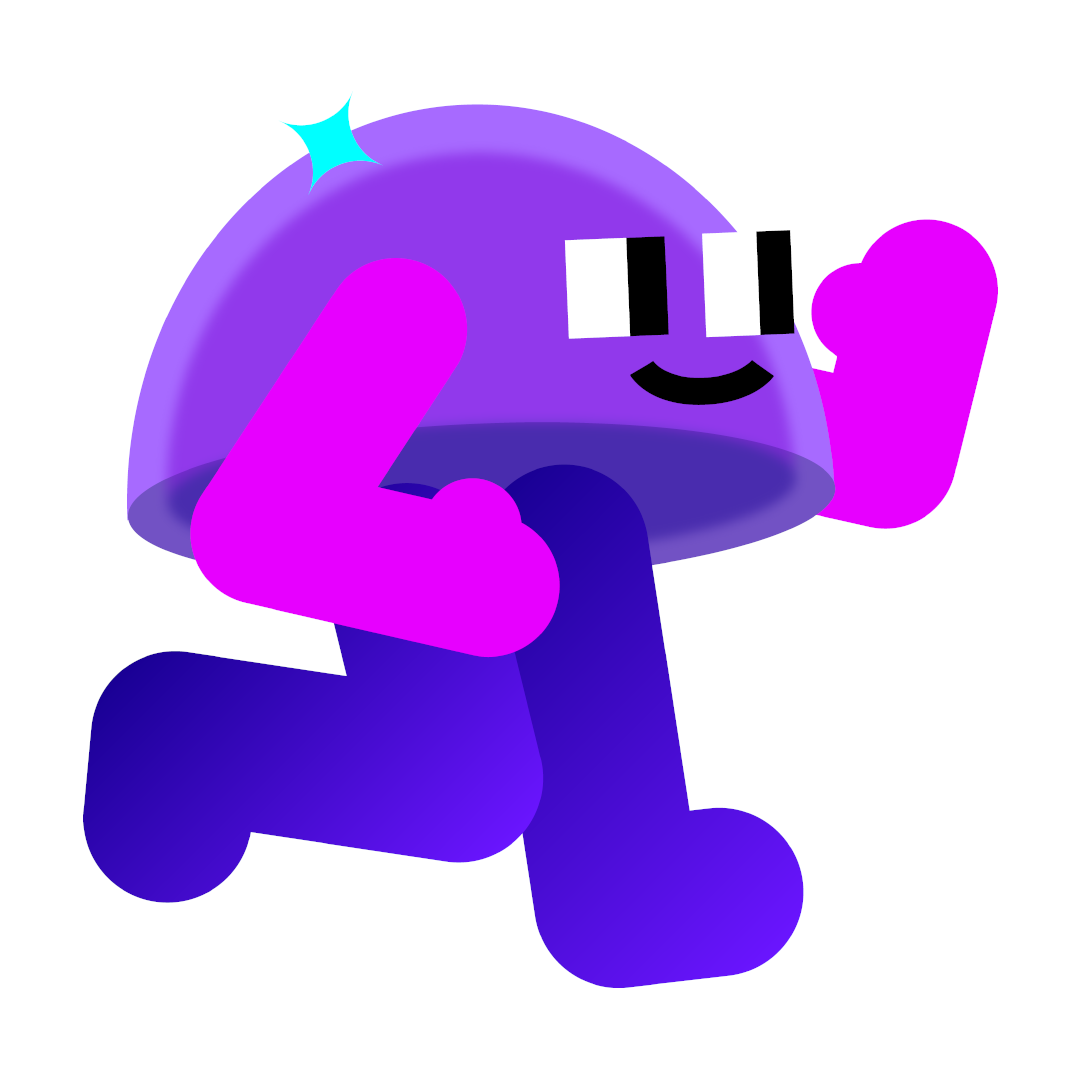
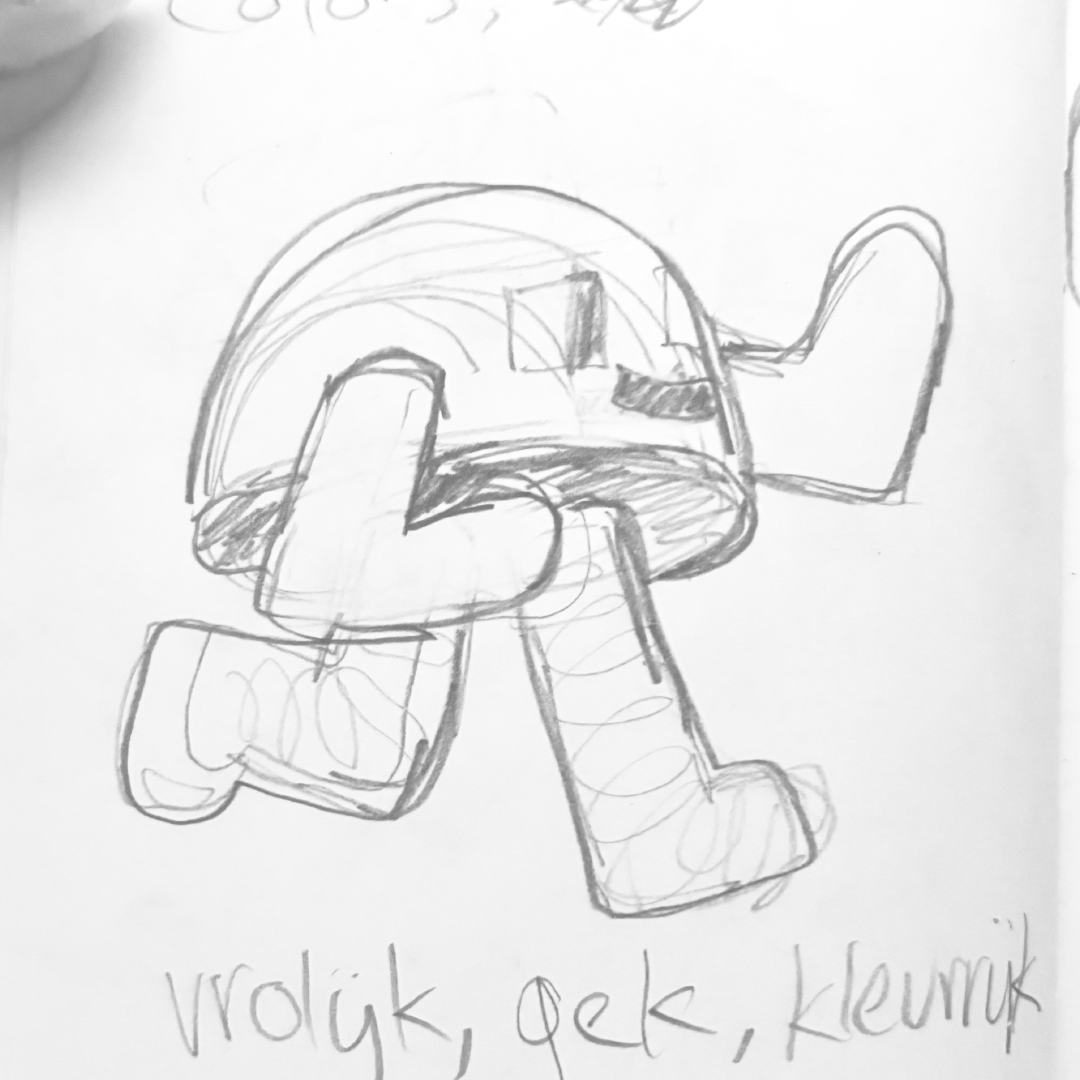
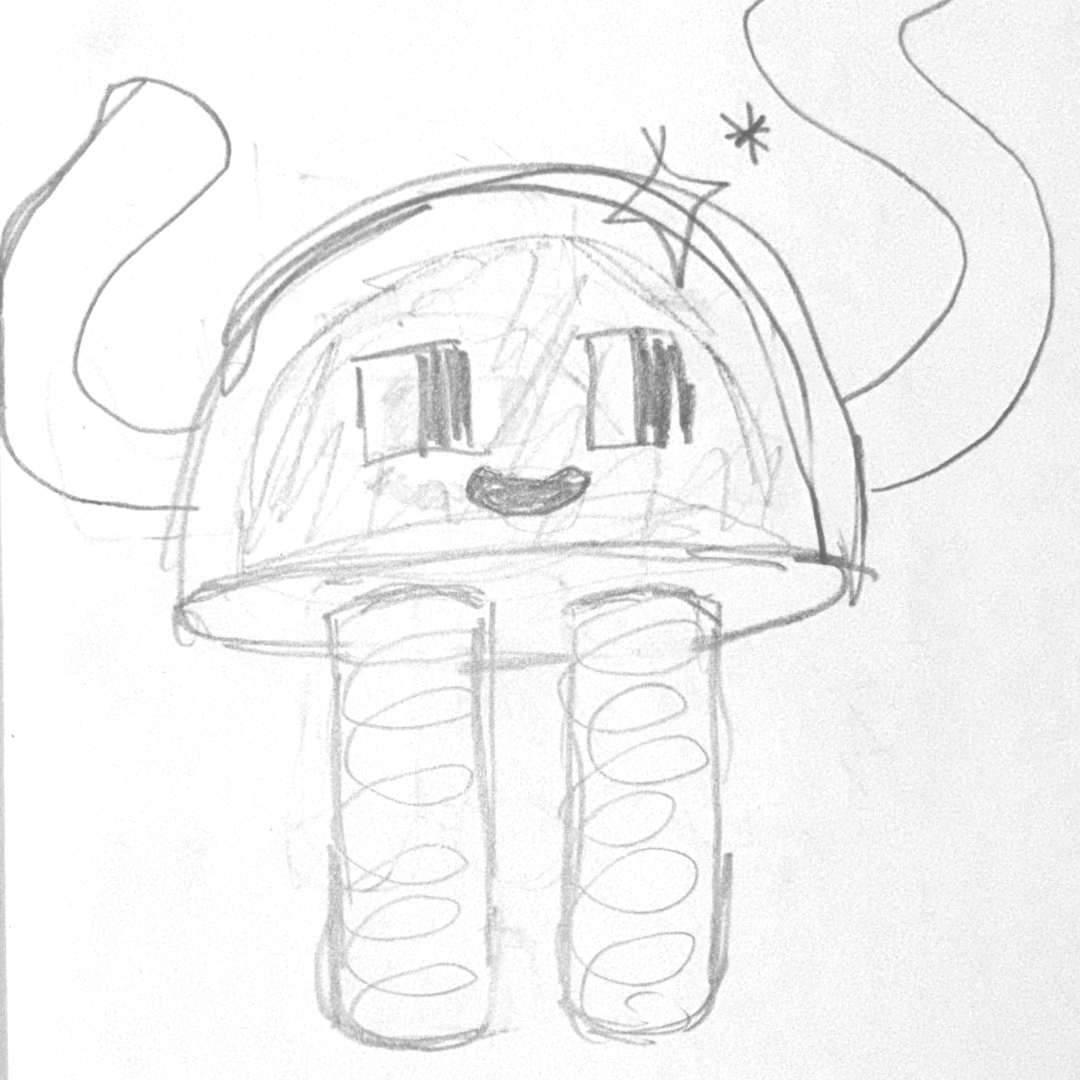
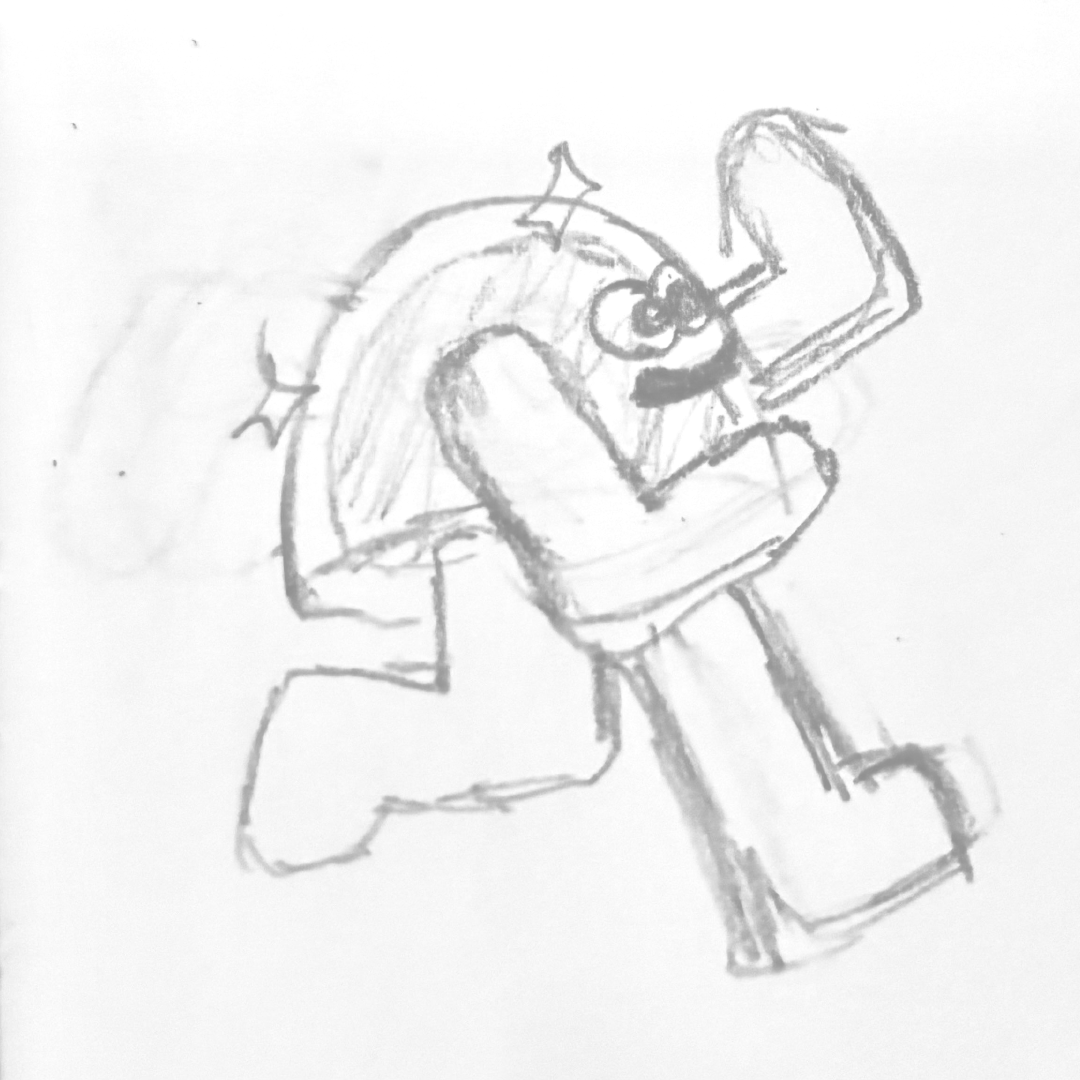
    The goal of this assignment was to design and animate a character that would fit a Perrey & Kingsley song of choice. I picked the Cosmic Ballad and designed a character design based off of it. I designed the character to be a bit funky and colorful, to fit the vibe of the song. I took inspiration from Emanuele Colombo’s designs.

    TOOLS & MATERIALS USED ↘

    After Effects
    Illustrator
    Deekay Tool Light


    PROCESS ↘


  • BOB

    ASSIGNMENT ↘

    For this assignment we had to create an animation using the following principles of animation; squash/stretch, anticipation and follow through. I tried to experiment more with layer styles and colors, so for the design, I took inspiration from Emanuele Colombo. I also took some time to experiment with sound design, since I rarely get to do that. While adding the sound effects, my friends named him Bob. Say hi to Bob!

    TOOLS & MATERIALS USED ↘

    After Effects

    EARLIER VERSIONS ↘

    version 1

    version 2


  • DESIGN YOUR SONG

    ASSIGNMENT ↘

    For this project the main goal was to create a lyric video for a song of choice using mainly typography. We had a lot of creative freedom so I experimented a bit with grains and a pixel style and found a few fitting fonts to try out something new. Reminder that you can toggle the sound and note that there is a pause in the middle of the video before it continues!

    TOOLS & MATERIALS USED ↘

    After Effects

    SONG ↘

    Y/N School Food Punishment


  • EMMA’S ROOM

    ASSIGNMENT ↘

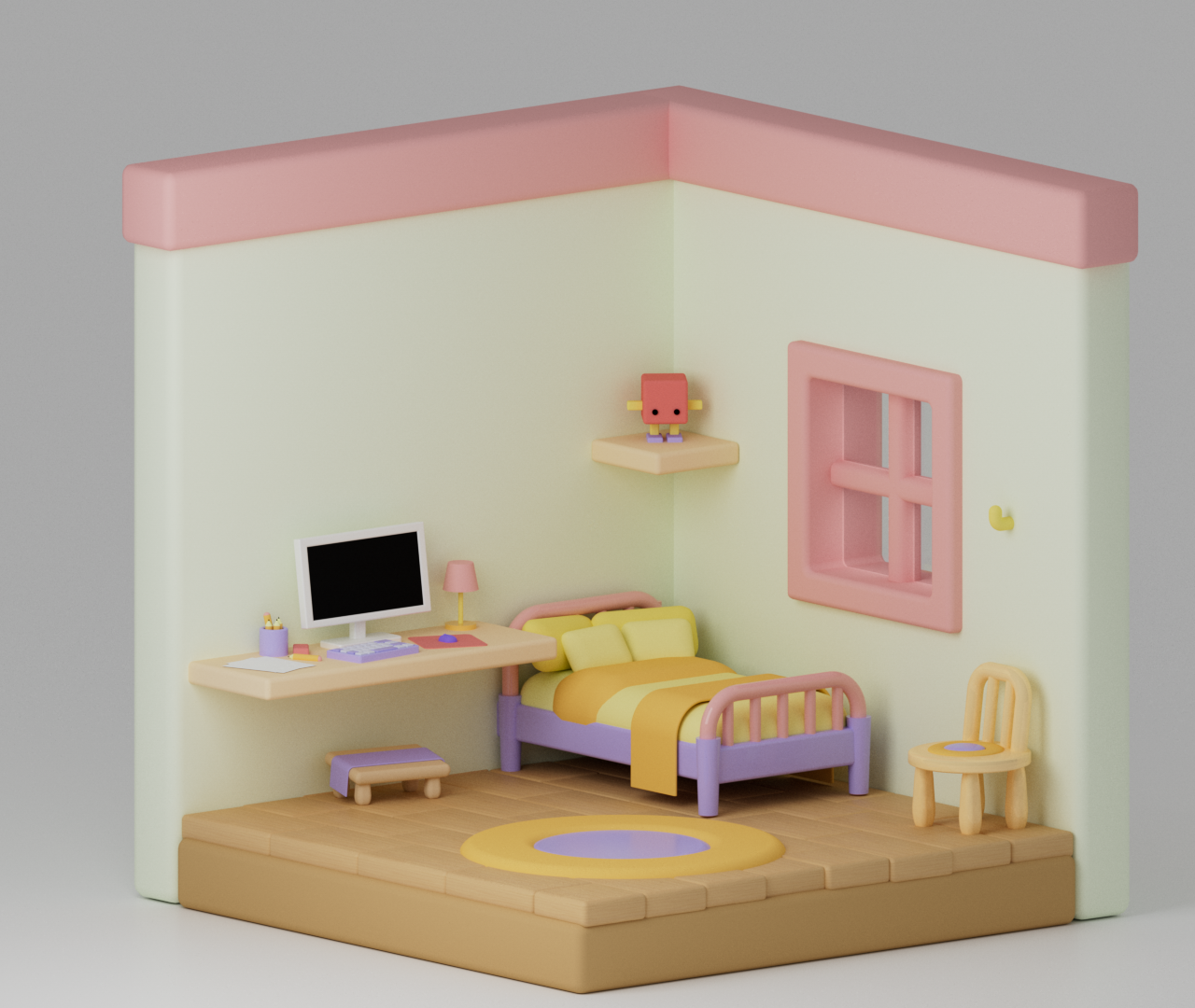
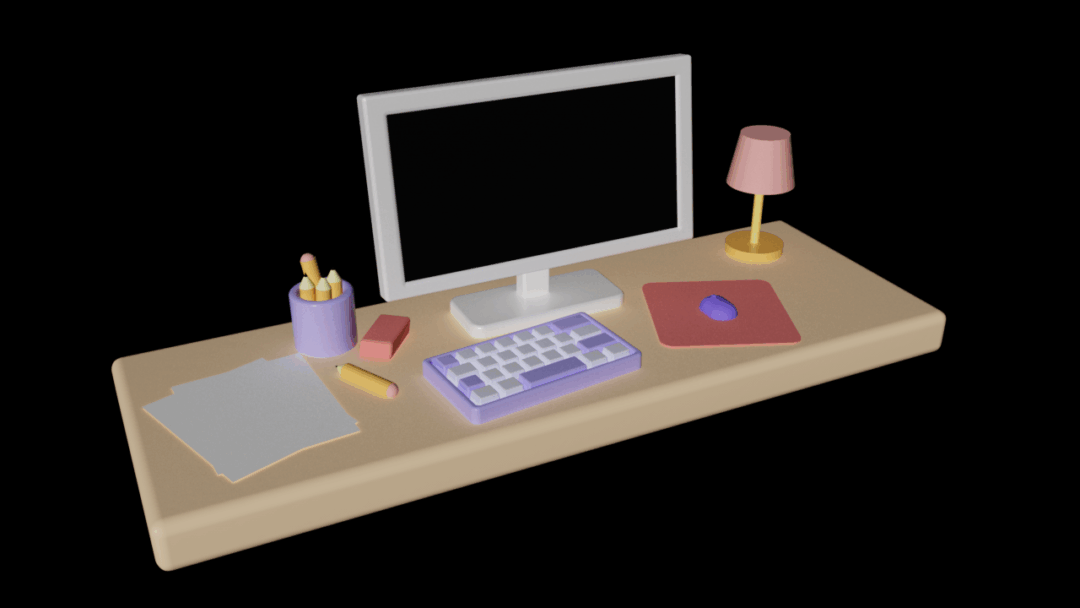
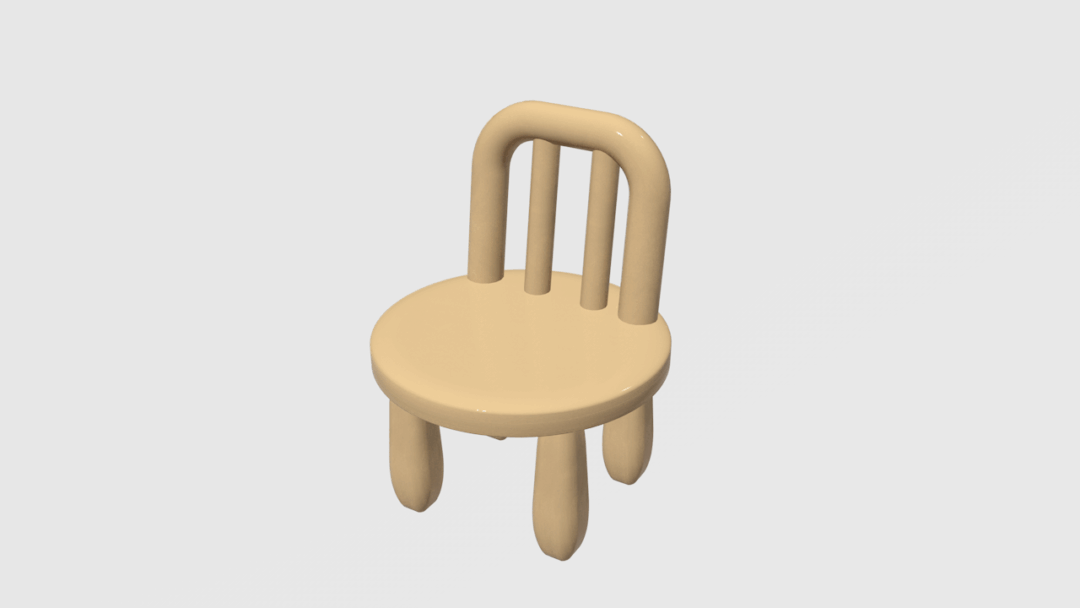
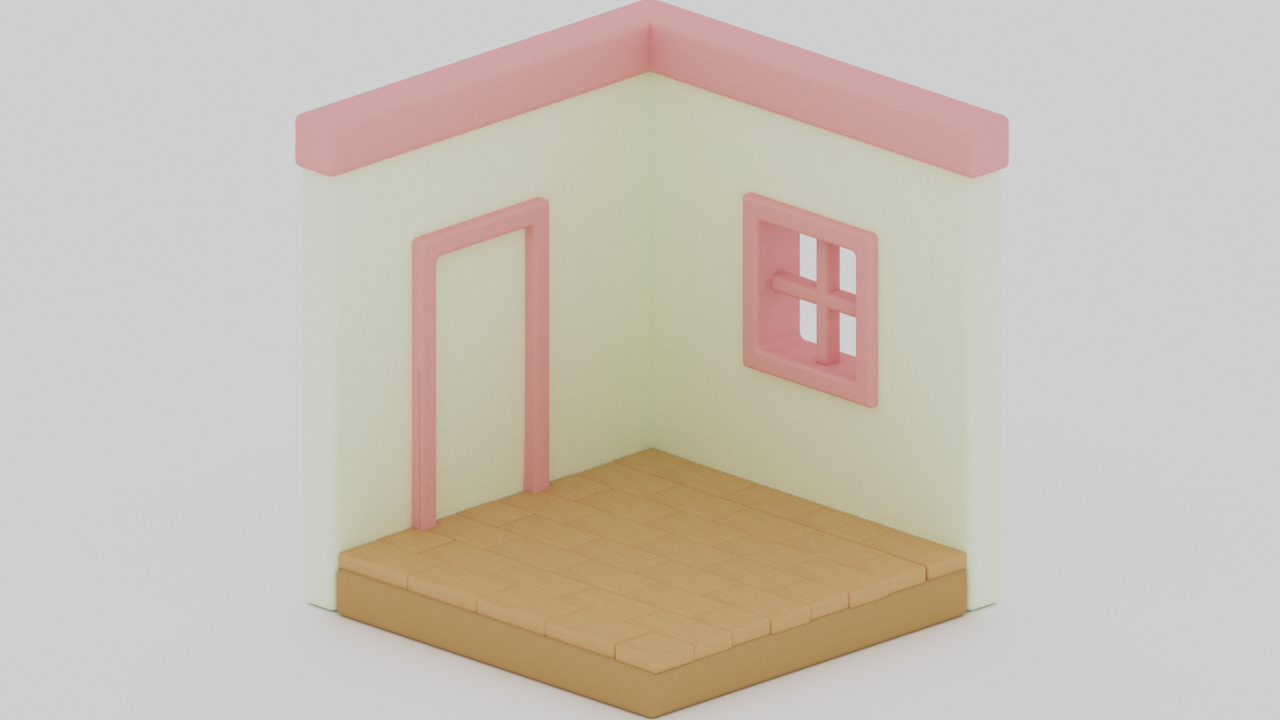
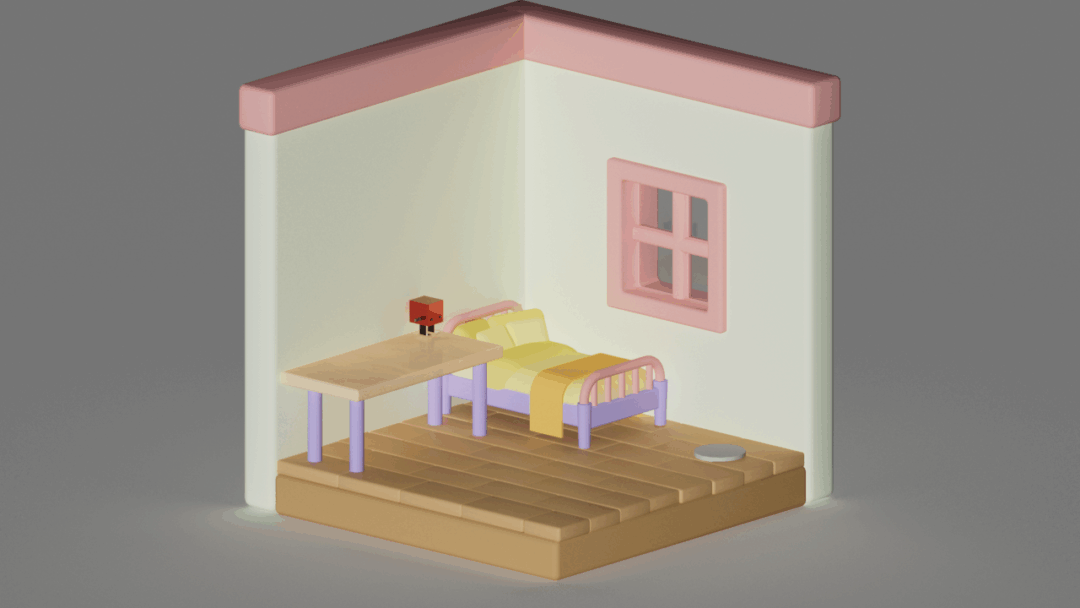
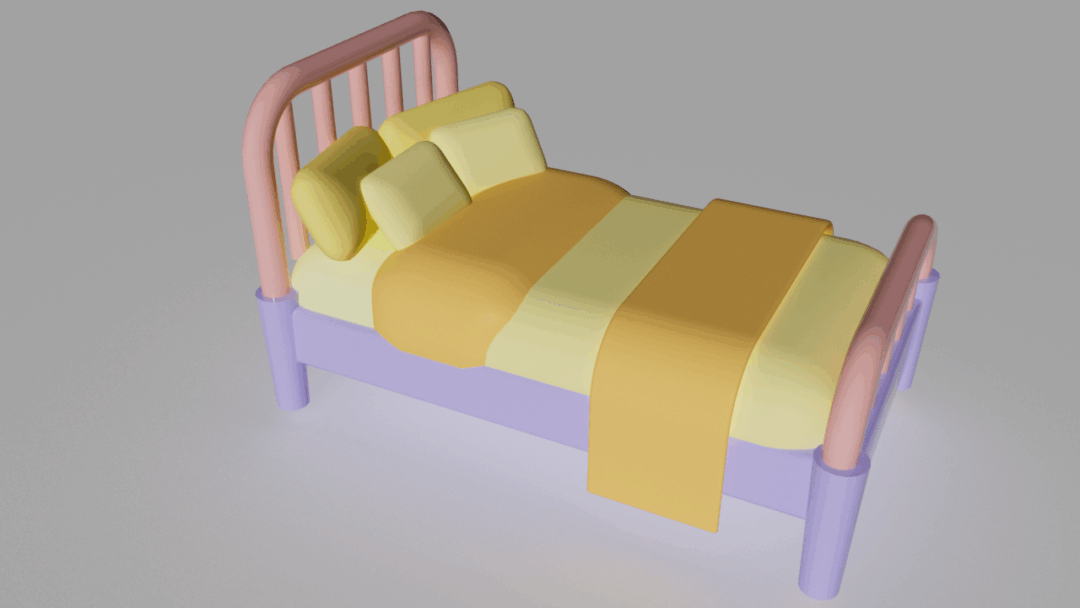
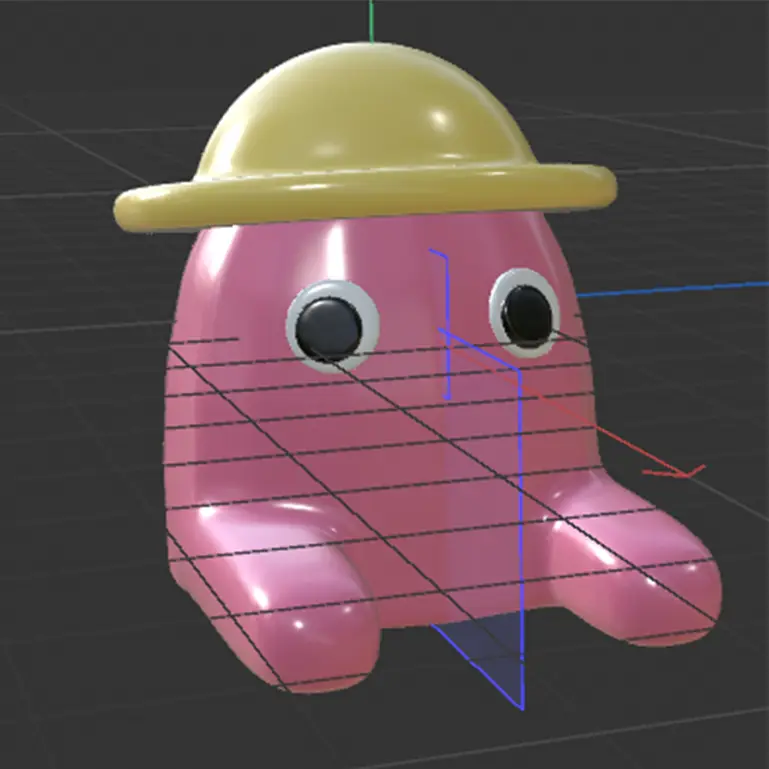
    For our 3D class, we got to design our own room and all the furniture and items in it. I was still new to 3D so I kept it very simple. I took inspirations from isometric rooms I found on pinterest and also included a little robot statue. My first 3d object was that little robot, called pepe, so it was a small easter egg for myself. In another semester we animated the furniture entering the room.

    TOOLS & MATERIALS USED ↘

    Cinema 4D


    PROCESS ↘


  • STRAWBERRY KISSES

    PROJECT ↘

    My part of my collaboration with @blazation on Instagram. We worked together on the intro and had our separate parts after, originally she created the Game Boy design, which I later added on to by adding animations and pixel art, like the stickers on the Game boy. For my individual part, I wanted to keep some digital and pixel elements, to match with the intro.

    TOOLS & MATERIALS USED ↘

    After Effects
    Paint.net


    PIXEL-ART ↘


  • Socialdatabase

    PROJECT ↘

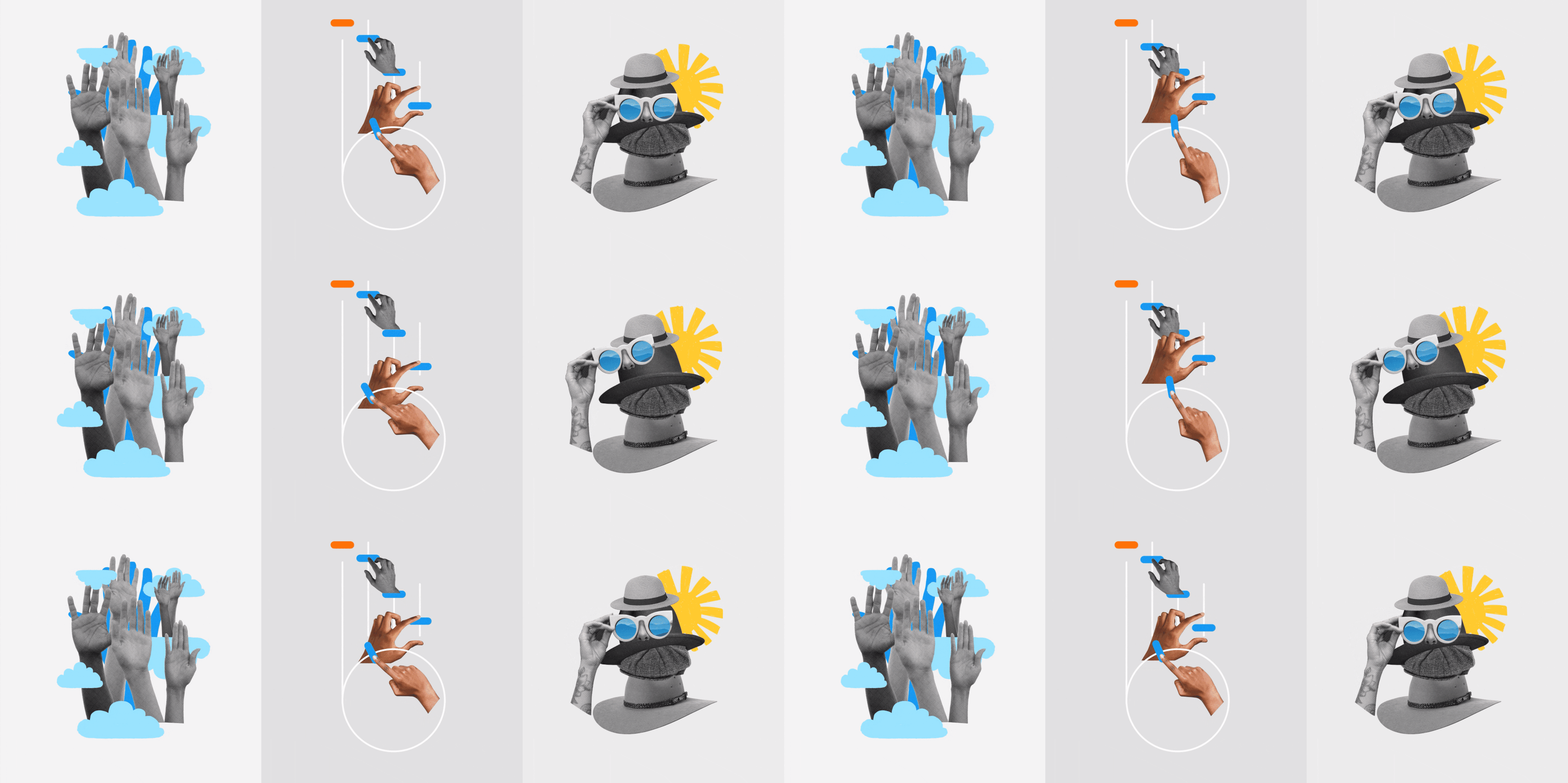
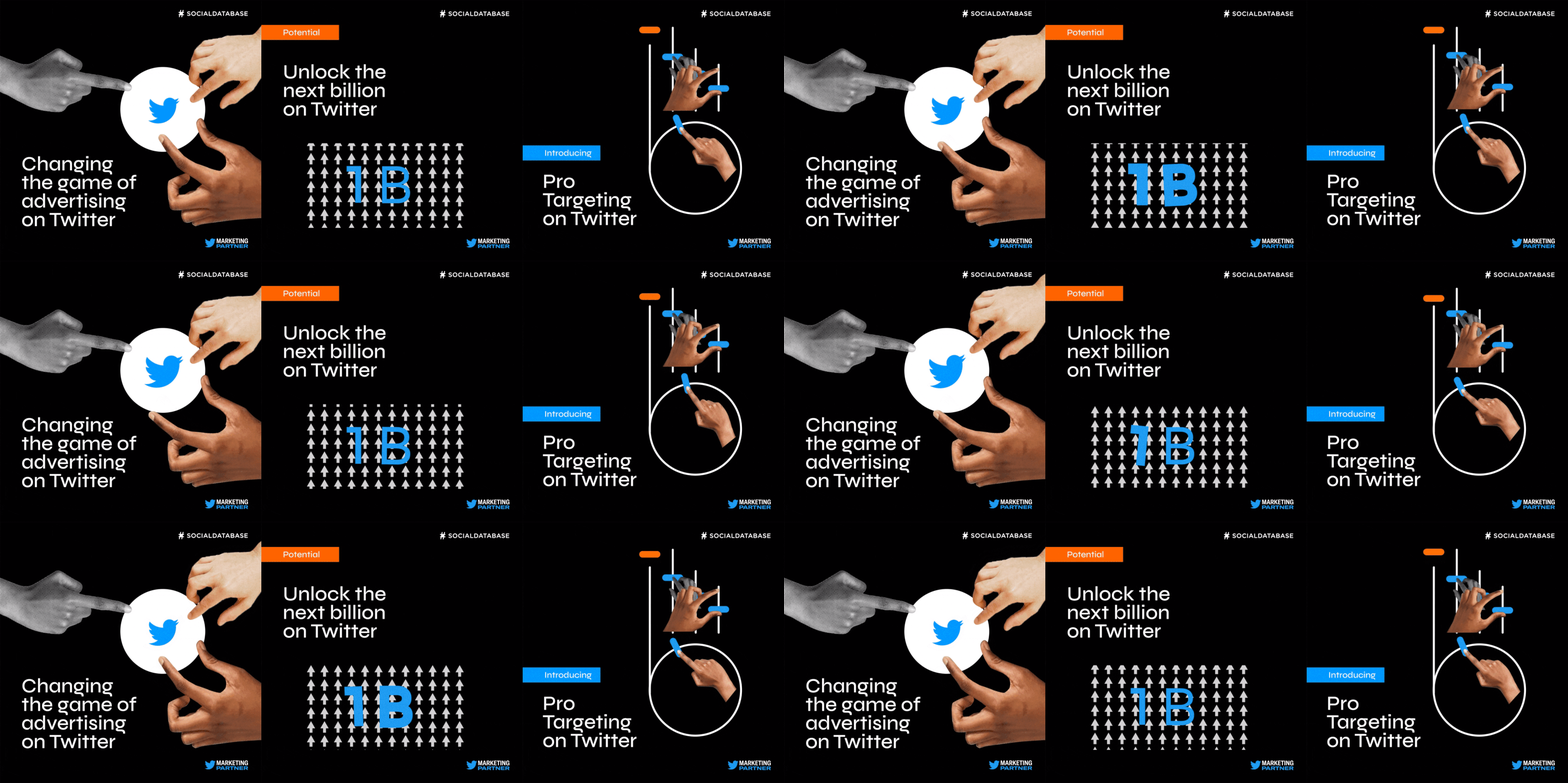
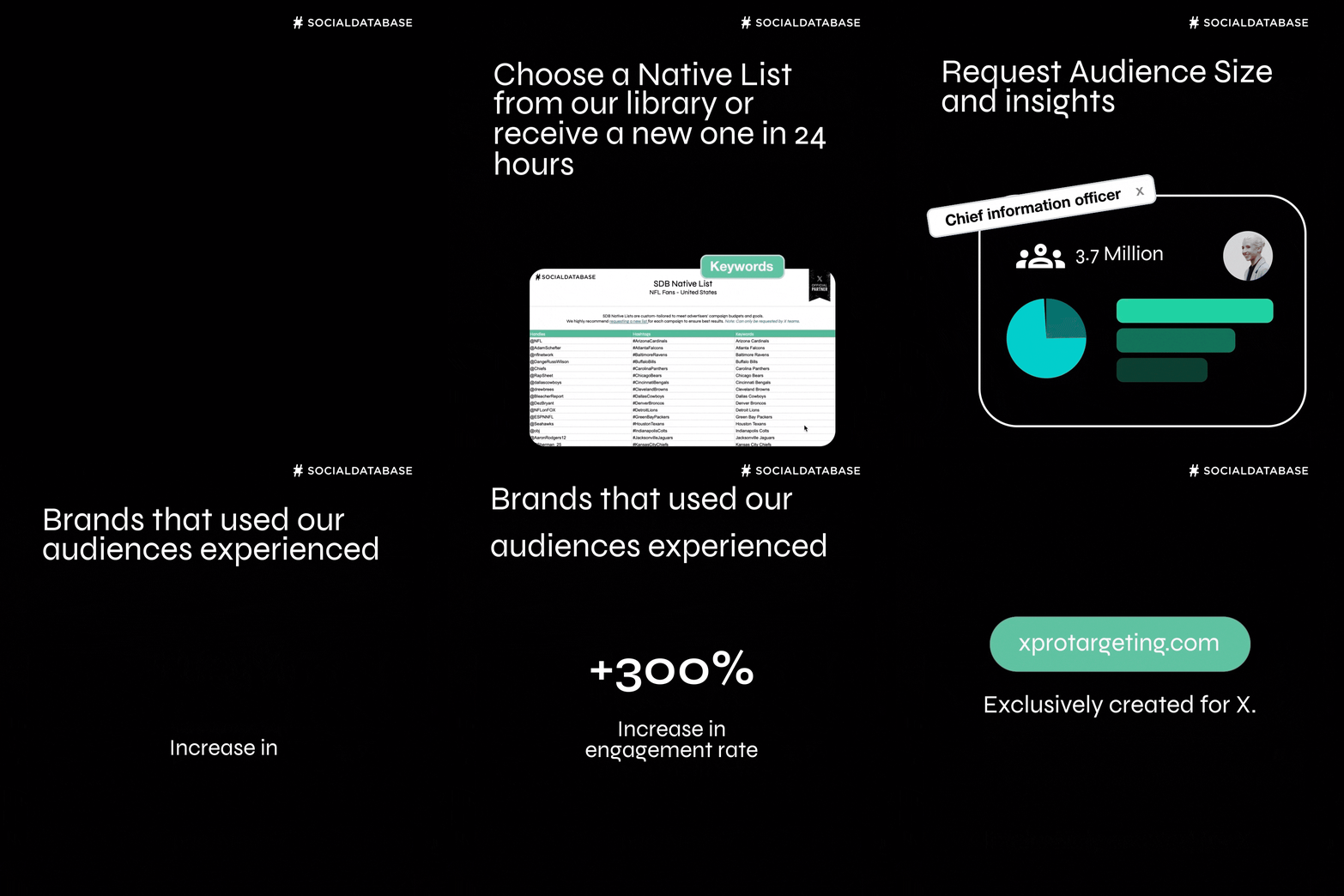
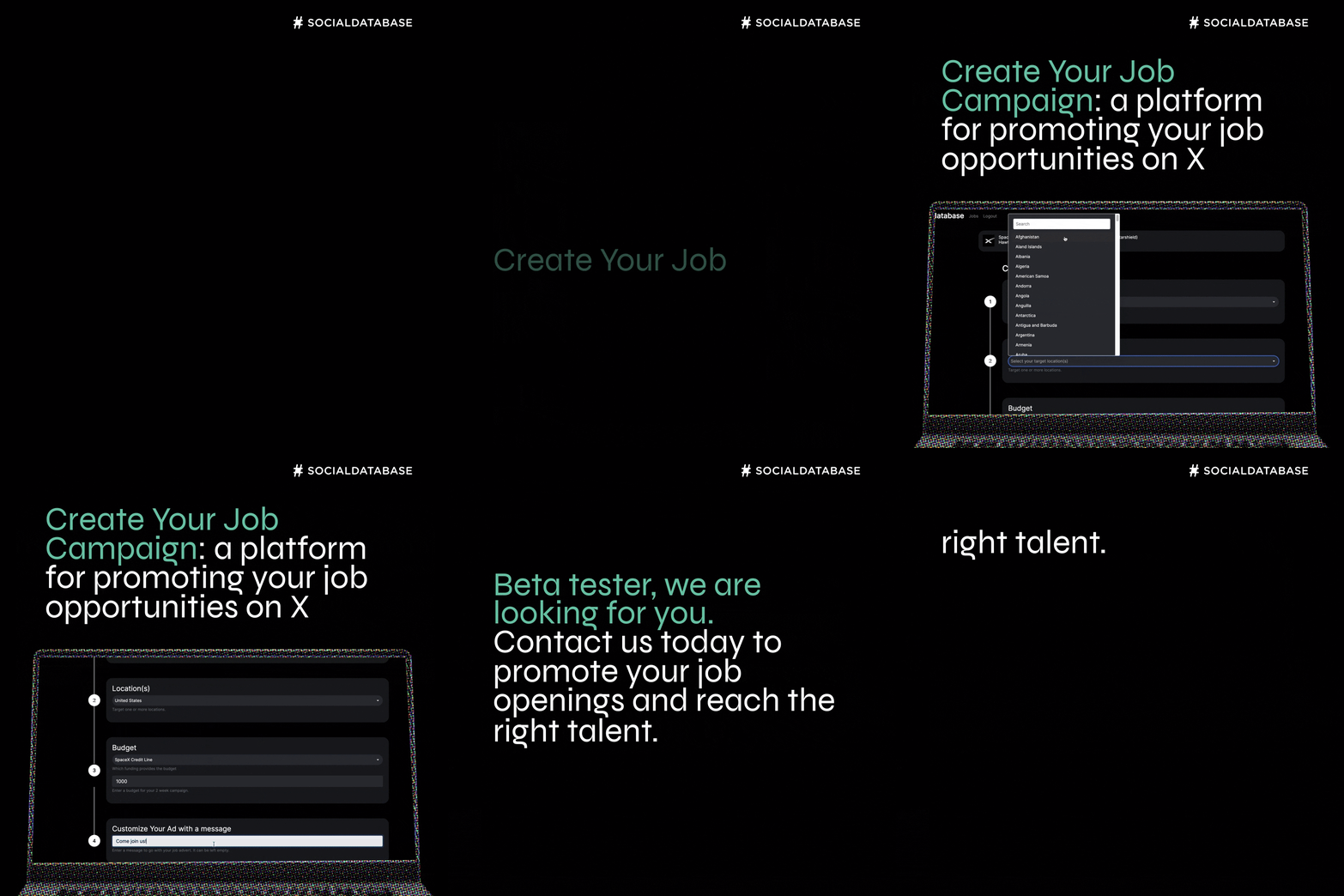
    Socialdatabase was my introduction to motion design as a career. I started under a subsidiary studio called Manifesto, which created and designed the brand identity for Socialdatabase. During this time, I helped animate content for the website and videos. Later, I continued working directly under Socialdatabase as a motion designer, where I mostly animated advertisements and promotional content. You can see some examples of this work below.

    TOOLS USED ↘

    After Effects
    Adobe XD
    Lottie


    DESIGN BY Mark Veldhuijzen van Zanten ↘


    DESIGN BY ANCA Axinoiu


BEWARE ↘

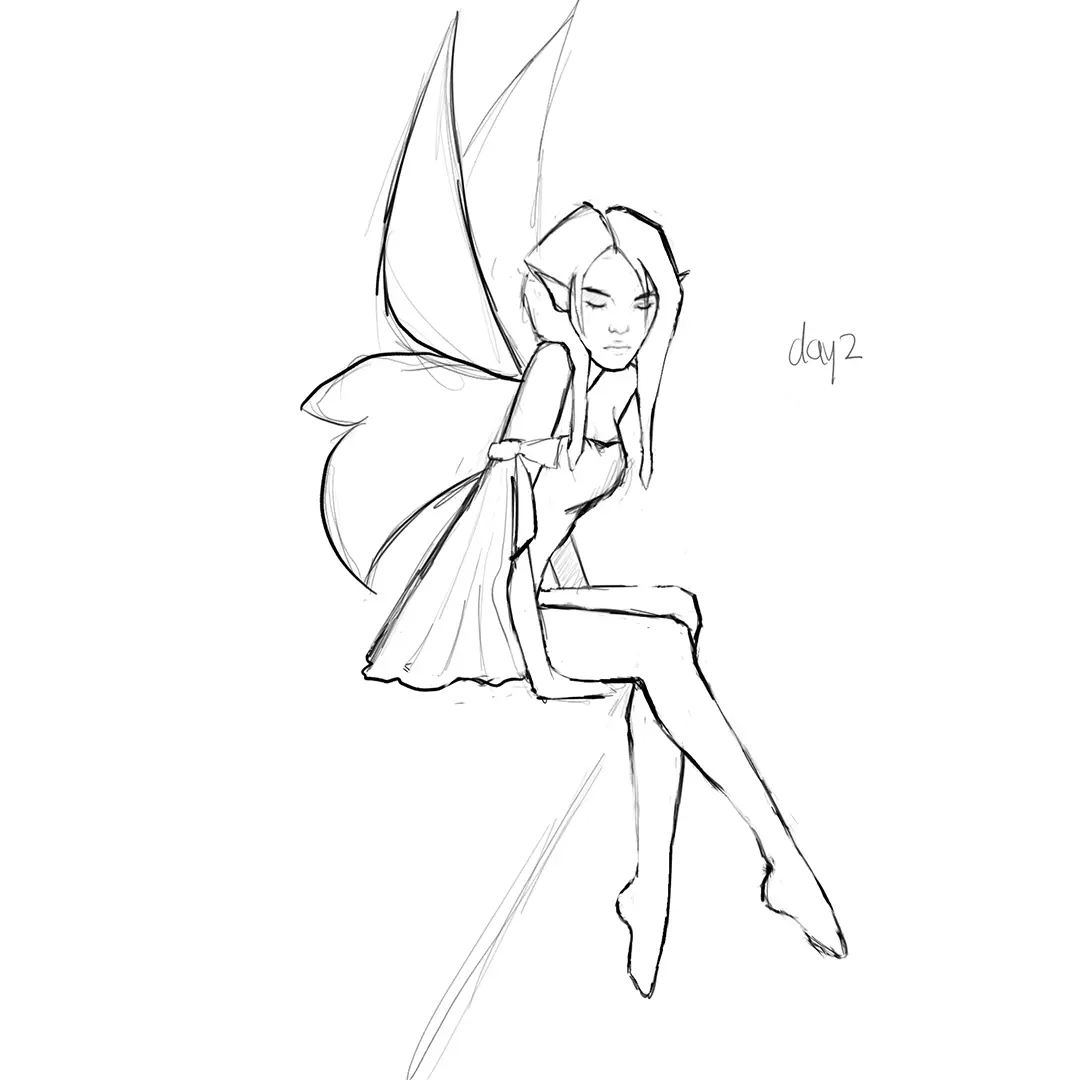
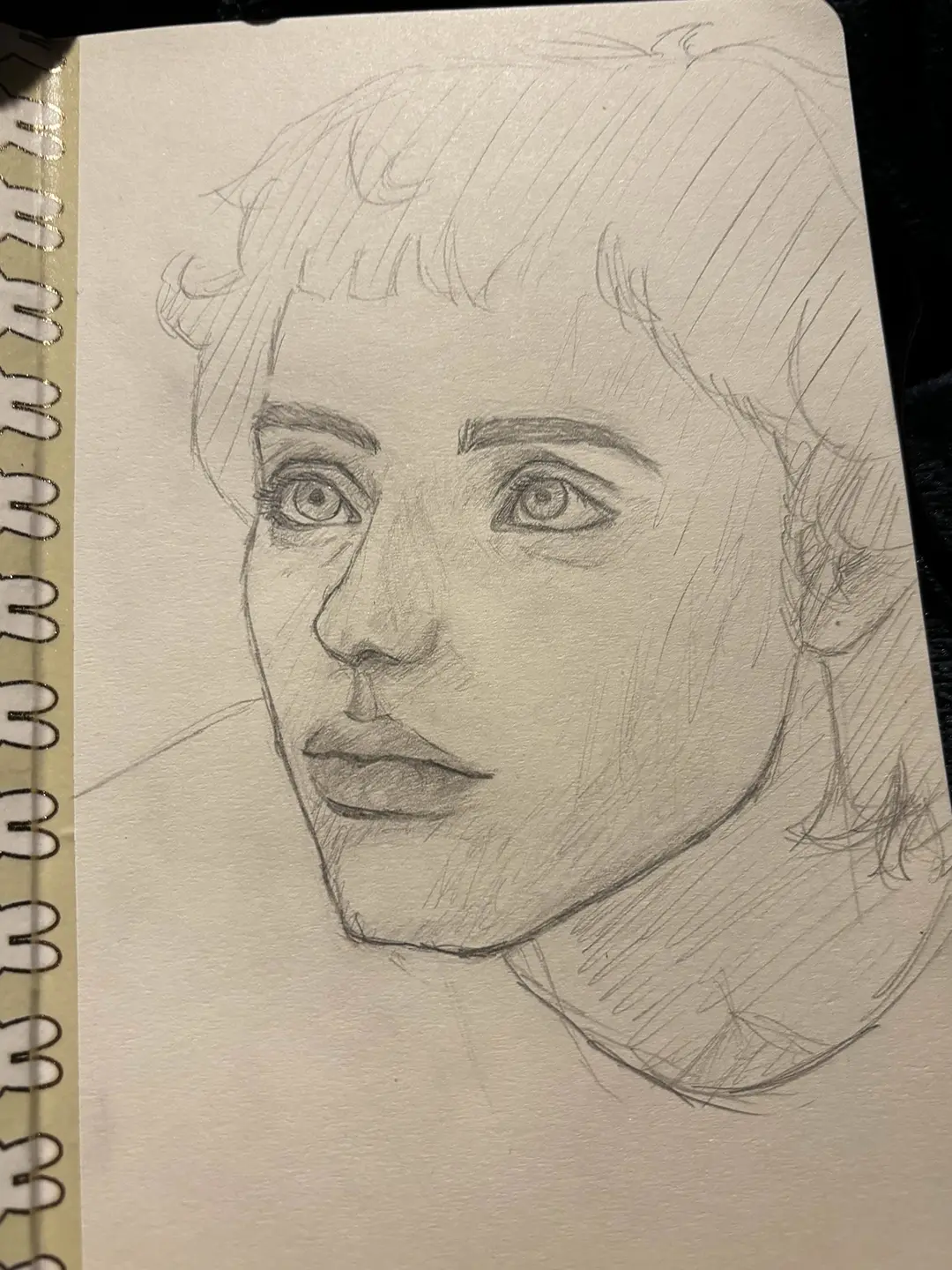
EMMA DUMP

INFO ↘

A look into all of my unfinished, stuff I did for fun and the products of me messing around.

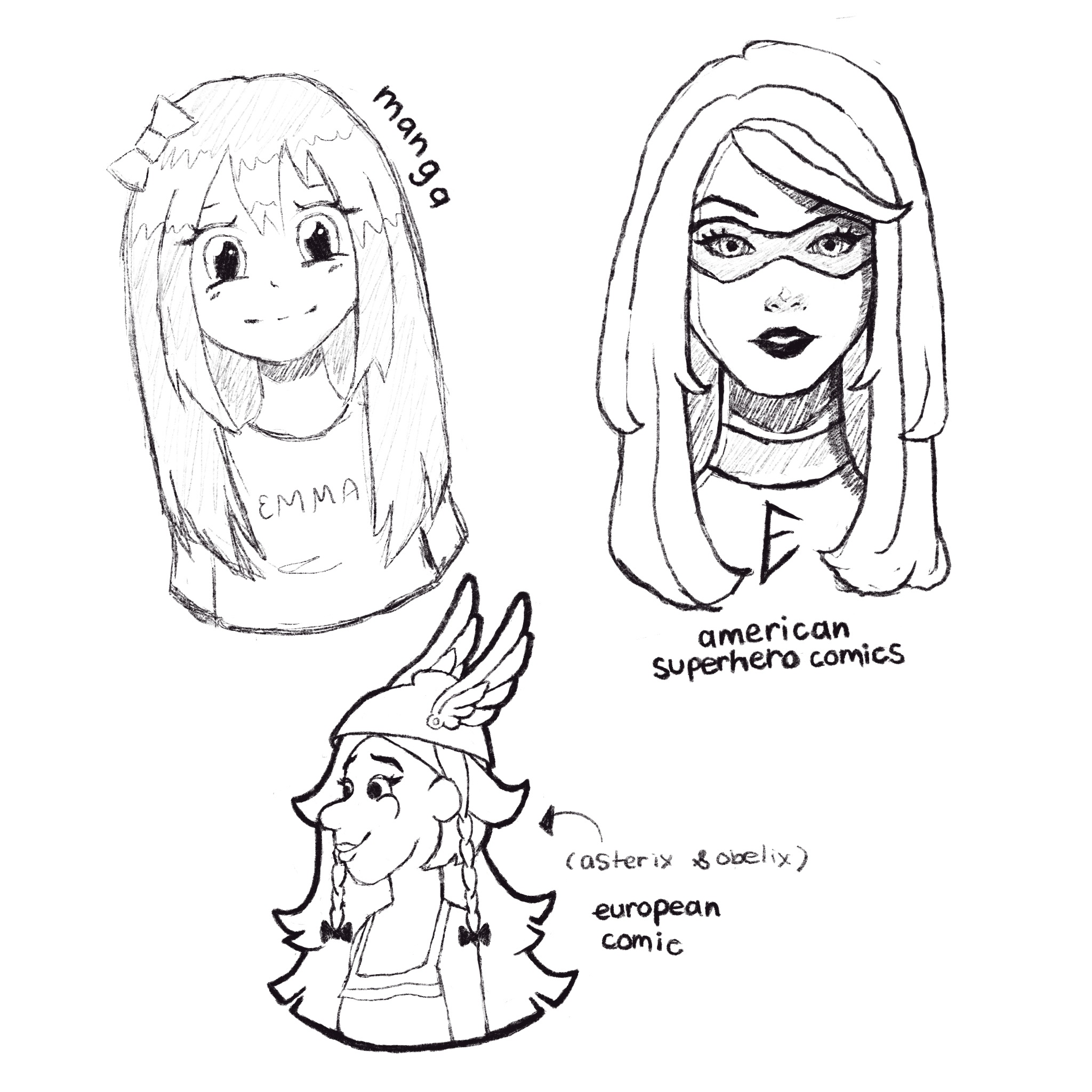
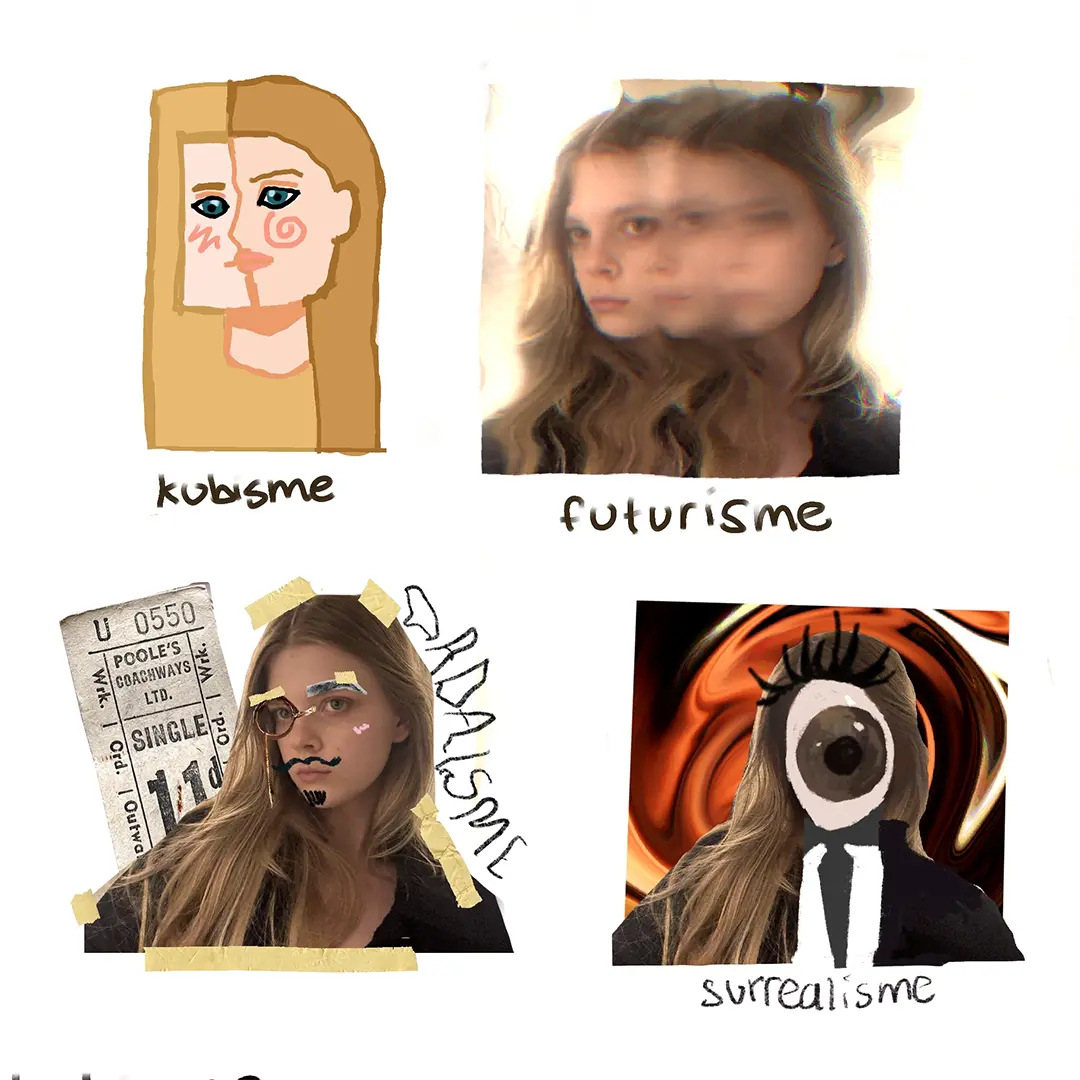
ART MOVEMENTS ↘


EMMA VAN KAMPEN’S ↘

curriculum vitae


EDUCATION


2023-2025 ↘

Motion Graphic Designer Diploma
MBO-niveau 4 (versneld)

SCHOOL ↘

Roc van Amsterdam

LOCATION ↘

Hilversum

2016-2022 ↘

HAVO Diploma, Profiel Natuur en Techniek en Natuur en Gezonheid

MAVO Diploma, Profiel Economie, Landbouw,
Zorg en Welzijn en Techniek

SCHOOL ↘

Bonhoeffer College

LOCATION ↘

Castricum


WORK


2023-PRESENT ↘

Freelance Motion Designer

COMPANY ↘

emmak

2024-2025 ↘

Motion Graphic Design Intern

COMPANY ↘

YUNE

LOCATION ↘

Amsterdam

2022-2025 ↘

Part-time Motion Designer

COMPANY ↘

Socialdatabase

LOCATION ↘

Amsterdam


TOOL SKILLS ↘

Adobe After Effects
Adobe Illustrator
Adobe Photoshop
Adobe Premiere
Maxon Cinema 4D
HTML
CSS

OUT OF 5

× × × × ×
× × ×
× × ×
× ×
× ×
× × ×
× × ×

SKILLS ↘

Motion Design
Animation
Typography
Design
Lotties
Vfx

VALUES ↘

Curiousity
Creativity
Passion
Studious
Motivated

LANGUAGES ↘

English
Dutch